Honeywell Bendix/King AV8OR Handheld User’s Guide
D200803000008 Automotive Mode Operation
Rev 5 Mar 2012 Page 3-73
© Honeywell International Inc. Do not copy without express permission of Honeywell
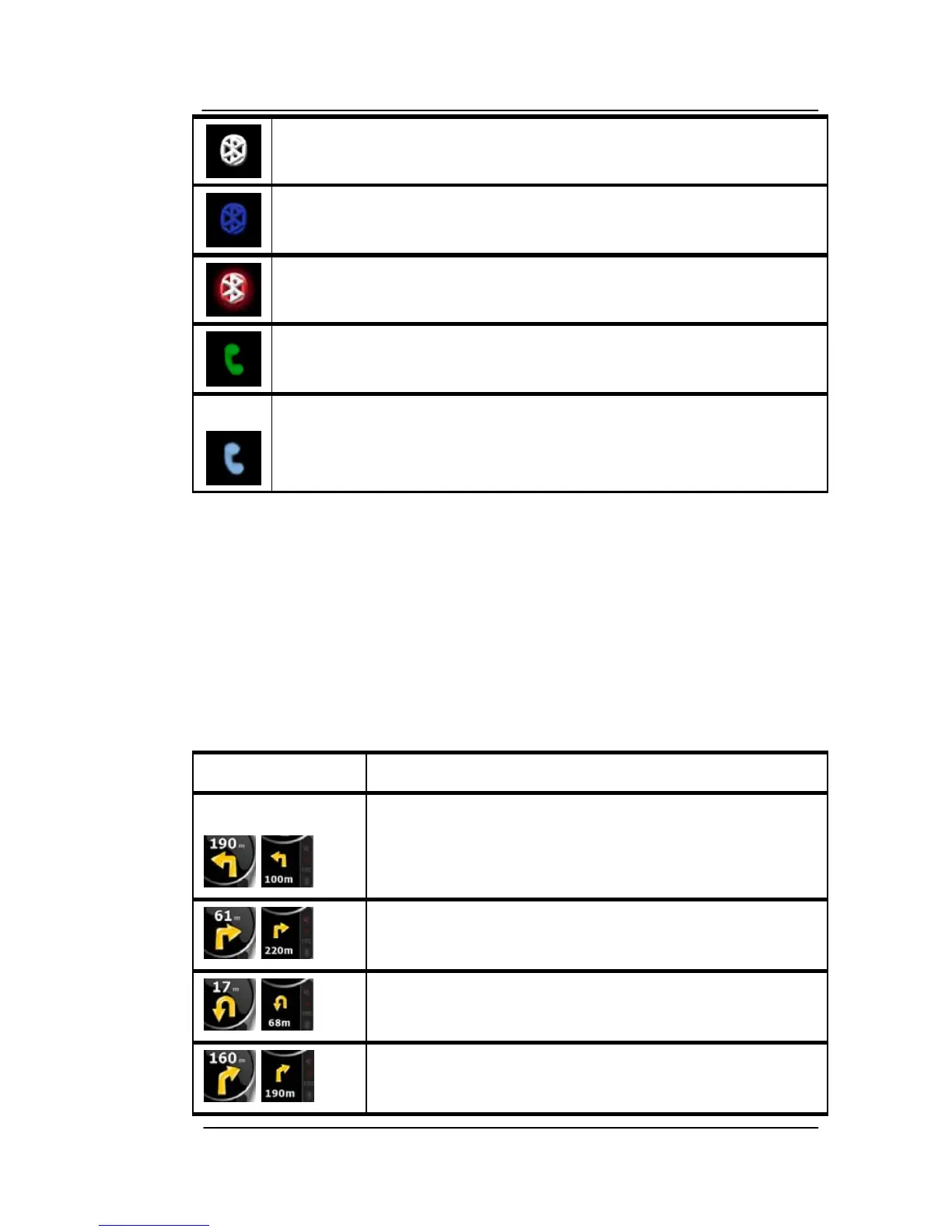
The Bluetooth radio is switched off.
The Bluetooth radio is turned on, but no telephone is
connected.
There is an error in the Bluetooth connection.
GoDrive is connected to a telephone as a hands free set
via Bluetooth.
A phone call is in progress over the Bluetooth connection.
NEXT TWO ROUTE EVENTS (TURN PREVIEW FIELDS)
There are two fields reserved on the Map screen to displ
ay the next
two maneuvers (route events that are listed in the Itinerary). Both the
type of the event (turn, roundabout, exiting motorway, etc.) and its
distance from the current GPS position is displayed.
Most of these icons are very intuitive and you also know them as
road signs. The following table lists some of the frequently shown
route events. The same symbols are used in both fields:
Icon Description
Turn left.
,
,
Turn right.
,
Turn back.
,
Bear right.



 To Next Page