Honeywell Bendix/King AV8OR Handheld User’s Guide
System Setup Function D200803000008
Page 2-162 Rev 5 Mar 2012
© Honeywell International Inc. Do not copy without express permission of Honeywell
• KDR-610
The Traffic Device has the following Port options:
• None (Default value)
• Serial
• Bluetooth
The Traffic Device receives data in the following Type formats:
• N/A
• ZAON Traffic
1.
The NMEA Device has the following Port options:
• None (Default value)
• Serial
2.
The NMEA Device receives data in the following Type format:
• NMEA (Default value)
STATUS PAGE
From the System Setup Menu
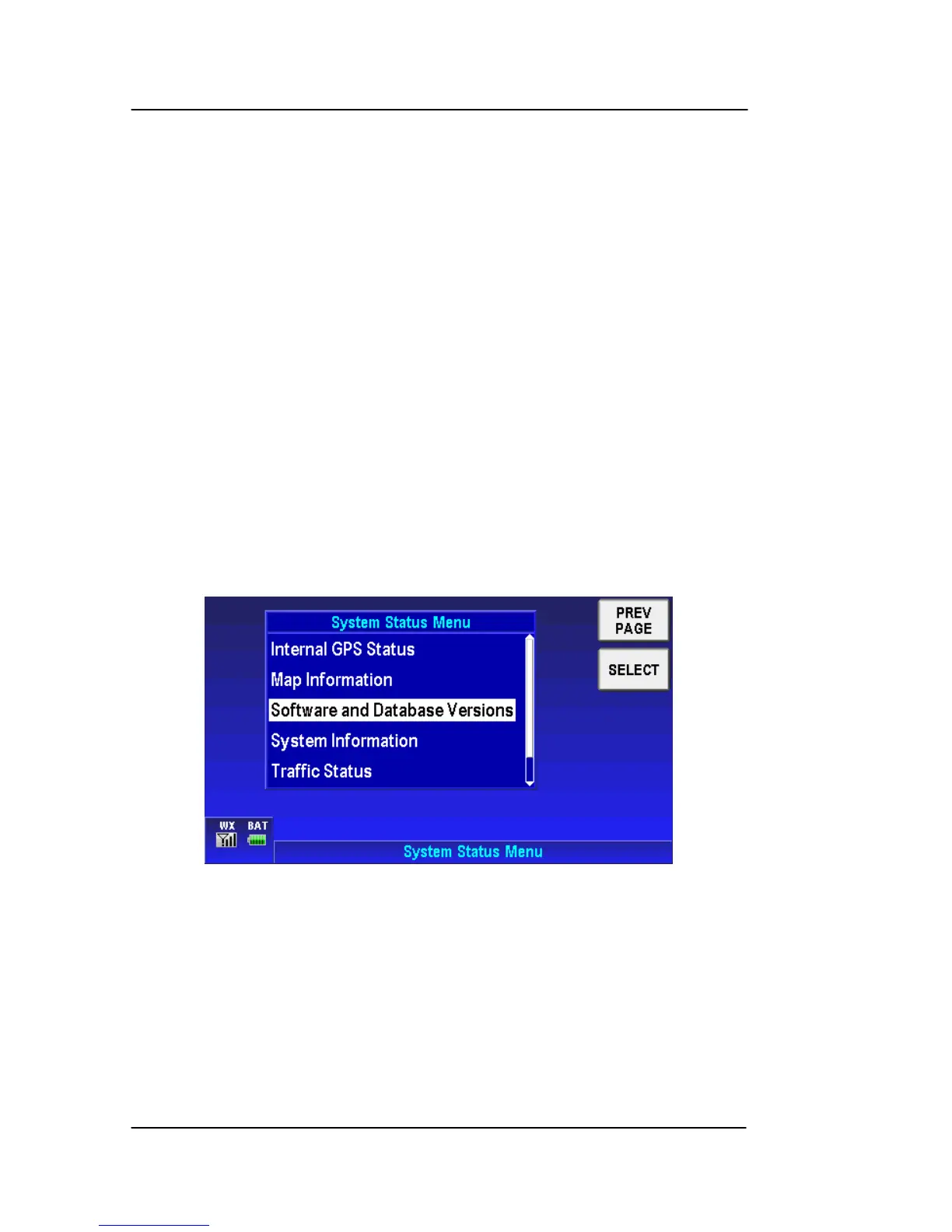
, tap the STATUS PAGE soft key
to access the System Status Menu page, as shown in the figure
below.
Figure 2-211: System Setup – Status Page
The System Status Menu page gives information about:
• Internal GPS Status
• External Position Source Status
• Map Information
• Software and Database Versions
• System Information



 To Next Page