Honeywell Bendix/King AV8OR Handheld User’s Guide
Appendix D200803000008
Page 5-8 Rev 5 Mar 2012
© Honeywell International Inc. Do not copy without express permission of Honeywell
Tap on the OK soft key to approve the network selection. If
necessary, the DUN Setup Page will show. After the network
selection is approved, the Pair Device Page displays again.
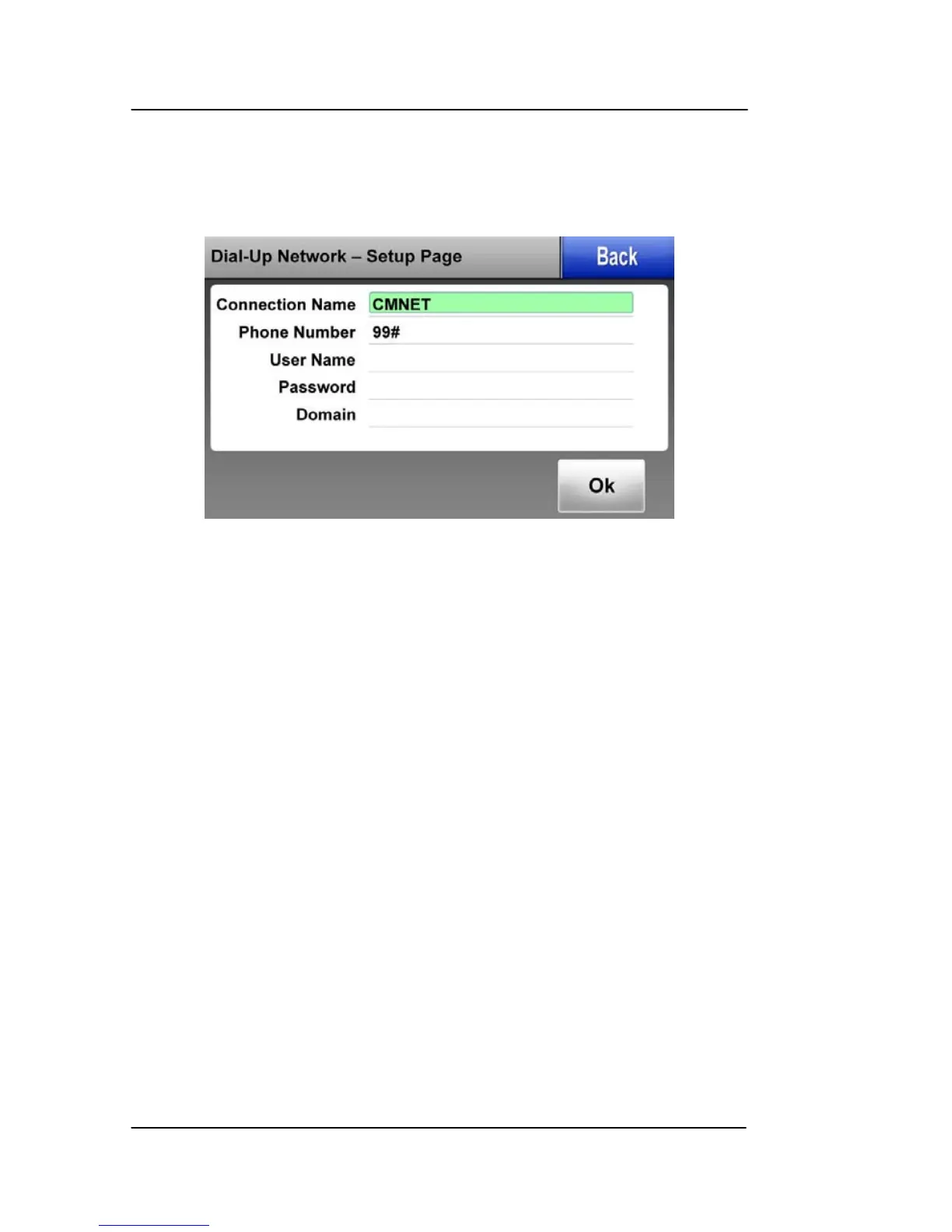
DUN Setup Page
Figure 5-10: Bluetooth – DUN Setup Page
This page lets the user to enter the following data:
• Connection Name
• Phone Number
• User Name
• Password
• Domain
After entering the above data, tap on the OK soft key to accept the
data and initiate the DUN connection.
DUN Favorite Provider Selection Page
The Favorite Service Providers page is entered when the Favorite
soft key is tapped on the Service Providers Page as shown below.



 To Next Page