Honeywell Bendix/King AV8OR Handheld User’s Guide
D200803000008 Automotive Mode Operation
Rev 5 Mar 2012 Page 3-5
© Honeywell International Inc. Do not copy without express permission of Honeywell
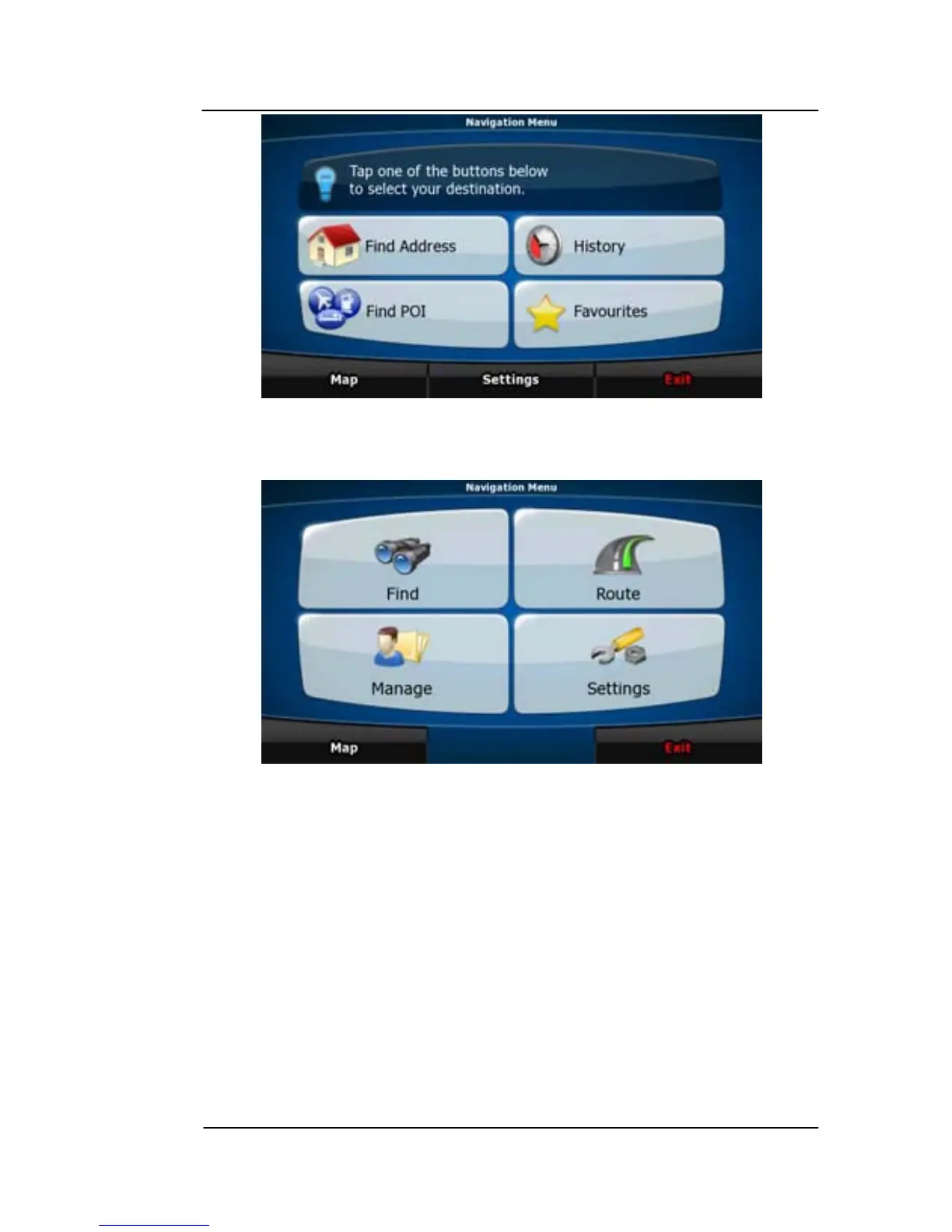
Figure 3-2: Simple Mode
Figure 3-3 displays the Navigation menu in Advanced mode:
Figure 3-3: Adva
nced Mode
The typical way of using GoDrive is to select a destination, and start
navigating. You can select your destination in the following ways (not
all of them are available in Simple mode):
• Use the selected location on the map.
• Enter a full address or a part of an address, for example a street
name without a house number or the names of two intersecting
streets.
• Enter an address with postal code. This way you do not need to
select the name of the settlement and the search for street
names might be faster as well.
• Use a coordinate.



 To Next Page