Honeywell Bendix/King AV8OR Handheld User’s Guide
D200803000008 VFR Moving Map Function
Rev 5 Mar 2012 Page 2-27
© Honeywell International Inc. Do not copy without express permission of Honeywell
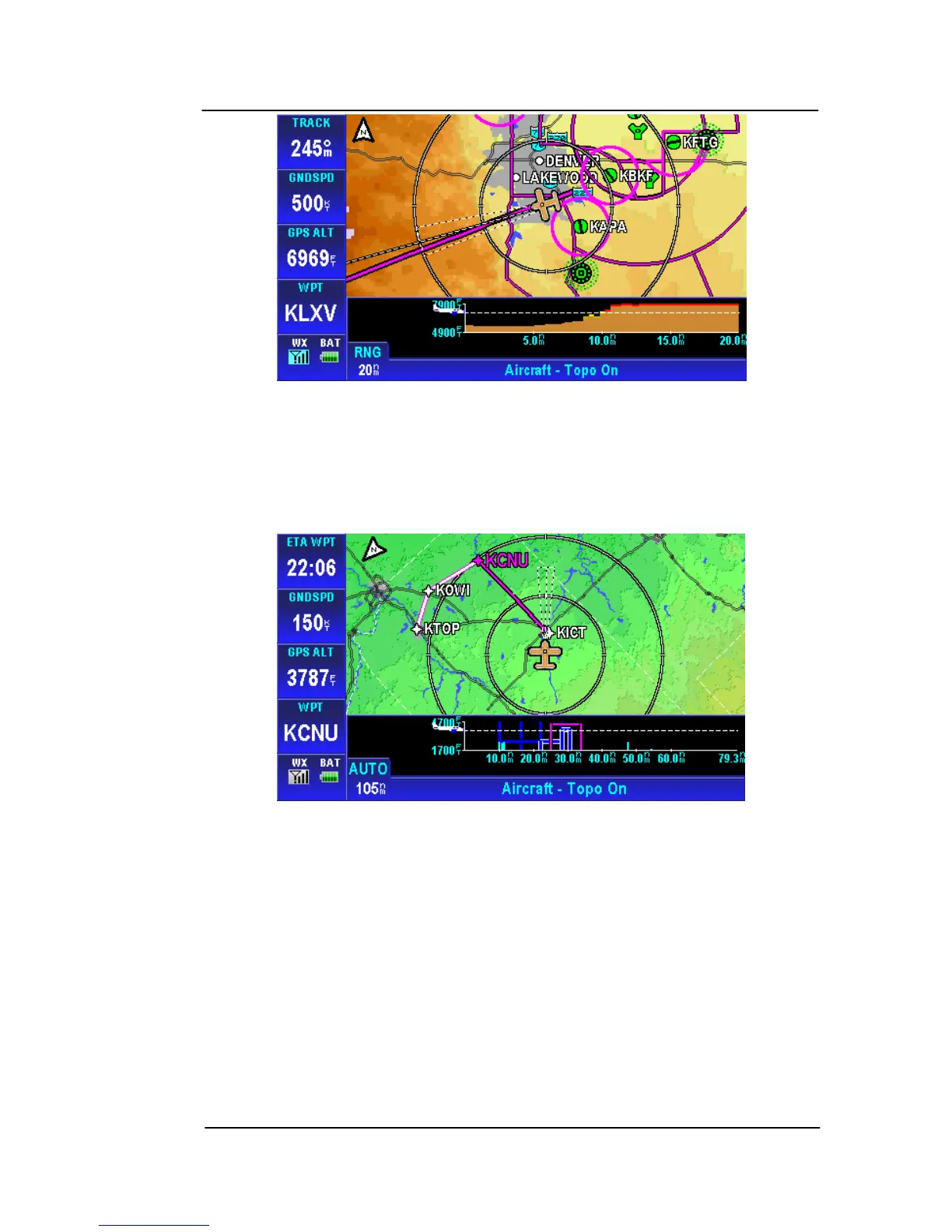
Figure 2-26: Map – Smart Profile On
If Smart Profile is ON tapping the SMART PROFILE soft key toggles
the Smart Profile mode to OFF.
Vertical profiles of airspace vertical boundaries and man-made
obstructions are also displayed in the Smart Profile window.
Figure 2-27: Smart Profile – Airspace Vertical Boundaries
Auto Zoom
The Auto Zo
om function automatically chan
ges the zoom level on
the map page. The Auto Zoom function can be turned on or off or
suspended. See the Map Setup section on page 2-148 for
instructions
on how to change the Auto Zoom mode.



 To Next Page