Honeywell Bendix/King AV8OR Handheld User’s Guide
Weather Function D200803000008
Page 2-100 Rev 5 Mar 2012
© Honeywell International Inc. Do not copy without express permission of Honeywell
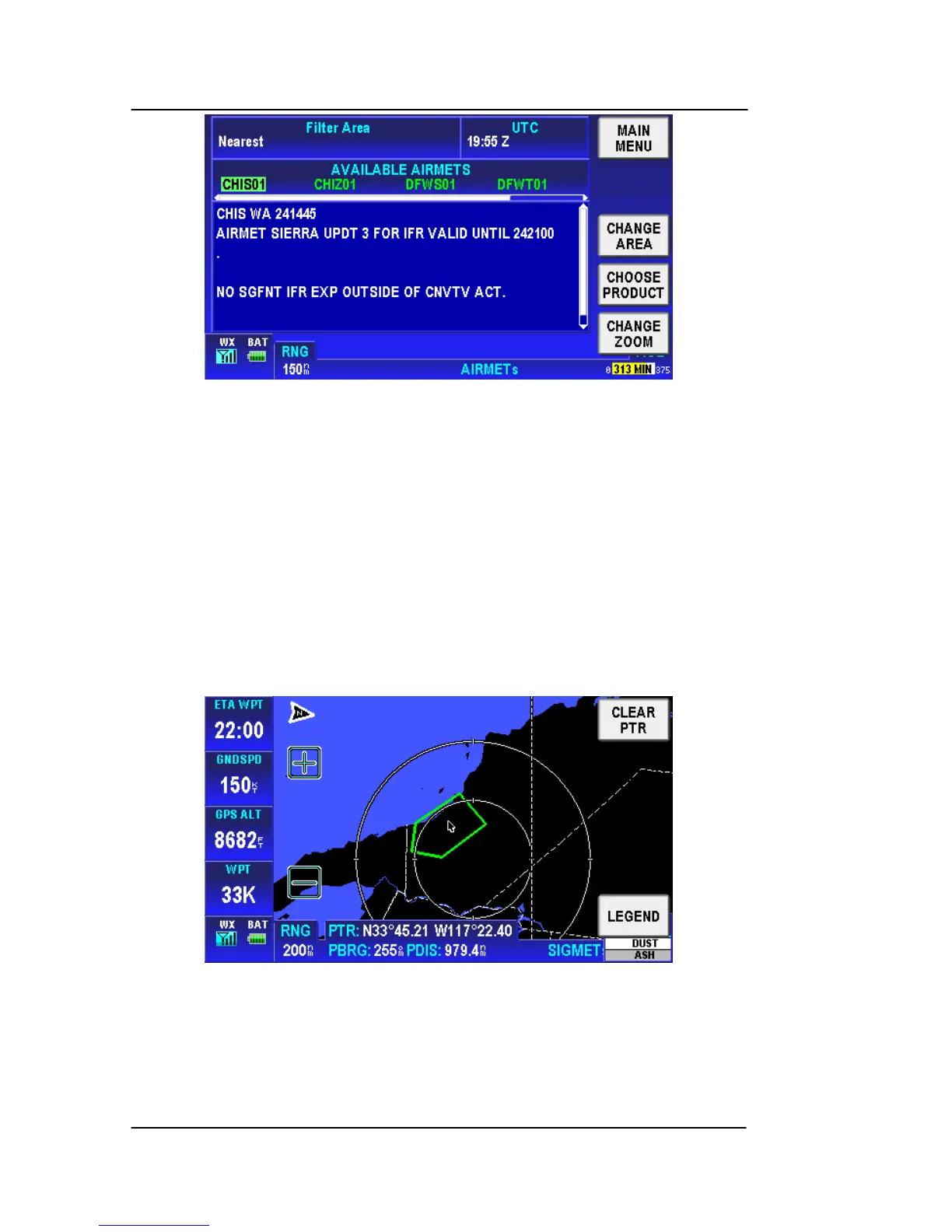
Figure 2-139: WX – Text AIRMET Page
GRAPHICAL SIGMETS (USA ONLY)
Tap on the CHOOSE PRODUCT soft ke
y on the Weather Main page
and select Graphical SIGMETs from the SELECT WX PRODUCT
box.
The graphical SIGMET is derived from the location description in the
textual SIGMET and displayed as a boundary box with the
appropriate color for the condition as shown in the legend. The
boundaries are displayed on a map background to enhance
situational awareness as shown in the figure below.
Figure 2-140: WX – Graphical SIGMETs
Tap on a graphical SIGMET to show the SIGMET popup window.
The SIGMET popup window contains the SIGMET name, type and
age as shown in the figure below.



 To Next Page