Honeywell Bendix/King AV8OR Handheld User’s Guide
Appendix D200803000008
Page 4-2 Rev 5 Mar 2012
© Honeywell International Inc. Do not copy without express permission of Honeywell
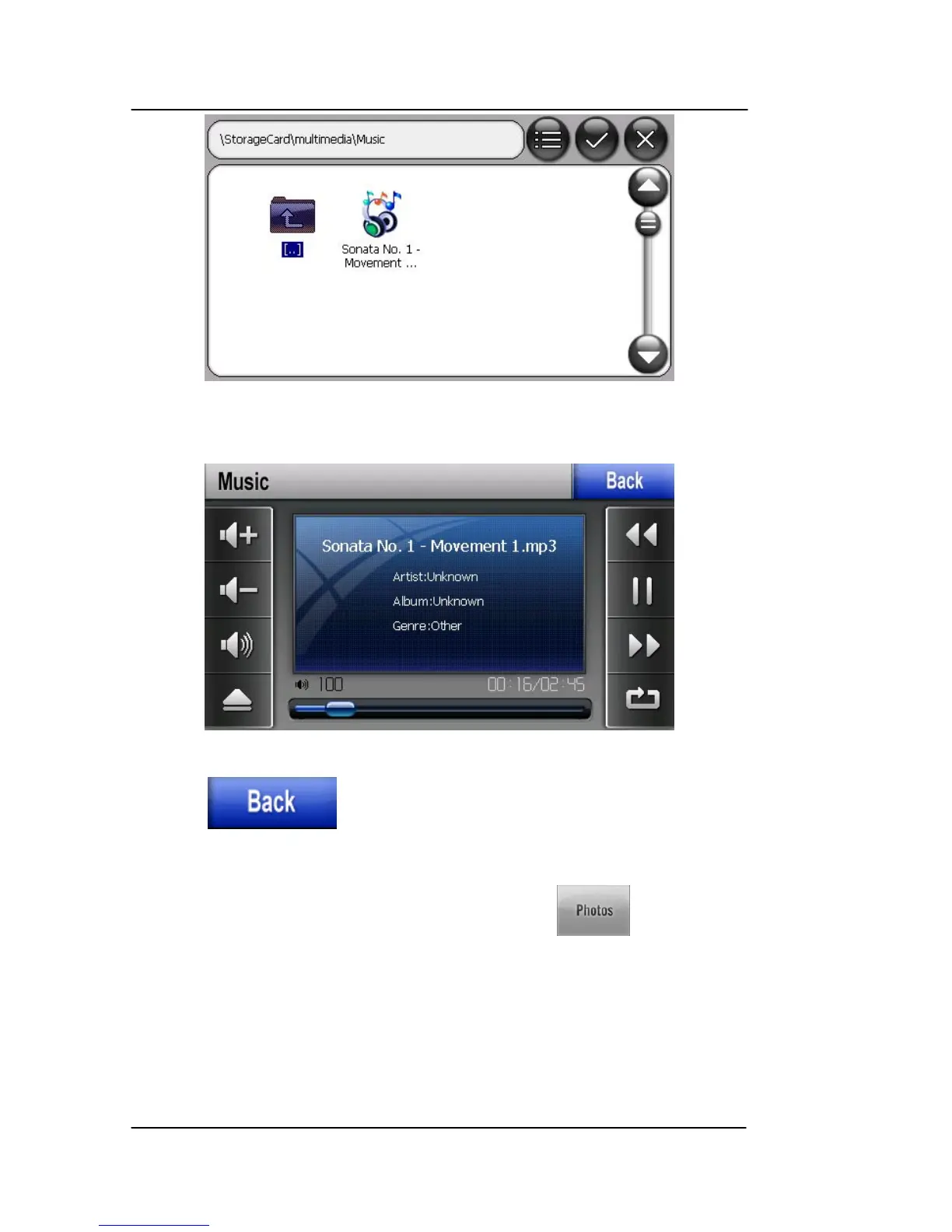
Figure 4-2: Music Player – Searching for a Music File
Double tap on a music file to select and play it.
Figure 4-3: Music Player – Playing Music
Tap the icon to return to the Multimedia menu page.
PHOTOS
To enter the photo browser service, tap the icon on the
Multimedia menu.
The Photo program opens to the default Multimedia/photo folder on
the SD card as shown in the figure below.
The photo browser supports the following image formats:
• BMP



 To Next Page