Honeywell Bendix/King AV8OR Handheld User’s Guide
Appendix D200803000008
Page 6-14 Rev 5 Mar 2012
© Honeywell International Inc. Do not copy without express permission of Honeywell
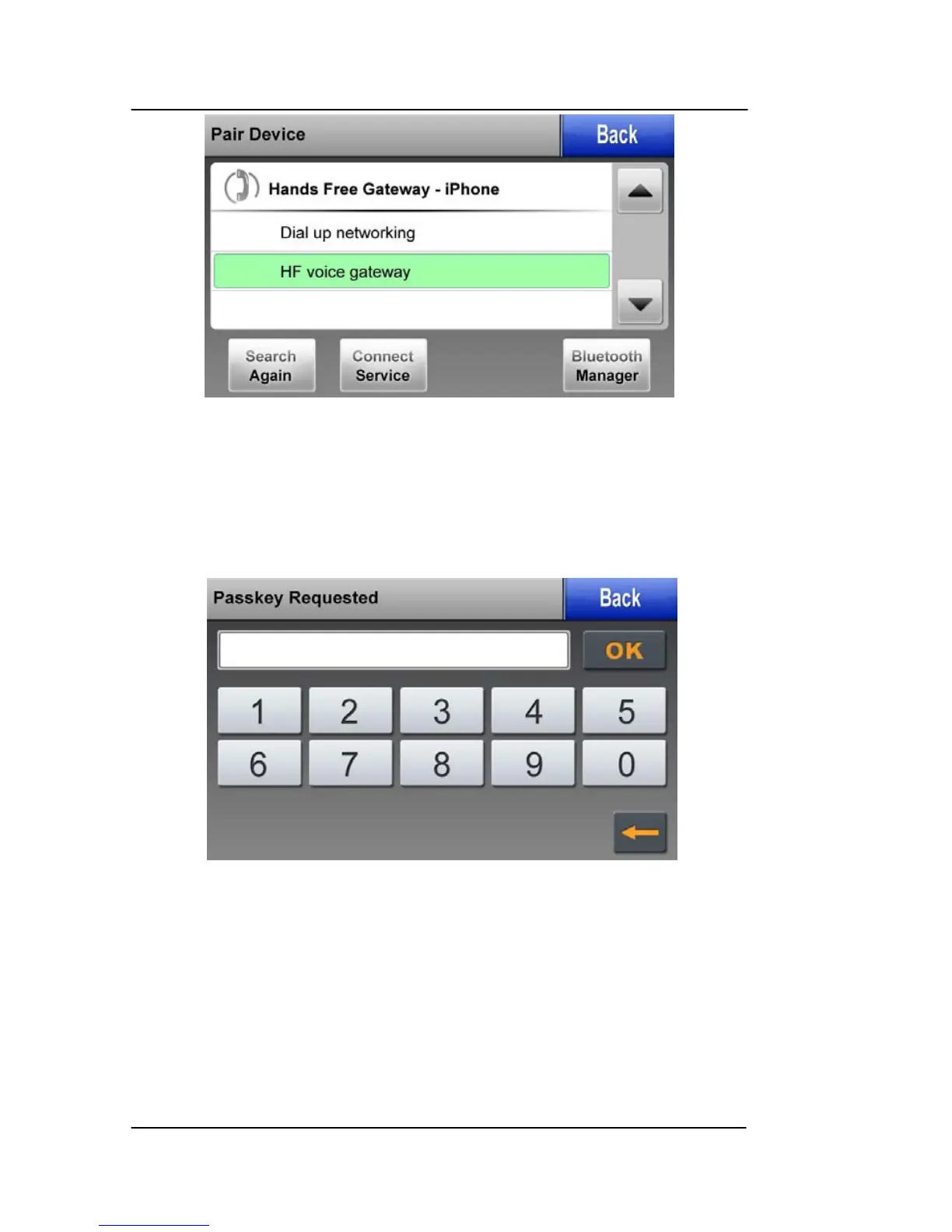
Figure 6-9: BlueTooth – Pair Device
4. Highlight the “Bluetooth Serial Port” option and then tap on the
Connect Service soft key to start the connection process and
display the Passkey Entry Page.
Figure 6-10: BlueTooth Passkey Required
5. Enter the Passkey supplied with your WxWorx receiver “9679”
and then touch the “OK” soft key to continue connection to the
device. A “Connecting” message is displayed.



 To Next Page