Honeywell Bendix/King AV8OR Handheld User’s Guide
D200803000008 Flight Plan Function
Rev 5 Mar 2012 Page 2-71
© Honeywell International Inc. Do not copy without express permission of Honeywell
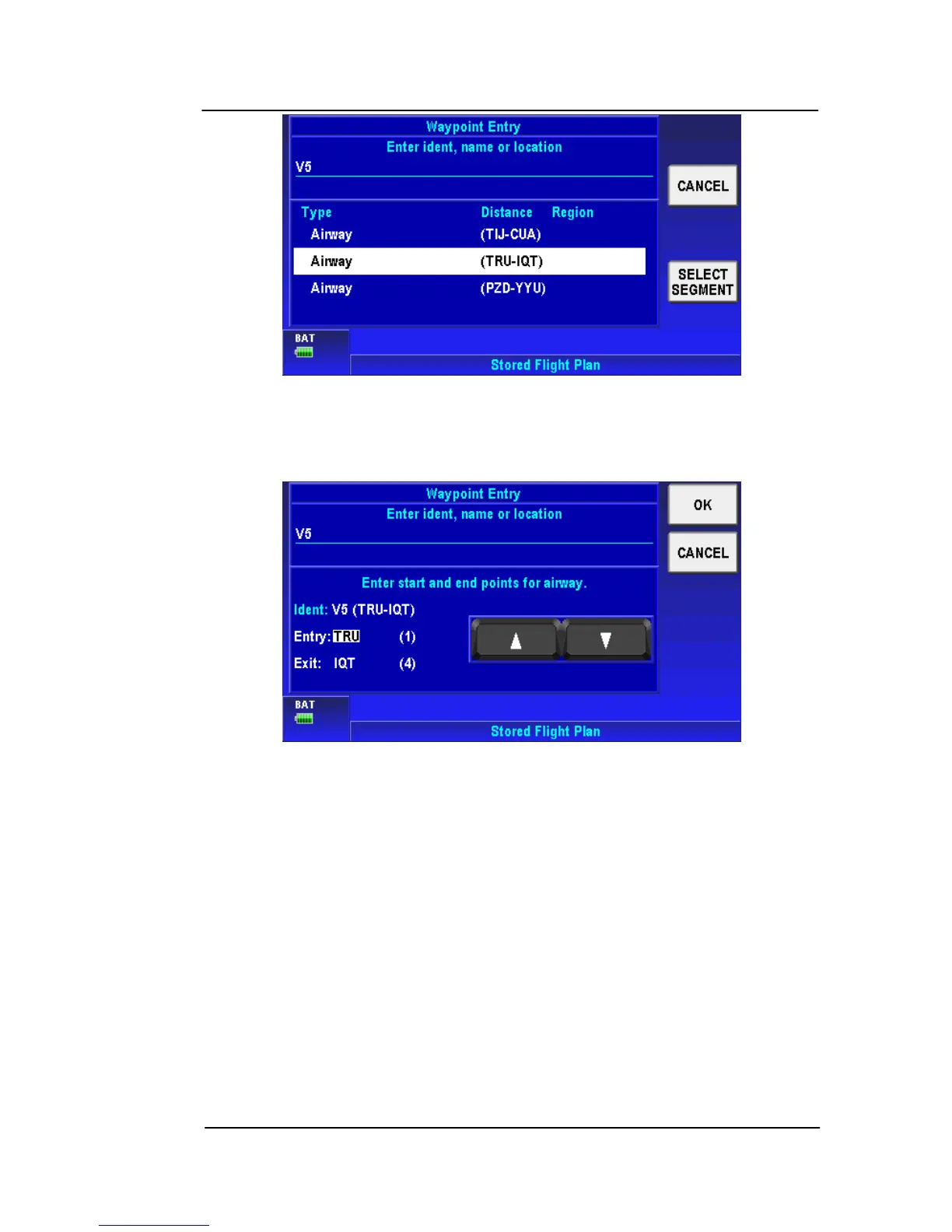
Figure 2-95: Select Airway Segment
6. Using the scrolling arrows select the entry and exit points for the
airway and then tap OK.
Figure 2-96: Select Entry and Exit Points
7. The flight plan will be modified with all of the waypoints between
the entry and exit points as shown in the figure below.



 To Next Page