Honeywell Bendix/King AV8OR Handheld User’s Guide
Flight Plan Function D200803000008
Page 2-66 Rev 5 Mar 2012
© Honeywell International Inc. Do not copy without express permission of Honeywell
On page 2, runway information and communication frequencies can
be set up for the airport.
The Runway Information section includes data fields for the runway
alignment, length, surface and elevation. The Comm Frequencies
section includes data fields for two different frequencies and
frequency types.
Tap SAVE & EXIT to return to the User Waypoints Page.
Creating New Flight Plan using the Virtual Keyboard
A maximum of 100 flight plans can be stored in the AV8OR. Each
flight plan can contain up to 99 WPTs. To create a new flight plan,
perform the following steps.
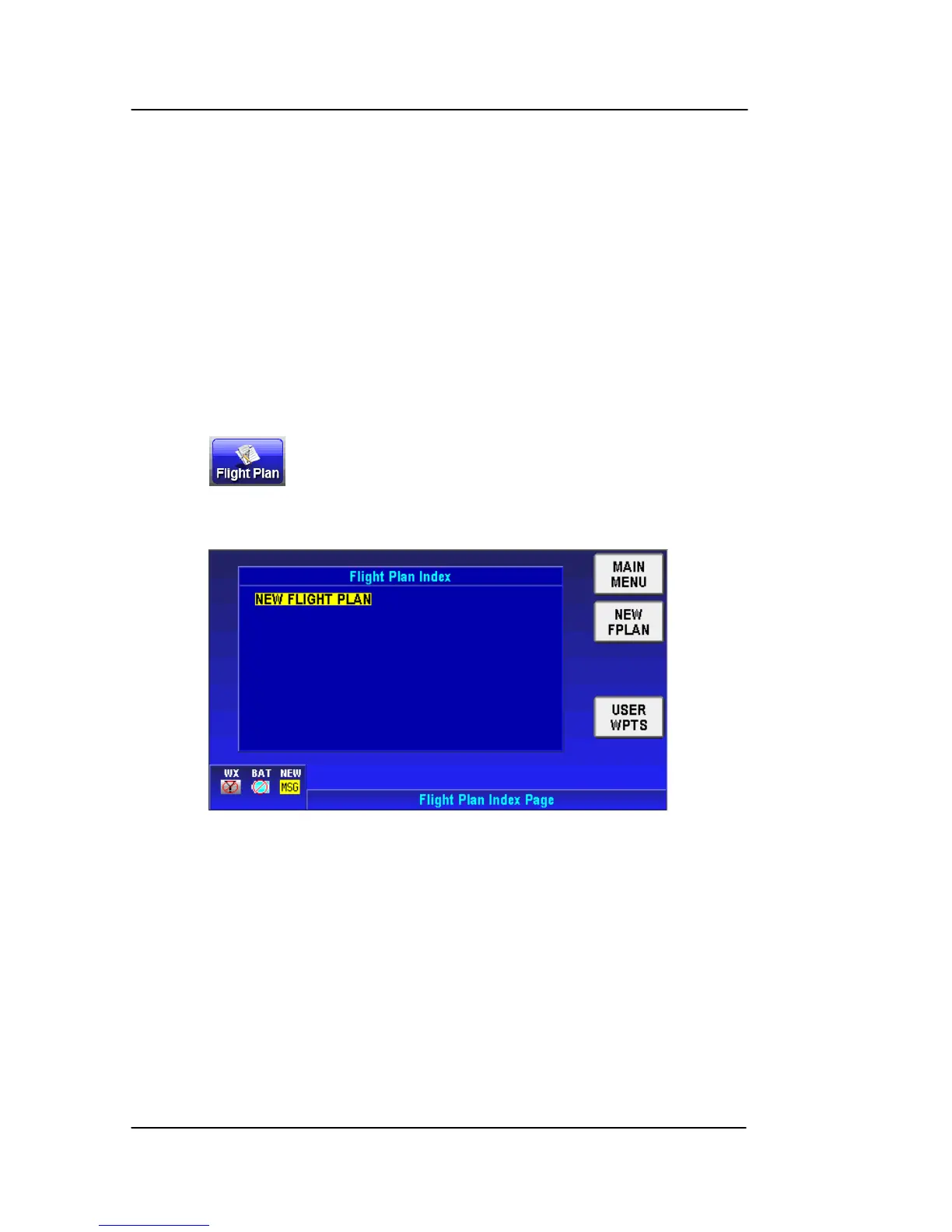
Tap the soft key on the Aviation Main Menu Page to show
the Flight Plan Index page. Initially, when no flight plans have been
stored, a blank screen is displayed, as shown in the figure below.
Figure 2-86: Flight Plan – Index Page with no Flight Plan
The NEW FLIGHT PLAN line is highlighted. Tap on the NEW
FPLAN soft key to show the New Flight Plan page. In this page, you
can enter a WPT using the keyboard.



 To Next Page