Honeywell Bendix/King AV8OR Handheld User’s Guide
D200803000008 Appendix
Rev 5 Mar 2012 Page 5-7
© Honeywell International Inc. Do not copy without express permission of Honeywell
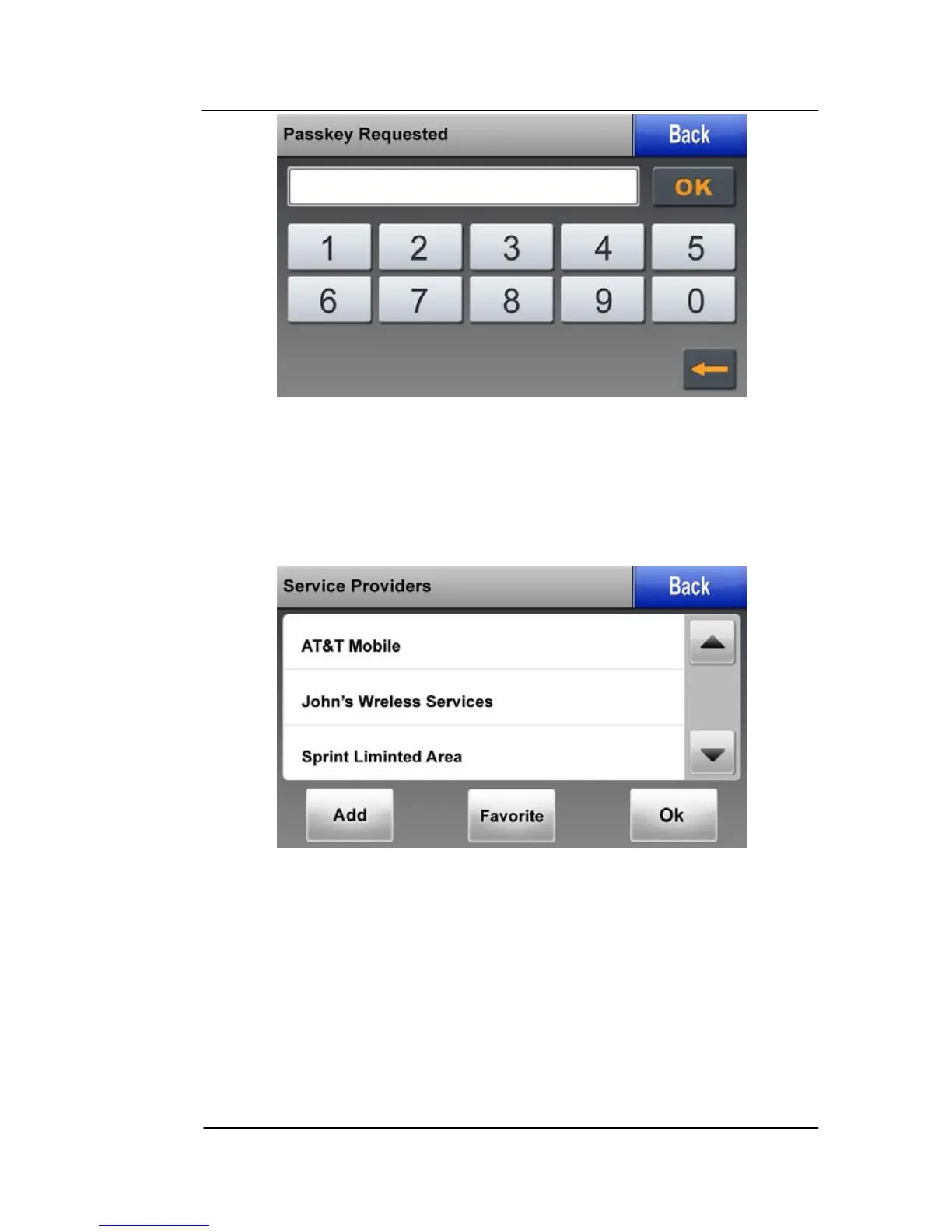
Figure 5-8: Bluetooth – Passkey Requested Page
Enter the passkey for the device you are connecting and tap on the
OK soft key to return to the previous menu.
Service Providers Page
Figure 5-9: Bluetooth – Service Providers Page
This page allows the user to set up the Dial-Up Network (DUN).
The page displays all of the available service providers.
Tap on the Add soft key to set up a new provider.
Tap on the Favorite soft key to select from previously connected
service providers.



 To Next Page