Honeywell Bendix/King AV8OR Handheld User’s Guide
D200803000008 Automotive Mode Operation
Rev 5 Mar 2012 Page 3-97
© Honeywell International Inc. Do not copy without express permission of Honeywell
MANAGE MENU
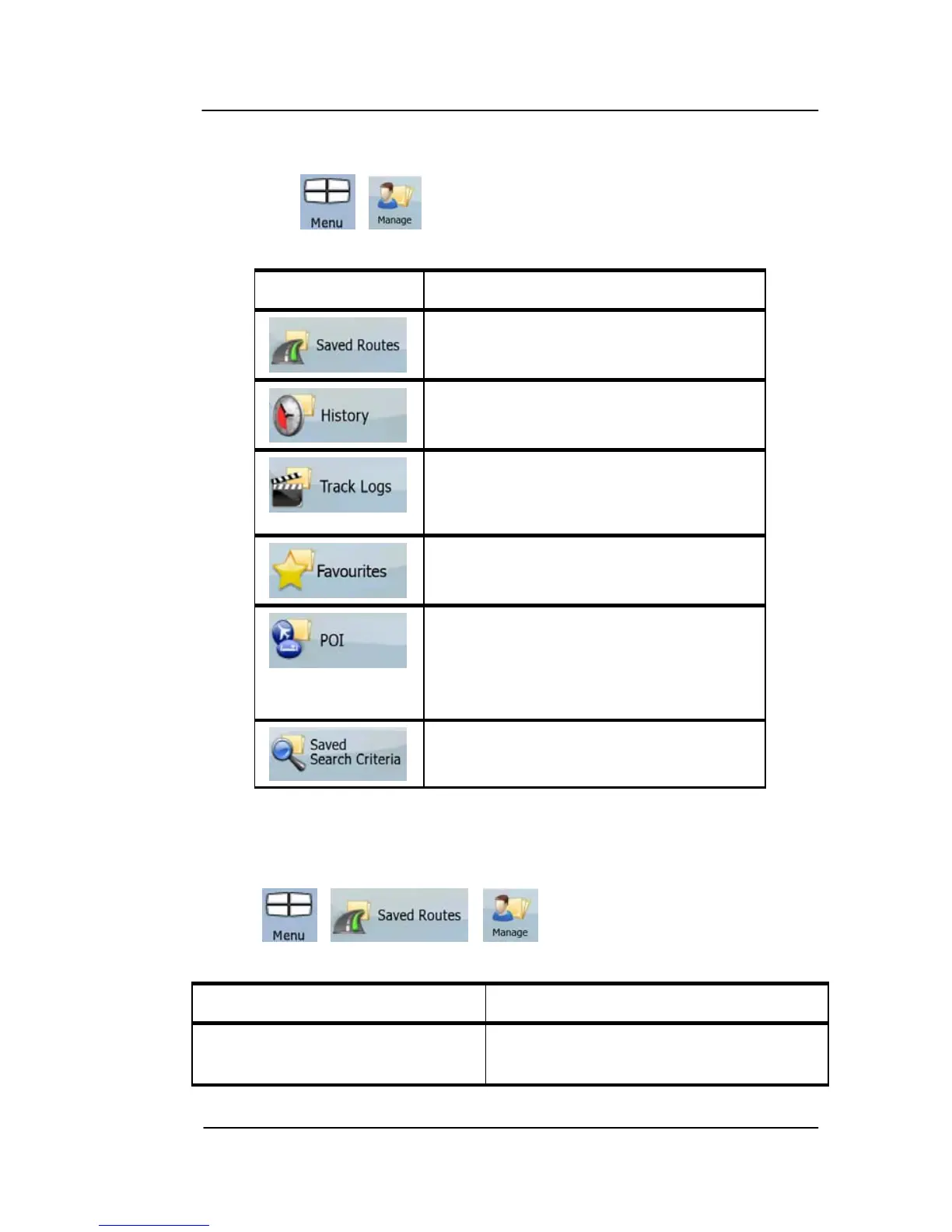
You can manage the content that GoDrive stores. Tap the following
soft Keys: , .
Soft Key
Description
Renaming or deleting saved routes
Deleting History items
Recording, simulating, renaming or
deleting track logs, assigning color
to them to be shown on the map
Renaming or deleting Favorites
Creating, updating or deleting POIs
Creating, updating or deleting POI
groups Modifying POI visibility
settings
Creating, renaming or deleting
Saved Search Criteria
Manage Saved Routes
You can man
age the previously saved routes. Tap the following soft
Keys: , , .
Soft Key Description
Soft Key with the name of the
saved route
Opens the selected route for
editing.



 To Next Page