Honeywell Bendix/King AV8OR Handheld User’s Guide
D200803000008 Automotive Mode Operation
Rev 5 Mar 2012 Page 3-95
© Honeywell International Inc. Do not copy without express permission of Honeywell
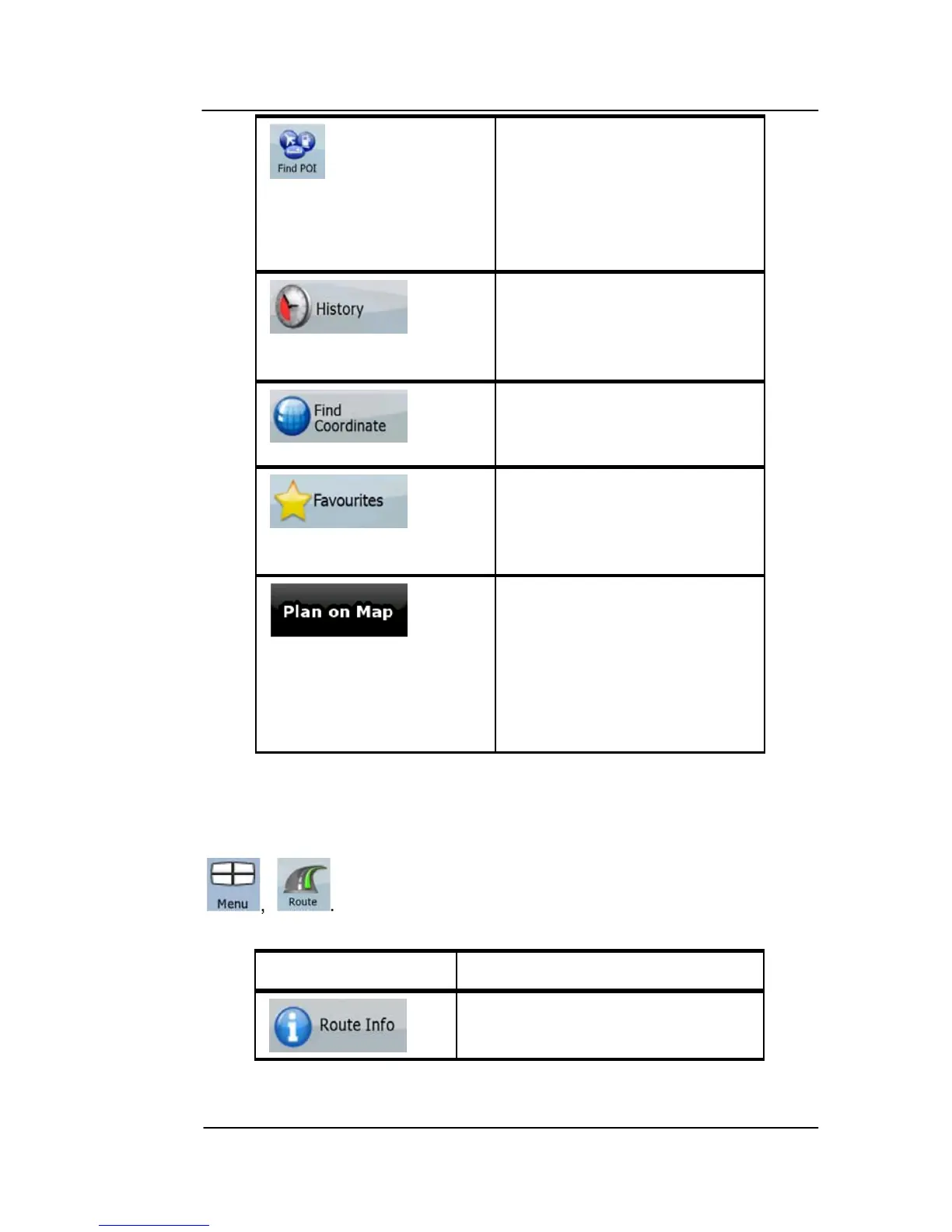
You can select your
destination from the
thousands of POIs included
with GoDrive or from the
ones you have previously
created.
The destinations that you
have already entered in
GoDrive are available in
the History list.
You can select your
destination by entering its
coordinates.
You can select as your
destination a location that
you have already saved as
a Favorite.
Opens a special 2D map
screen optimized for route
planning. Only the Zoom in
and Zoom out soft Keys
and the route modification
soft Keys of the Cursor
menu appear.
ROUTE MENU
Save, load and edit your routes. Tap the following soft Keys:
Soft Key Description
Opens a screen with useful
route data.



 To Next Page