Honeywell Bendix/King AV8OR Handheld User’s Guide
Getting Started D200803000008
Page 1-10 Rev 5 Mar 2012
© Honeywell International Inc. Do not copy without express permission of Honeywell
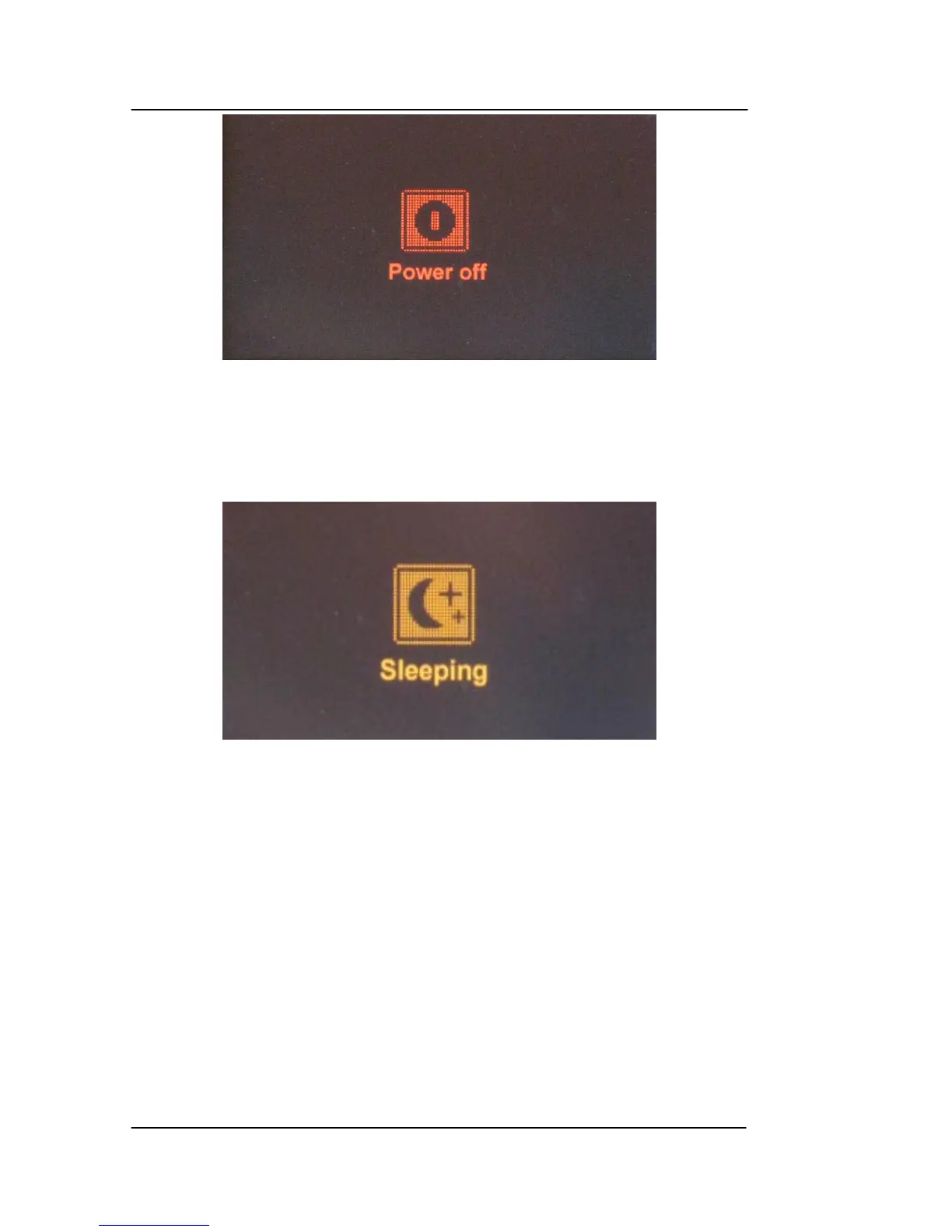
Figure 1-7: AV8OR Power off
AV8OR SLEEP MODE
AV8OR can be put into sleep mode as
shown in the figure below.
AV8OR, while in sleep mode, continues to run in a low power mode.
Figure 1-8: AV8OR Sleep Mode
TURN SLEEP MODE ON AND OFF
1. To put the unit in Sleep mode, press and q
uickly release the
Power soft Key until Sleeping shows on the screen for a moment,
then the screen goes blank.
2. To wake up the unit, press and quickly release the Power soft
Key.
Main Menu
After the logo startup page shows, the MAIN MENU is displayed.



 To Next Page