Honeywell Bendix/King AV8OR Handheld User’s Guide
Flight Plan Function D200803000008
Page 2-72 Rev 5 Mar 2012
© Honeywell International Inc. Do not copy without express permission of Honeywell
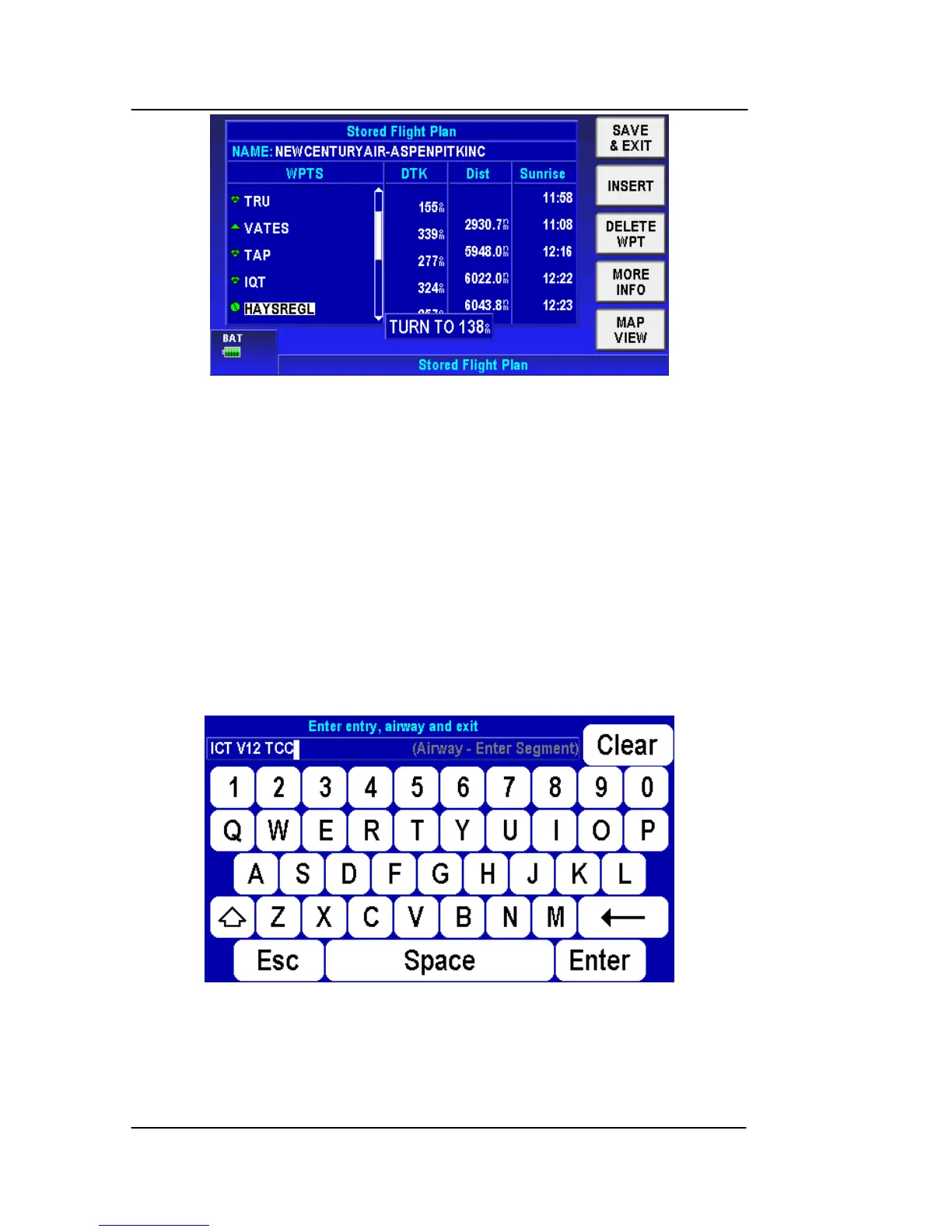
Figure 2-97: Updated Flight Plan with Victor Airway
SMART AIRWAYS
Victor Airways can also be entered into a flight plan in the same way
that clearances are re
quested or issued by approach control.
In order to add an airway to your flight plan:
Press the INSERT soft key while on the flight plan edit page.
Enter the Entry Point, Airway Name and Exit Point in a single line. In
the example below, the flight plan is from Hutchinson Kansas to
Tucumcari, New Mexico, U.S.A. The correct entry for this would be
“ICT V12 TCC”.
Figure 2-98: Smart Airways Entry Screen
After tapping the Enter soft key, the following screen shows:



 To Next Page