EasyManua.ls Logo

BENDIXKing AV80R - Page 221

BENDIXKing AV80R
368 pages
Print Icon
To Next Page IconTo Next Page
To Previous Page IconTo Previous Page
Loading...
Honeywell Bendix/King AV8OR Handheld User’s Guide
D200803000008 Automotive Mode Operation
Rev 5 Mar 2012 Page 3-9
© Honeywell International Inc. Do not copy without express permission of Honeywell
Type Example Description How to use
it
Icon
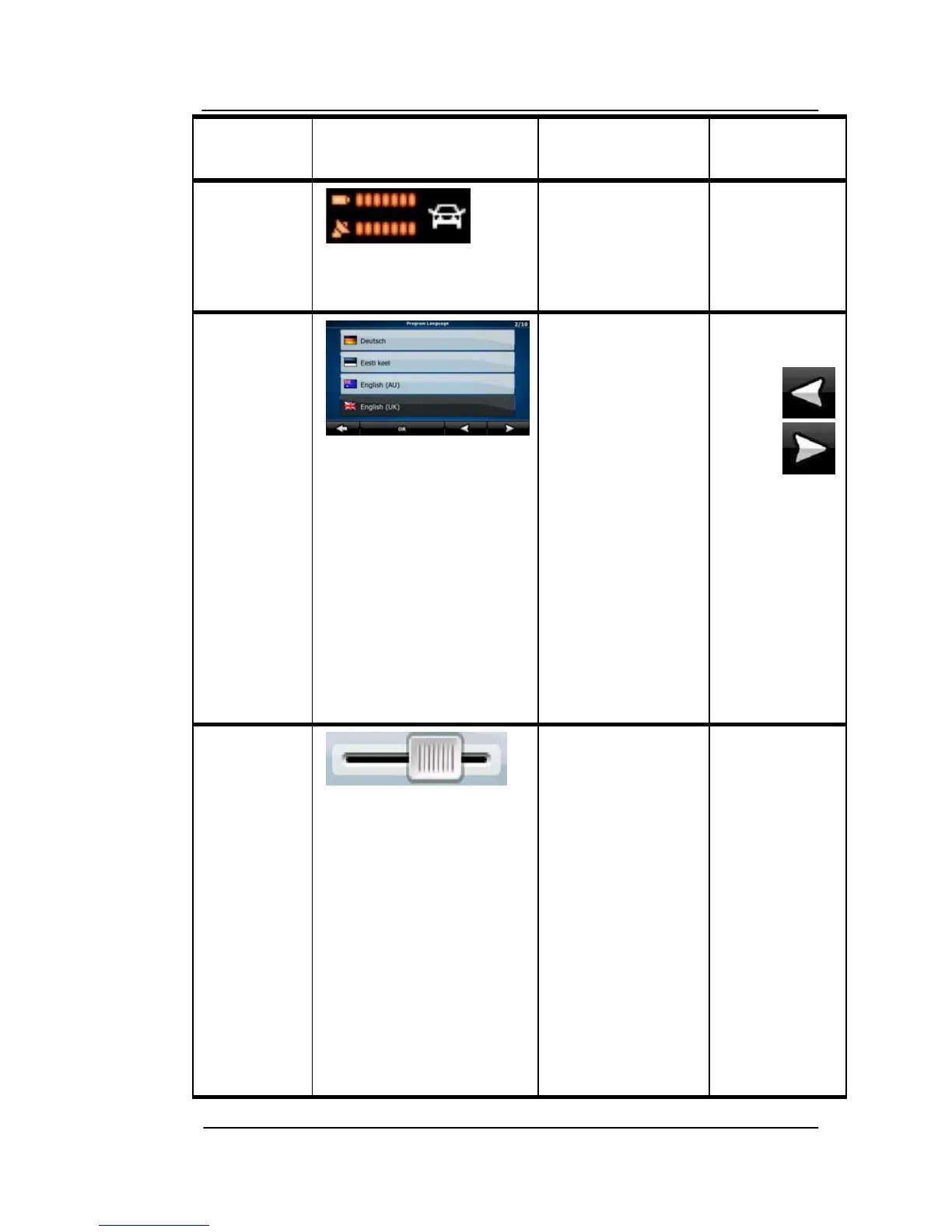
Shows status
information.
Some icons
also function
as a soft
Key. Tap
them once.
List When you need
to select from
several options,
they appear in a
list.
Turn the
page with
the
and
soft Keys
and tap the
value that
you want.
Slider
When a feature
has several
different
unnamed
values, GoDrive
shows an
indicator on a
gauge that
displays and
sets a value
from a range.
Drag the
handle to
move the
slider to its
new
position.
Tap the
slider
where you
want the
handle to
appear; the
thumb
jumps
there.

Table of Contents

Related product manuals