Honeywell Bendix/King AV8OR Handheld User’s Guide
D200803000008 Automotive Mode Operation
Rev 5 Mar 2012 Page 3-85
© Honeywell International Inc. Do not copy without express permission of Honeywell
Name Description Function
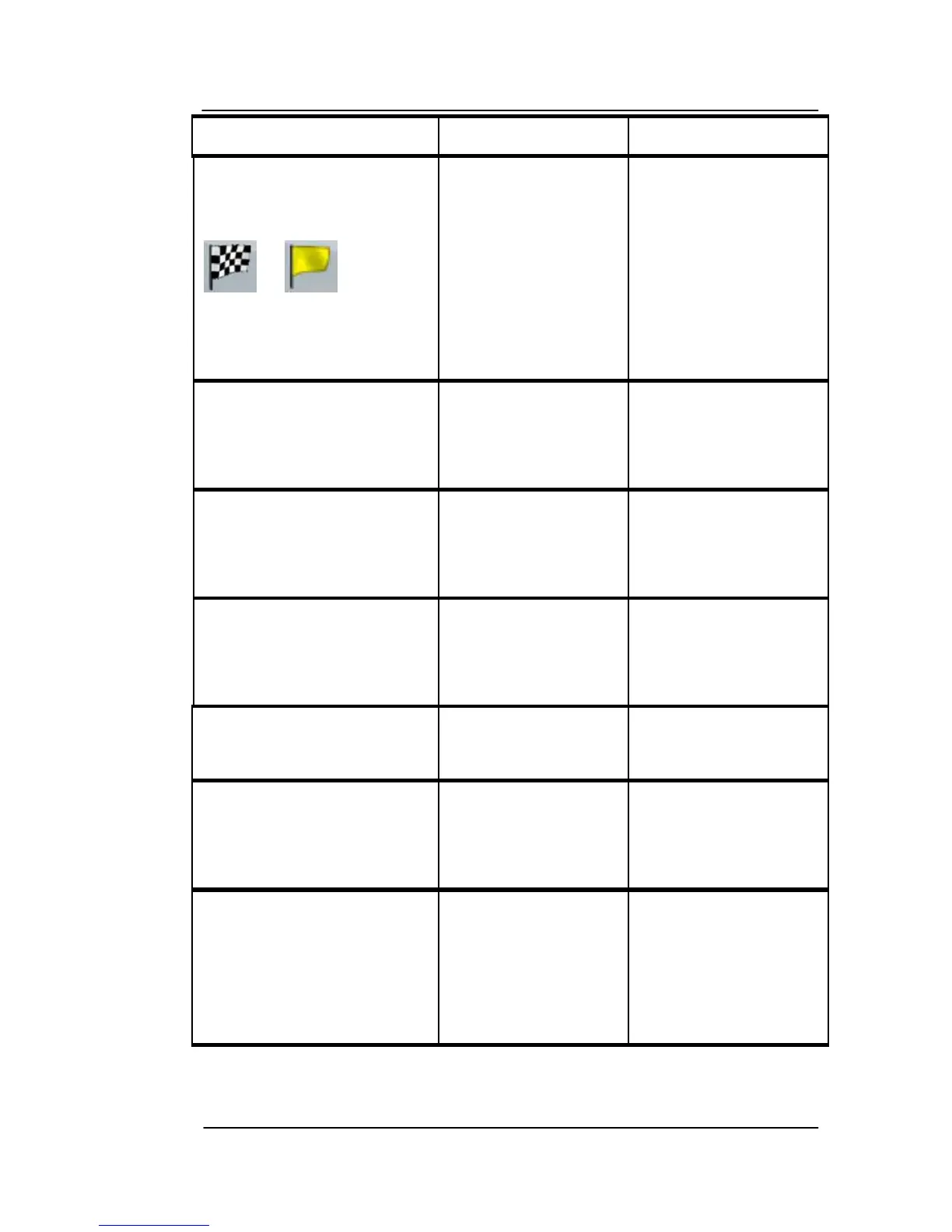
or
Shows whether
the route data
fields show
information about
the final
destination
(checkered flag) or
about the next via
point (yellow flag).
Field next to the flag Shows the name
or number of the
current street or
road.
Turn Preview Shows the type
and distance of
the next route
event.
Compass Shows the current
heading.
Tap this field to
show it on the map
screen in one of the
Trip Data fields.
Speedometer Shows the current
speed both
graphically and as
a number.
Tap this field to
show it on the map
screen in one of the
Trip Data fields.
Distance Remaining Shows the
distance you need
to travel on the
route before
reaching your final
destination.
Tap this field to
show it on the map
screen in one of the
Trip Data fields.



 To Next Page