89000109-002 xVue Touch Installation Manual
Rev 2 Page 6-4
© Honeywell International Inc. Do not copy without express permission of Honeywell.
For Use in Non-Certified Aircraft
6.2 KSD 100EXP Configuration (PFD) Setup
To configure the xVue Touch System parameters, the KSD 100EXP must be in Config Mode.
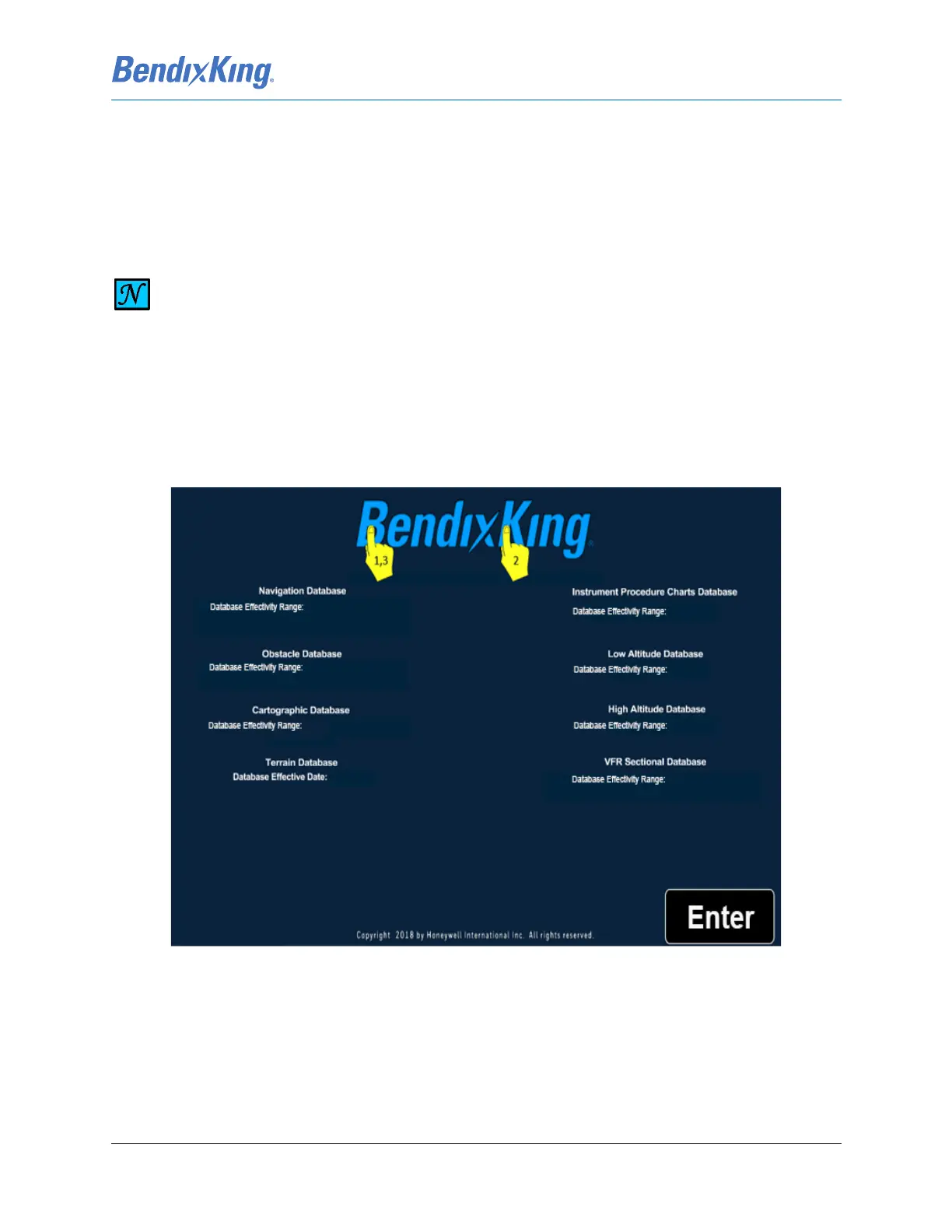
Config Mode, as illustrated in Figure 6-5, is only accessible on ground from the Database Acknowledge
Screen, Figure 6-3, or the APM Mismatch Error Screen, Figure 6-4.
To access Config Mode apply the following touch sequence:
(1) Touch the “B” on the BendixKing logo.
(2) Touch the “K” on the logo.
(3) Touch the “B” again to display the Config Mode Screen, Figure 6-5.
Figure 6-3 Database Acknowledge Screen
NOTE
THE INITIAL (OUT OF BOX) FLIGHT SOFTWARE LOAD WILL POP-UP THE APM
CONFIGURATION MISMATCH ERROR SCREEN, FIGURE 6-4. FOLLOW THE INSTRUCTIONS
LISTED BELOW TO ACCESS CONFIGURATION MODE, SAVE, AND EXIT.



 To Next Page