89000109-002 xVue Touch Installation Manual
Rev 2 Page 8-11
© Honeywell International Inc. Do not copy without express permission of Honeywell.
For Use in Non-Certified Aircraft
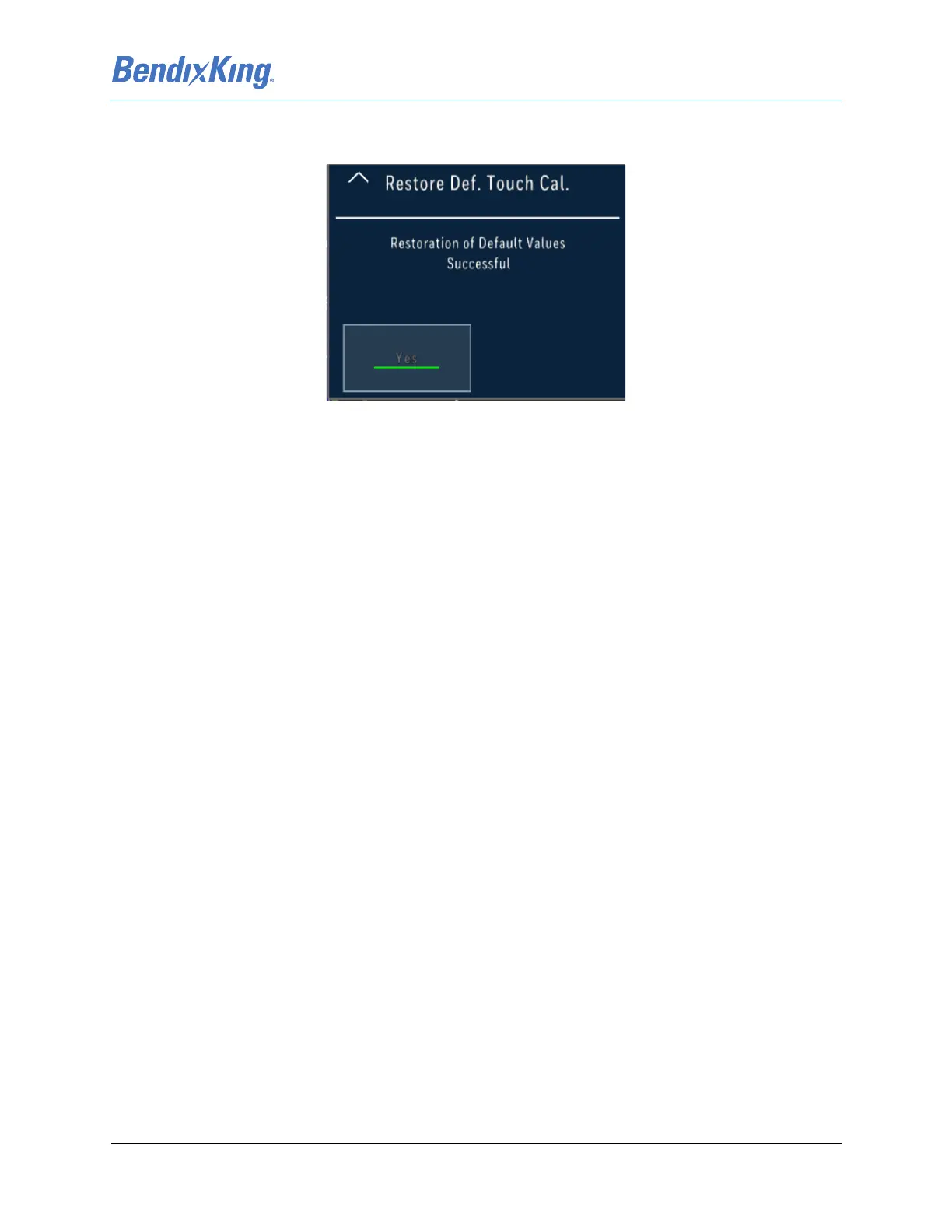
(2) When the user presses the Yes button from the Restore Def. Touch Cal. menu, the following
screen, Figure 8-7, is displayed indicating the successful restoration of the default values.
Figure 8-7 Restoration of Default Values Successful Screen
(3) Press the Up Arrow “^” button to return to the Screen Maint menu.
(4) Press the Up Arrow “^” button to return to the System Tools menu.
(5) Close the Main Menu, by pressing the “X” button, to restore the PFD to normal display with no
menus open.



 To Next Page