89000109-002 xVue Touch Installation Manual
Rev 2 Page 7-15
© Honeywell International Inc. Do not copy without express permission of Honeywell.
For Use in Non-Certified Aircraft
Wingman Services database subscription(s) is paired with the unit during installation and Seattle Avionics
subscription is per user.
7.5.1.1 USB Database Loading
(1) Power on the KSD 100EXP.
(2) Insert the memory device into the USB port in front of the display.
(3) Press Enter on the Database Acknowledge Screen, refer to Figure 6-3.
(4) On the KSD 100EXP screen, Figure 7-1, press the Menu button, Figure 7-2, located at the top right
of the screen.
(5) From the Main Menu, Figure 7-6, press the System Tools button.
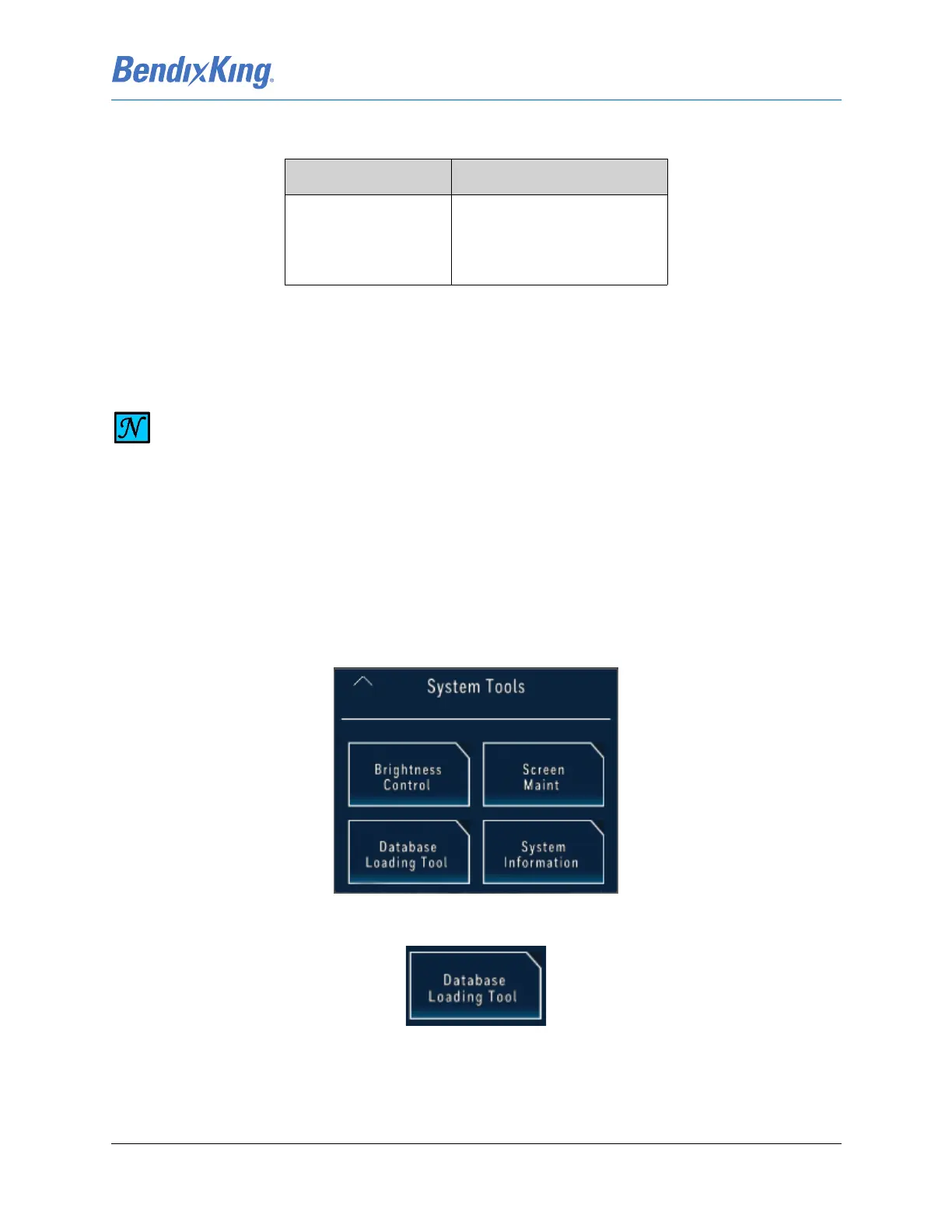
(6) From the System Tools Menu, Figure 7-13, press the Database Loading Tool button, Figure 7-14
Figure 7-13 System Tools Menu
Figure 7-14 Database Loading Tool Button
Table 7-2 Available Database
Wingman Services Seattle Avionics
• Navigation
• Cartographic
• Obstacles
• Terrain
• Charts
• IFR Lo
• IFR Hi
• VFR Sectional
NOTE
BENDIXKING RECOMMENDS CHECKING FOR DATABASE UPDATES EVERY 28 DAYS.



 To Next Page