89000109-002 xVue Touch Installation Manual
Rev 2 Page 8-8
© Honeywell International Inc. Do not copy without express permission of Honeywell.
For Use in Non-Certified Aircraft
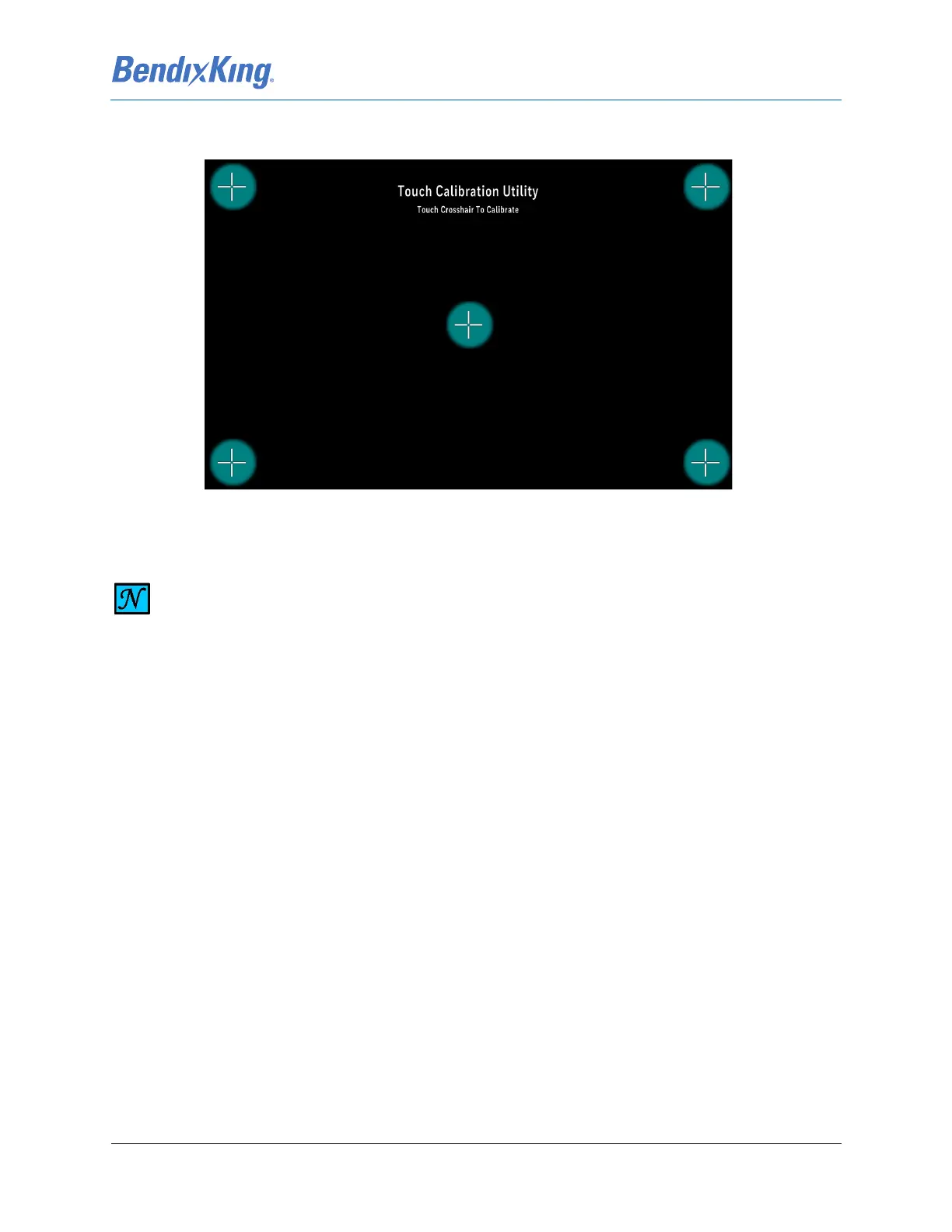
(8) Select the Yes button and the full screen Touch Calibration Utility Screen is displayed with the first
touch point presented as a plus sign.
Figure 8-3 Example of Touch Calibration Utility Screen
(9) When the user’s touch is detected, a bloom is displayed around the requested touch point.
(10) The touch point plus sign is removed and the next touch point is displayed.
(11) This cycle continues until all 5 points are presented 3 times.
NOTE
THE TOUCH CALIBRATION UTILITY SCREEN FIGURE SHOWS ALL THE TOUCH POINTS FOR
REFERENCE PURPOSES. DURING CALIBRATION THE TOUCH POINTS ARE DISPLAYED IN
SEQUENCE.



 To Next Page