89000109-002 xVue Touch Installation Manual
Rev 2 Page 6-20
© Honeywell International Inc. Do not copy without express permission of Honeywell.
For Use in Non-Certified Aircraft
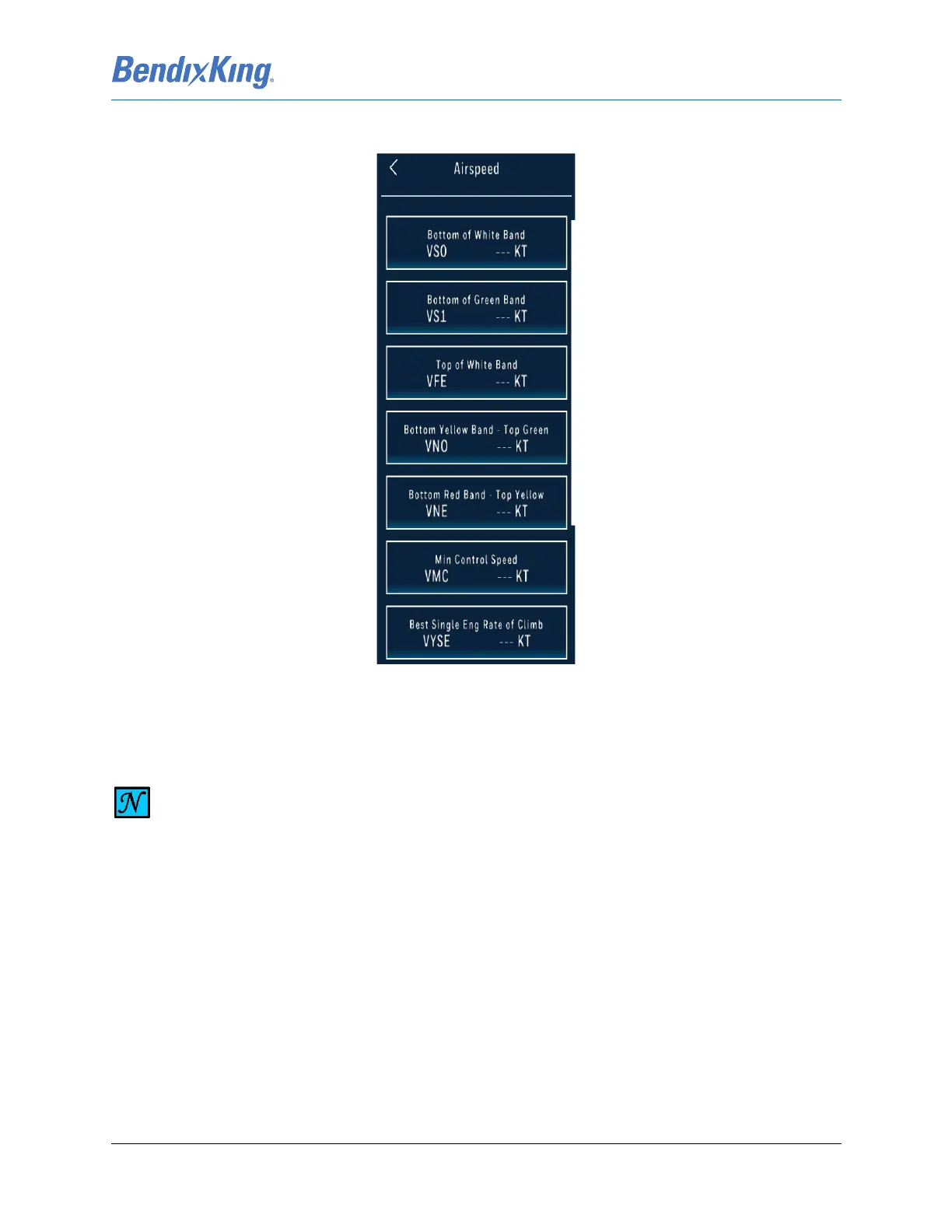
(1) From the PFD sub-menu, Figure 6-23, press the Airspeed button to display the Airspeed sub-
menu, Figure 6-27.
Figure 6-27 Airspeed Sub-Menu
(2) From the Airspeed sub-menu, press the desired V-Speed button to display the V-Speed Keypad.
NOTE
ANY V-SPEED ON THE AIRSPEED SUB-MENU CAN BE CLEARED BY PRESSING THE CLEAR V-
SPD KEY LOCATED ON THE V-SPEED KEYPAD. THE CLEAR V-SPD BUTTON IS ONLY
SELECTABLE BEFORE A NUMBER BUTTON IS PRESSED ON THE V-SPEED KEYPAD.



 To Next Page