89000109-002 xVue Touch Installation Manual
Rev 2 Page 6-26
© Honeywell International Inc. Do not copy without express permission of Honeywell.
For Use in Non-Certified Aircraft
(5) If there is a second GPS installed, press the GPS2 button to display the GPS2 sub-menu.
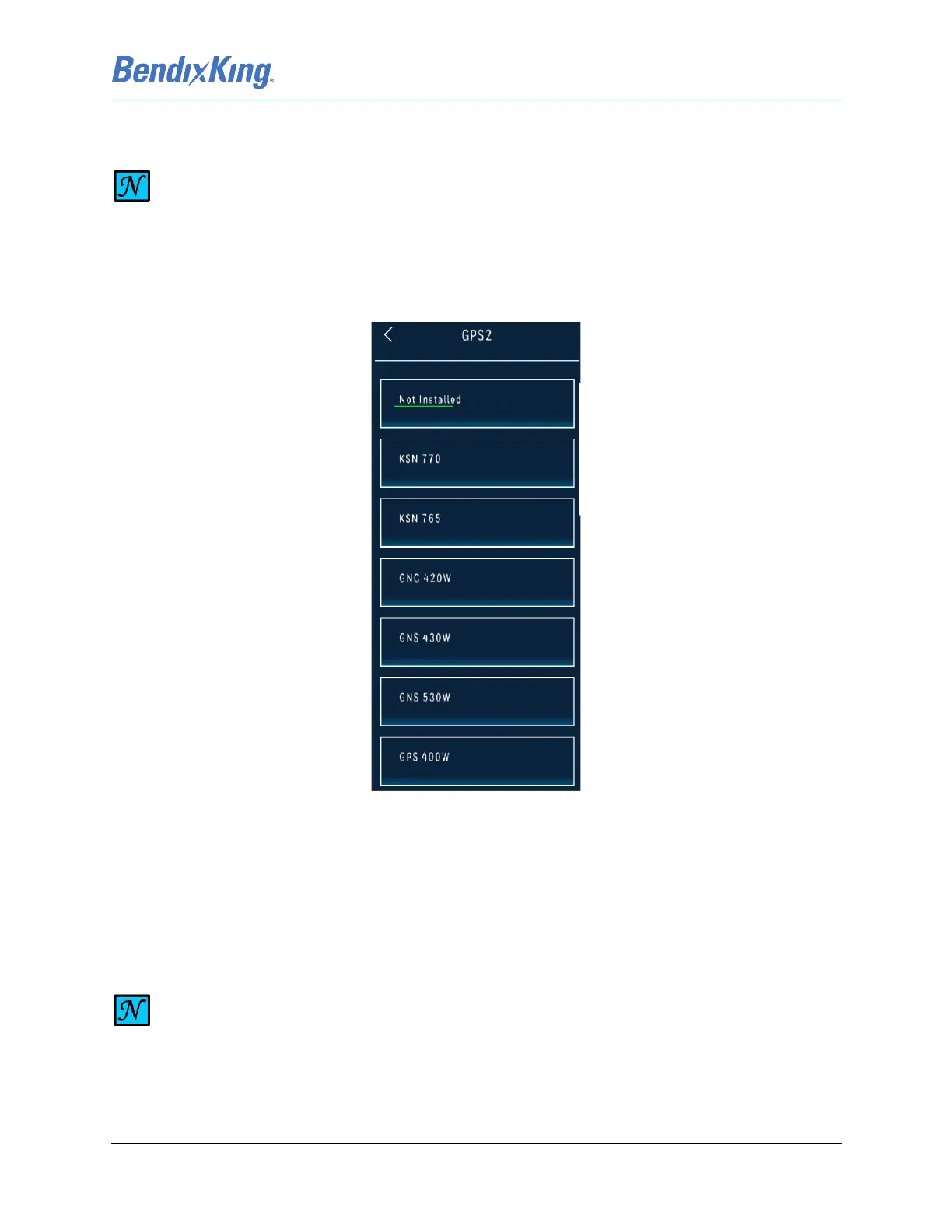
Figure 6-33 GPS2 Sub-Menu
(6) Press the button for the installed LRU option from the GPS2 sub-menu, Figure 6-33.
(7) Press the Back-Arrow button to return to the GPS/NAV sub-menu.
(8) Verify that the selected LRU is reflected correctly on the GPS2 button, shown in Figure 6-31.
6.2.3.2 VLOC Navigation Source
NOTE
THE XVUE TOUCH WILL AUTOMATICALLY SET THE NAVIGATION RADIO SOURCE, VLOC 1
OR 2, WHEN THE SELECTED GPS SOURCE CONTAINS BOTH A GPS AND NAV RADIO
SYSTEM. THE SUPPORTED GPS/NAV RADIO SYSTEMS ARE KSN 770, GNS 430W, GNS
530W, GTN 650, GTN 750, IFD 440, IFD 540, AND IFD 550.
NOTE
IF THE SELECTED GPS SOURCE CONTAINS BOTH A GPS AND NAV RADIO SYSTEM, THEN
THE XVUE TOUCH SYSTEM AUTOMATICALLY SETS THE NAVIGATION RADIO SOURCE AND
THE CORRESPONDING VLOC BUTTON IS INACTIVATED. IF THE SELECTED GPS SOURCE IS A
GPS ONLY SYSTEM, THEN THE CORRESPONDING VLOC BUTTON IS SELECTABLE.



 To Next Page