89000109-002 xVue Touch Installation Manual
Rev 2 Page 6-31
© Honeywell International Inc. Do not copy without express permission of Honeywell.
For Use in Non-Certified Aircraft
6.2.4.1 AP Computer
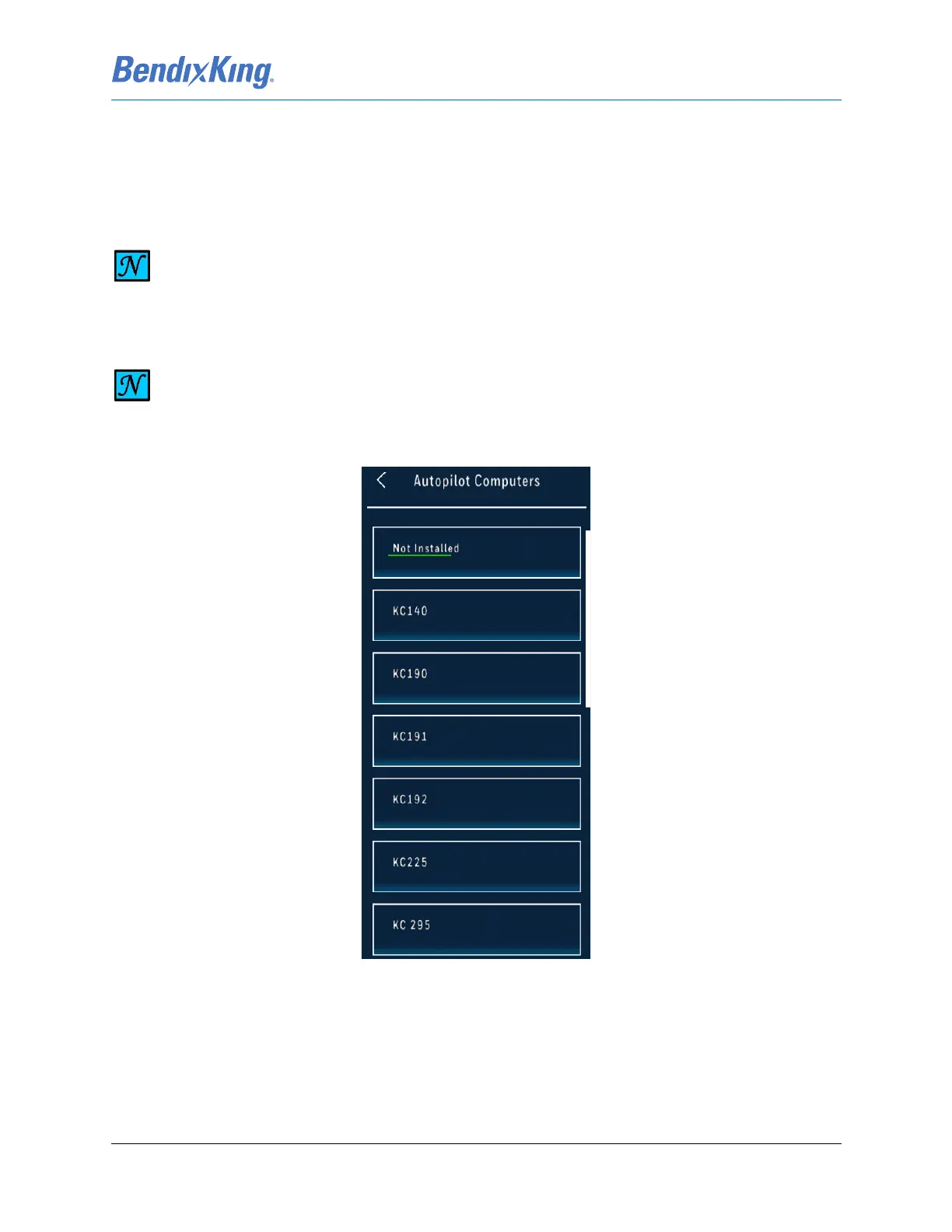
(1) From the Autopilot sub-menu, Figure6-36, press the AP Computer button to display the AP
Computer sub-menu, Figure 6-37.
l
Figure 6-37 AP Computer Sub-Menu
(2) Press the button for the installed LRU option from the AP Computer sub-menu, Figure 6-37.
(3) Press the Back-Arrow button to return to the Autopilot sub-menu.
NOTE
THE DEFAULT SELECTION IS “NOT INSTALLED”.
NOTE
THE AP COMPUTER SUB-MENU LISTS S-TEC AUTOPILOTS THAT ARE CURRENTLY NOT
AUTHORIZED FOR INSTALLATION.



 To Next Page