89000109-002 xVue Touch Installation Manual
Rev 2 Page 6-6
© Honeywell International Inc. Do not copy without express permission of Honeywell.
For Use in Non-Certified Aircraft
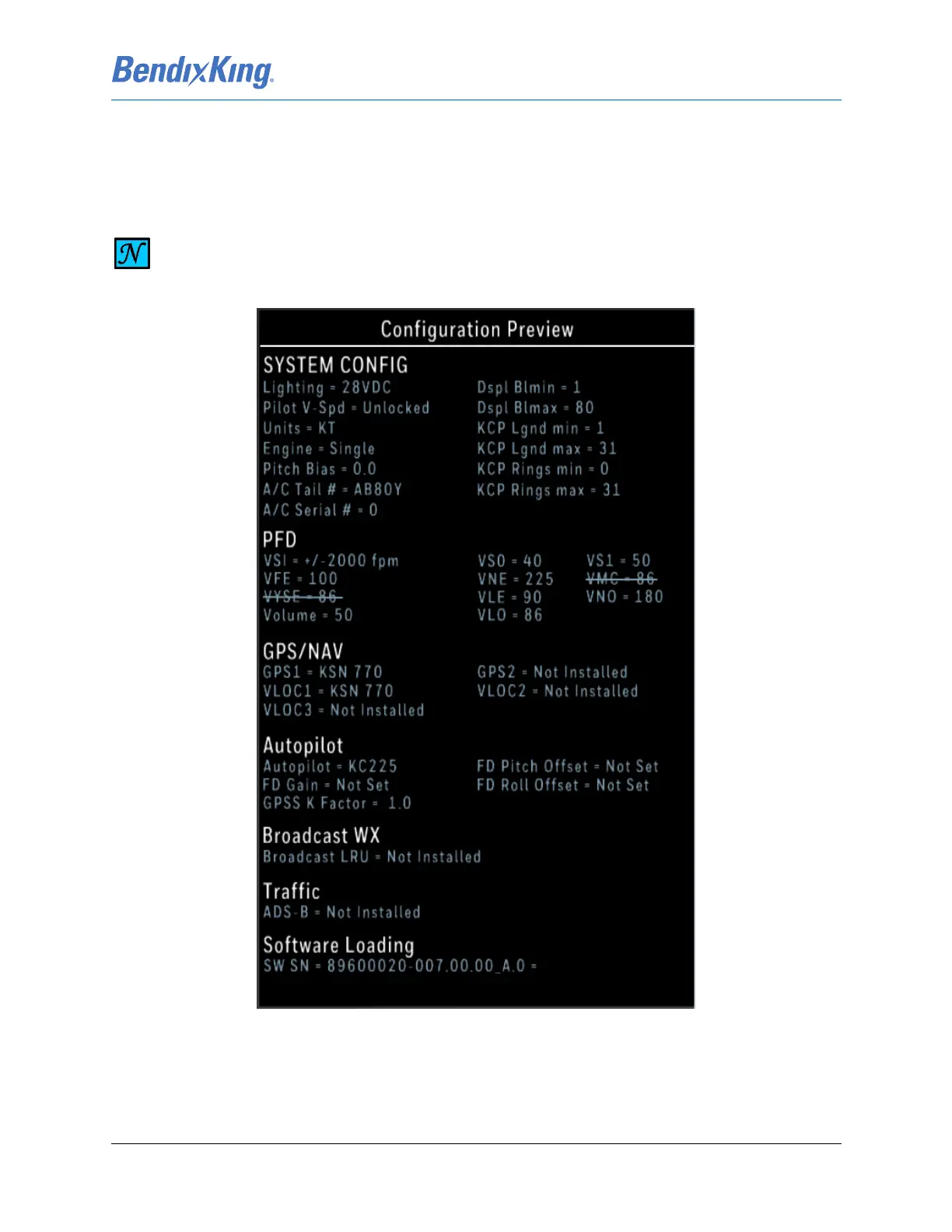
The Configuration Preview window on the Config Mode Screen, shown on the right in Figure 6-5 and
again in detail on Figure 6-6, displays current configuration settings in the Installer Main Menu. Fields
which have been changed are displayed in a green font.
Figure 6-6 Configuration Preview Window
The Installer Main Menu on the left side of the Config Mode Screen, shown in Figure 6-5 and again in
detail in Figure 6-7, provides access to the sub-menus that allow the xVue Touch System to be
configured. Pressing a button on the main menu will display the related sub-menu. The Back-Arrow
NOTE
NOT ALL CONFIG MODE SETTINGS ARE DISPLAYED IN CONFIGURATION PREVIEW
WINDOW.



 To Next Page