89000109-002 xVue Touch Installation Manual
Rev 2 Page 7-26
© Honeywell International Inc. Do not copy without express permission of Honeywell.
For Use in Non-Certified Aircraft
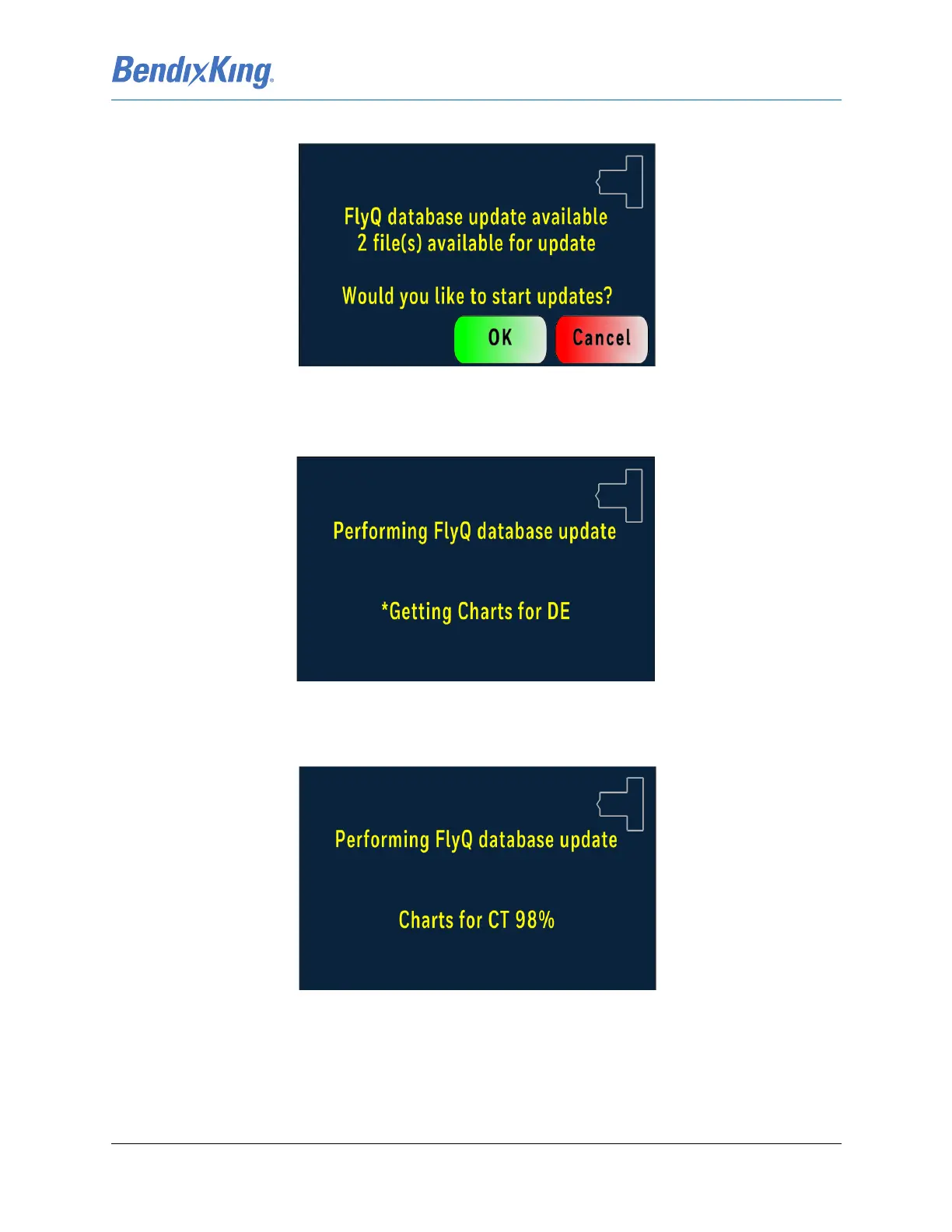
FlyQ database update available window displaying available file(s) for update appears, Figure 7-32.
Figure 7-32 FlyQ Database Update Available Window
(11) Press “OK” to update or “Cancel”, Figure 7-32.
Performing FlyQ database update window appears, Figure 7-33.
Figure 7-33 Performing FlyQ Database Update Window
Several performing FlyQ database update windows appear showing the update progress (based on the
number of states and databases that need to be updated), Figure 7-34.
Figure 7-34 Performing FlyQ Database Update Progress Window



 To Next Page