89000109-002 xVue Touch Installation Manual
Rev 2 Page 6-52
© Honeywell International Inc. Do not copy without express permission of Honeywell.
For Use in Non-Certified Aircraft
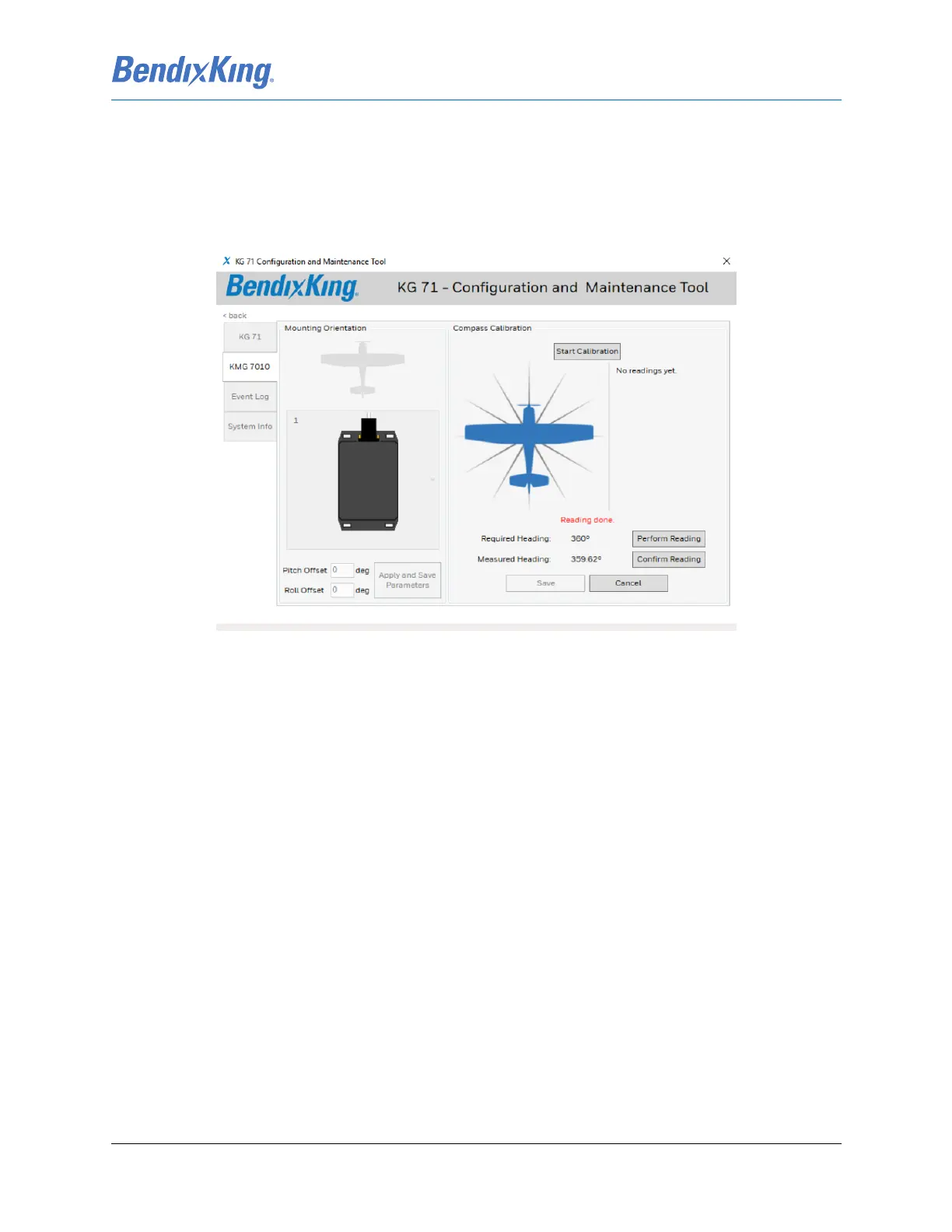
(5) Once the specified heading is stable, press the Perform Reading button on the CMT screen.
(6) Verify that the Measured Heading value is within ± 9 degrees:
(a) If the value is within range, press the Confirm Reading button, refer to Figure 6-55.
(b) If the value is out of the range, correct the airplane heading and repeat the steps above,
beginning with Step 4, to re-establish a measured heading value.
(7) Repeat steps 3 through 6 above for each 30 degree increment.
Figure 6-55 KMG 7010/MD32 Calibration Reading



 To Next Page