89000109-002 xVue Touch Installation Manual
Rev 2 Page 7-29
© Honeywell International Inc. Do not copy without express permission of Honeywell.
For Use in Non-Certified Aircraft
The following additional Wi-Fi error messages may appear during the database loading.
7.5.1.3. 2.2 FlyQ
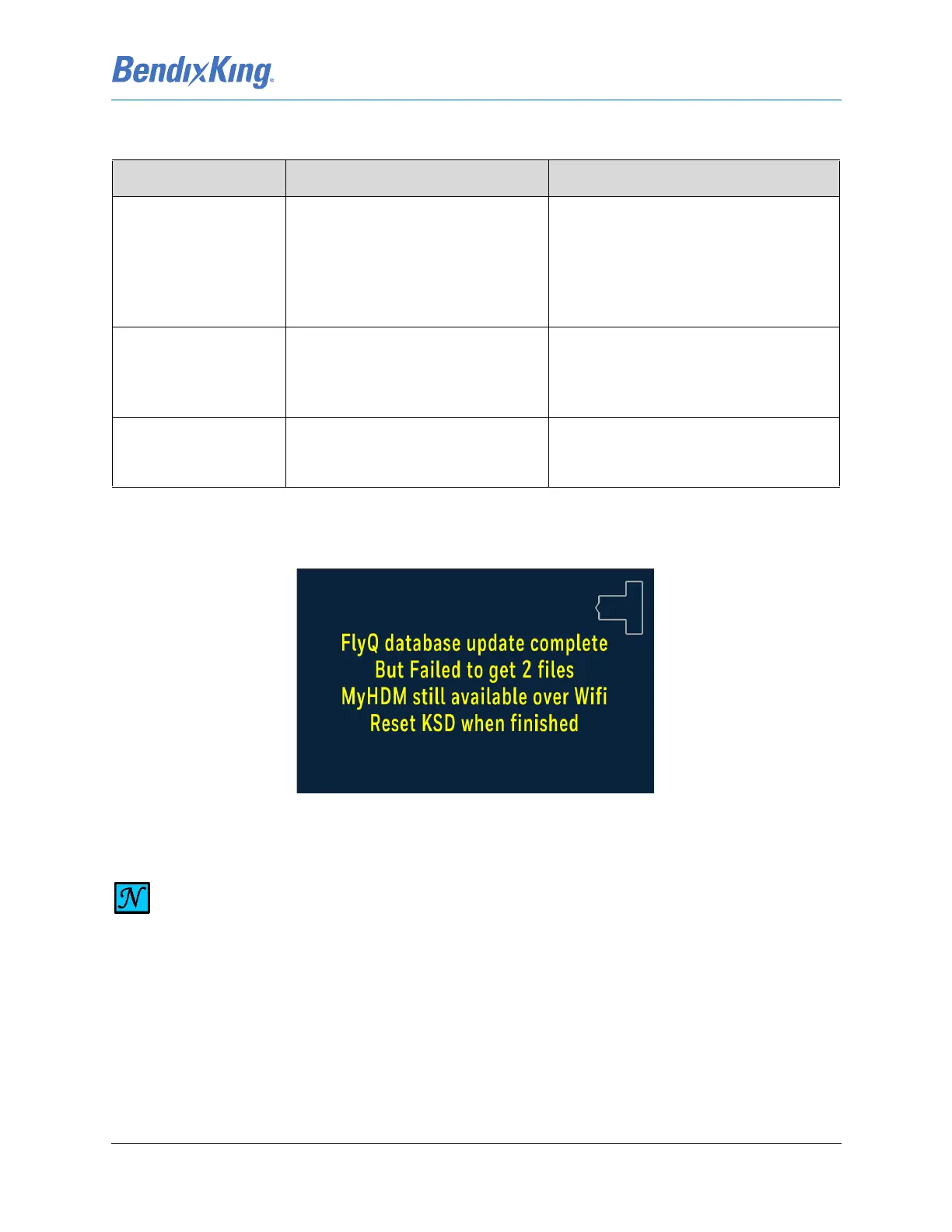
Any database loading error messages appear on the KSD 100EXP, Figure 7-38.
Figure 7-38 FlyQ Database Update Error Message
Table 7-4 Wi-Fi Database Loading Errors
Error Message Description Corrective Action
SERIAL NUMBER
CHECK FAILED
The database .ZIP file is not set up
with the correct KSD 100EXP serial
number and there is mismatch
between what is set in the database
and the serial number of the unit on
the airplane.
Verify KSD 100EXP serial number (unit
on airplane), download a new database
.ZIP file with the correct KSD 100EXP
serial number and reload.
Unable to Contact KSD,
check Wi-Fi
Connection
This occurs if the Wi-Fi connection
between the KSD 100EXP and the
Wi-Fi device is disconnected for any
reason.
Restart the KSD 100EXP and try loading
again.
Error 1007:
REGISTRATION
ALREADY USED
The one-time registration download
for the database is already utilized.
Download the paid subscription.
NOTE
IF ANY FILE(S) FAILED TO DOWNLOAD, THERE IS MOST LIKELY AN ISSUE WITH THE FLYQ
APP. TO CHECK THE STATUS OF THE FILES DOWNLOADED FOR A PARTICULAR STATE,
DOUBLE -TAP ON THE STATE. CONTACT SEATTLE AVIONICS FOR FURTHER ASSISTANCE.



 To Next Page