89000109-002 xVue Touch Installation Manual
Rev 2 Page 6-14
© Honeywell International Inc. Do not copy without express permission of Honeywell.
For Use in Non-Certified Aircraft
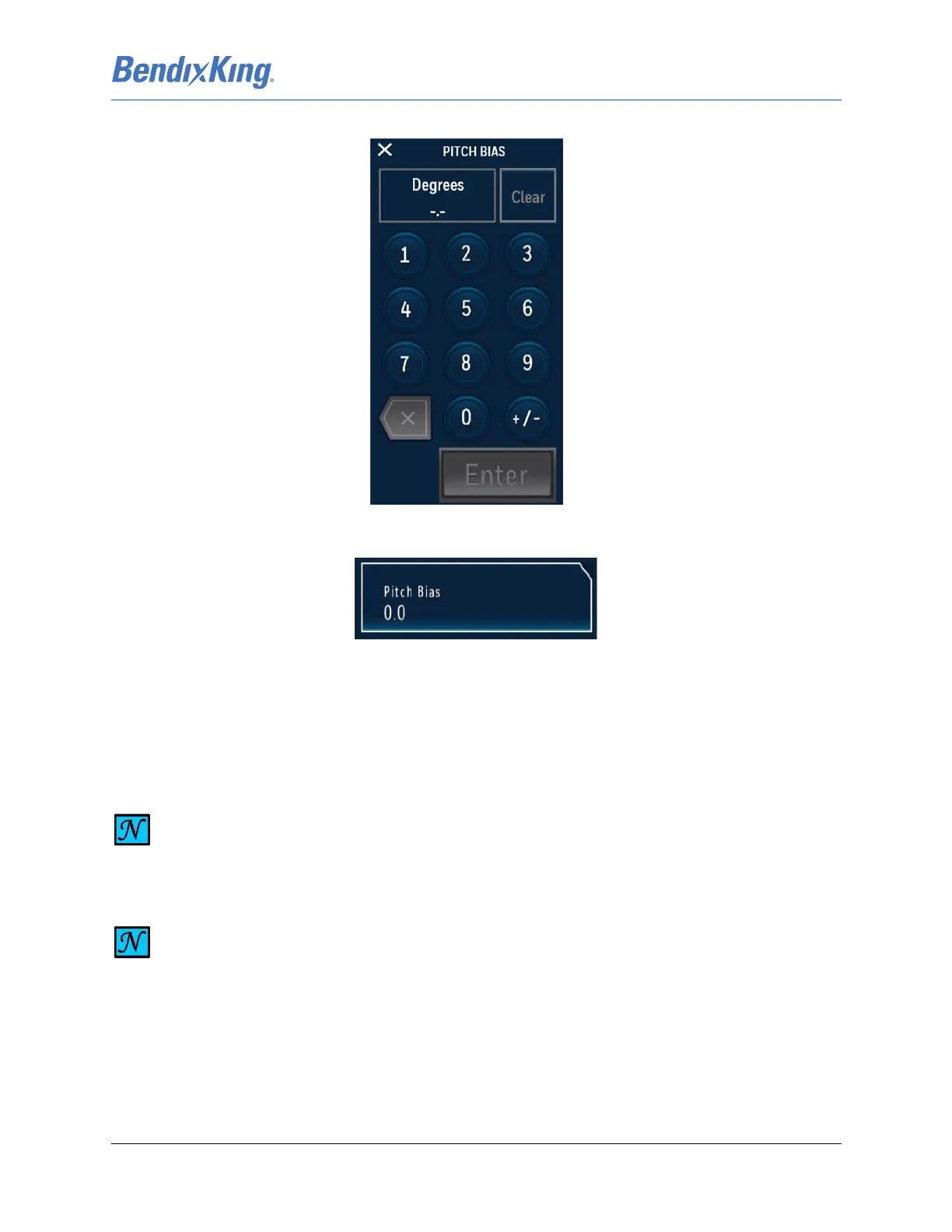
(3) Using the numeric keyboard, shown in Figure 6-17, input the Pitch Bias and press the Enter button.
Figure 6-17 Pitch Bias Keypad
(4) Verify that the Pitch Bias is reflected correctly on the Pitch Bias button as illustrated in Figure 6-18.
Figure 6-18 Pitch Bias
6.2.1.6 Pilot V-Speed Locking
In the System Config sub-menu, Figure6-8, when the Pilot V-Spd indicator shows “Locked”, the
Configurable Pilot V-Speed settings on the PFD menu cannot be modified.
The avionics installer should use the following procedure to lock the pilot v-speeds:
(1) From the Installer Main Menu, Figure 6-7, press the System Config button to display the System
Config sub-menu, Figure 6-8.
(2) From System Config sub-menu press the Pilot V-Spd button to toggle between Unlocked and
NOTE
THE DEFAULT SELECTION FOR PILOT V-SPEEDS IS UNLOCKED.
NOTE
LOCKING THE PILOT V-SPEEDS DOES NOT AFFECT THE PILOT’S ABILITY TO DISPLAY OR
HIDE THE ASSOCIATED FLAGS USING THE PFD SET V-SPEEDS AND V-SPEED LABELS ON/
OFF BUTTON.



 To Next Page