Programmer 173
Chapter 3 Programming with Command Function
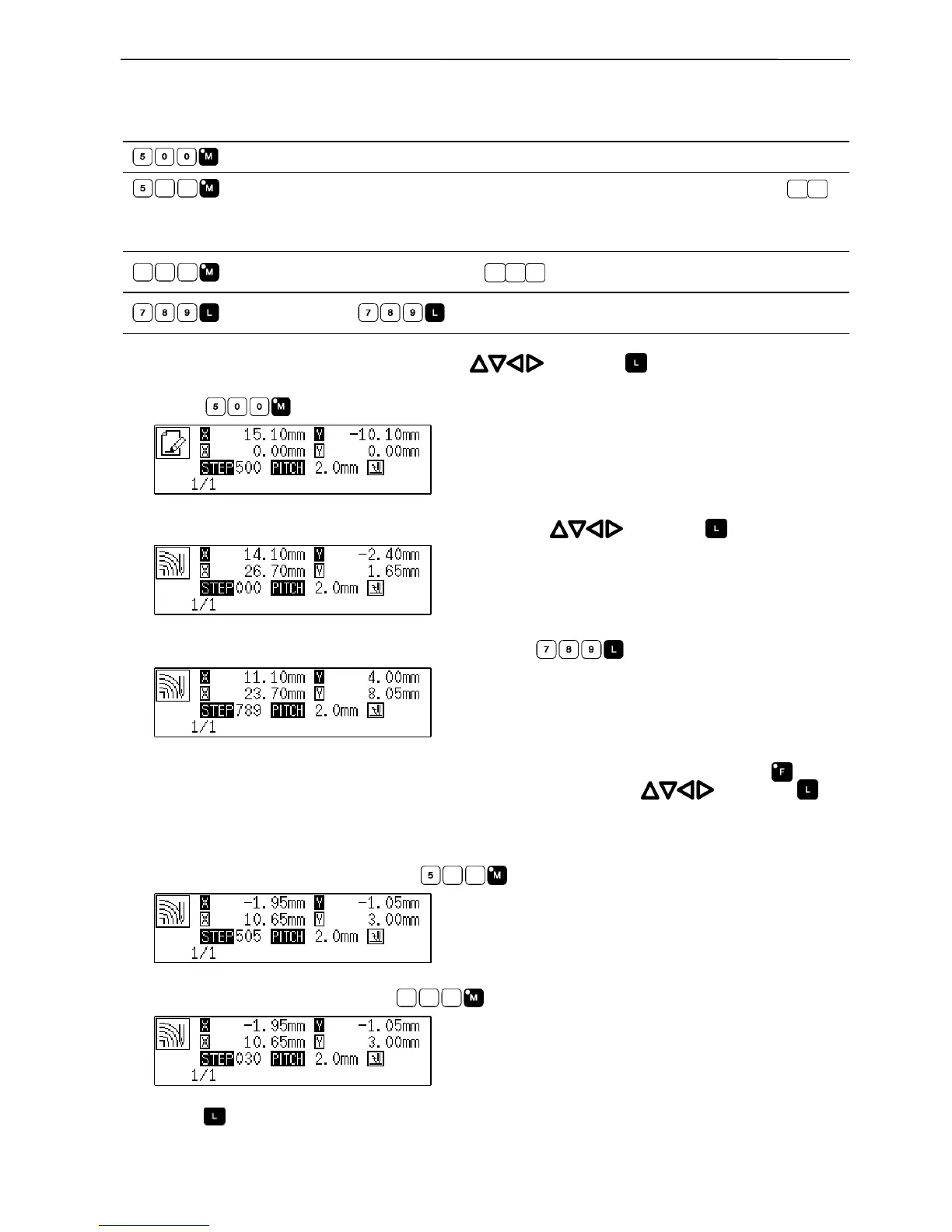
Creating a multiple stitch
Command to be used
Input the start point for a multiple stitch.
Input the number of lines for a multiple stitch raging from 2 to 99 in .
Ex.) The number of line for a multiple stitch Input value
5 lines 505
Input the stitch length in
.
Press to input a split.
1. Determine the embroidering start point with and press .
2. Press
.
3. Move the needle point to the second point or after with and press .
4. When the needle point is moved to the corner, press .
5. Repeat steps 3 and 4 until the end point of the inside (or the outside) line is input. Press . Move
the needle point to the start point of the outside (or the inside) line with
, and press .
6. Program all necessary points in the same manner.
7. Input the desired number of lines as
.
8. Input the desired stitch length as .
9. Press .



 To Next Page
 Loading...









