48 Programmer
Chapter 2 Programming with Help Function
Saving
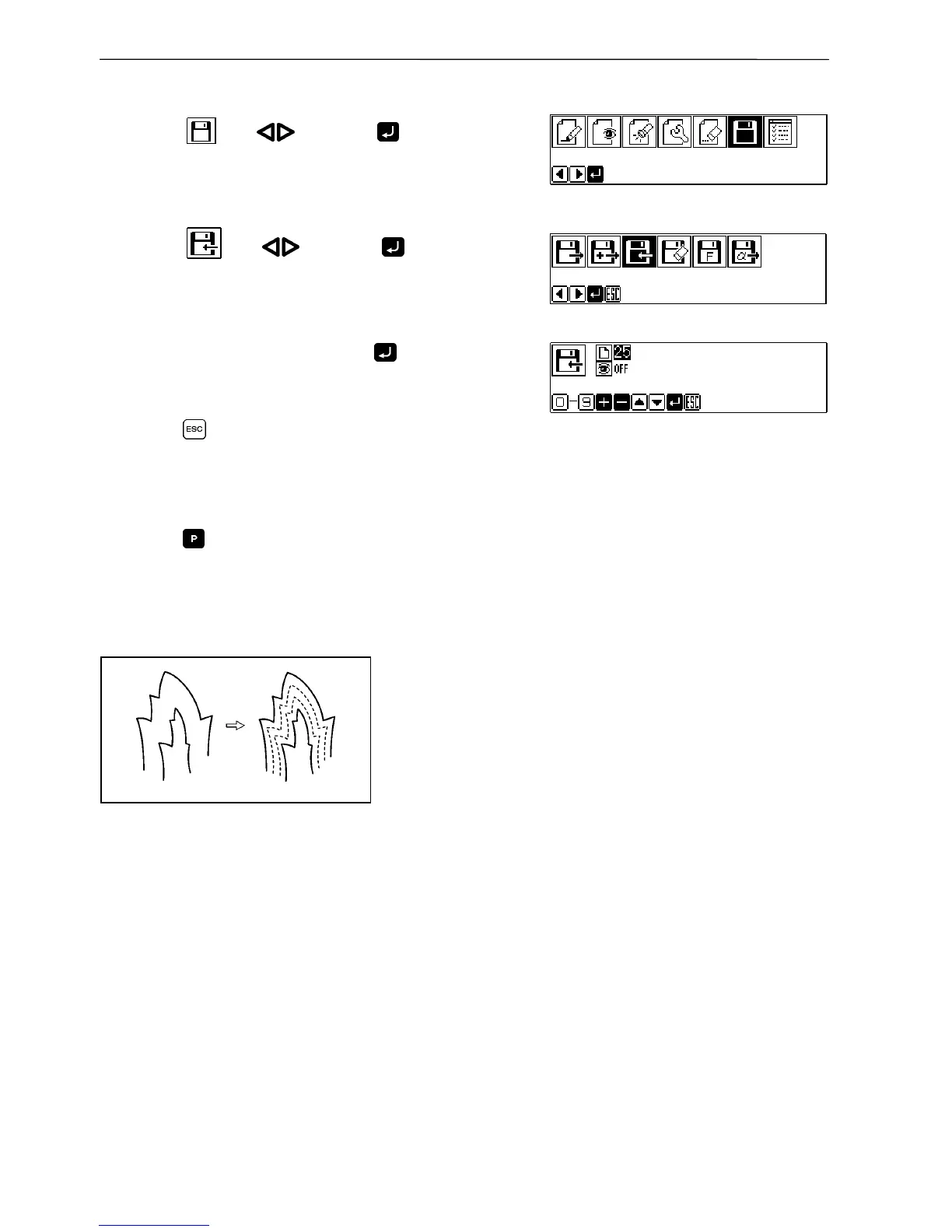
1. Select with and press .
2. Select
with and press .
3. Input the data number and press
.
4. Press
.
Ending program
1. Press .
Multiple stitch
This section describes programming of a multiple stitch.
Refer to the example on the left.
Programming can be started from either inside or outside line. Embroidering is carried out in
the sequence of programming.
Embroidering direction depends on programming sequence.
When embroidering direction should be changed at a sharp angle, a split should be provided in the
vicinity of the direction change point for finishing the multiple stitch in relatively uniform
conditions.
Up to 200 points can be specified for one side. If you attempt to input 201 or more points, the
needle point is automatically returned to the previous points. In that case, start inputting points
of the outside (or the inside) line, or reconsider point input positions or pattern.



 To Next Page
 Loading...









