184 Programmer
Chapter 3 Programming with Command Function
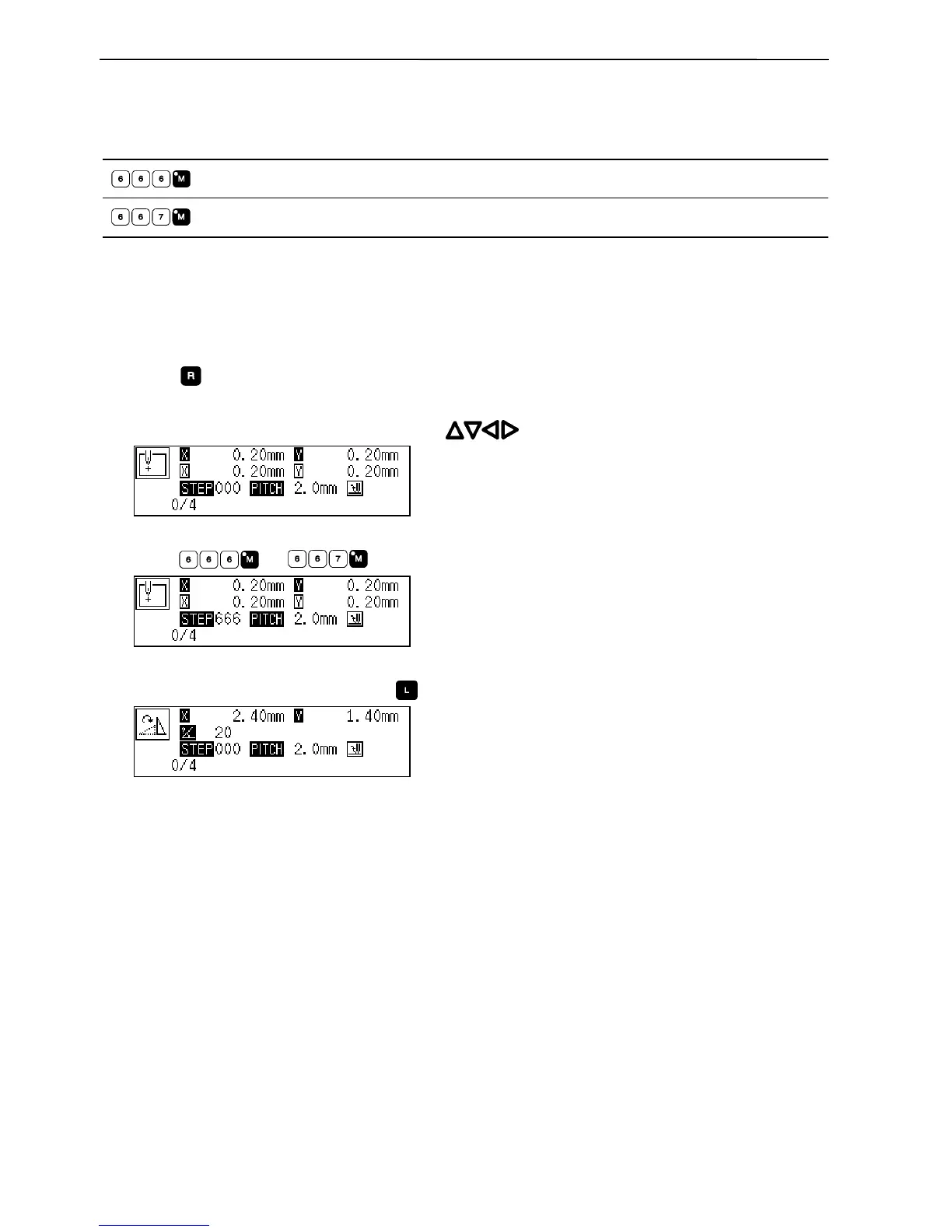
Rotating a pattern clockwise (counterclockwise)
Command to be used
Rotating clockwise
Rotating counterclockwise
This function is available only when the needle is at the home position.
Values of 1 - 359 degrees are available for input.
1. Make sure that the needle is at the home position.
Press if the needle is not at the home position.
2. Determine the center point for rotation with .
3. Input or .
4. Input the angle in 3 digits and press .



 To Next Page
 Loading...









