222 Programmer
Chapter 5 Reading/Writing Data
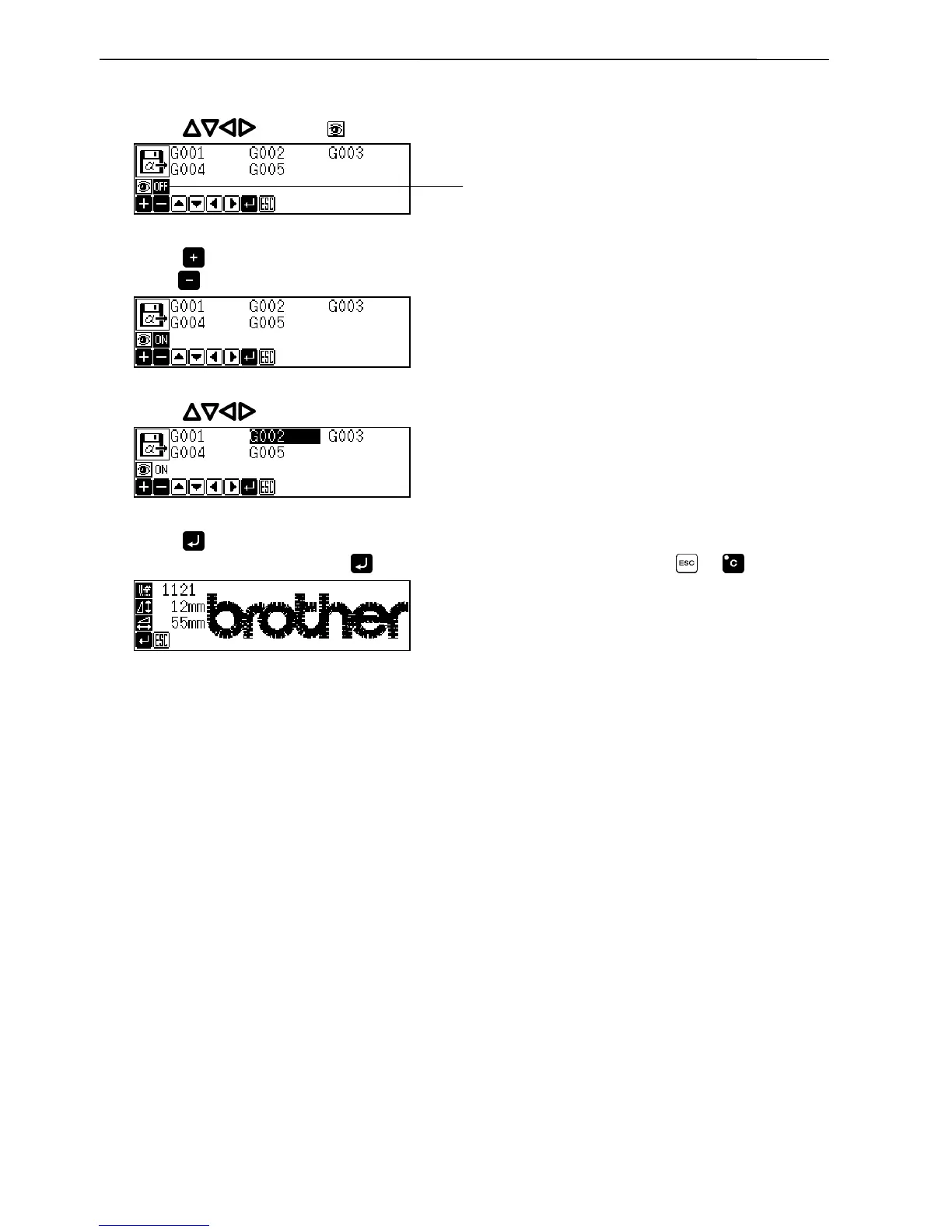
Checking the image display (go to 7 when not checking)
5. Press to select .
6. Press to turn on.
Press to turn off again.
7. Press to select the data to display.
8. Press .
If the image is displayed, press again to read data. To cancel reading, press or .
Screen example when an image is displayed
OFF is highlighted if selected.



 To Next Page
 Loading...









