9
Operation
80/130 ekr CON 100 – Installation and Operating Manual
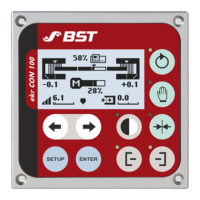
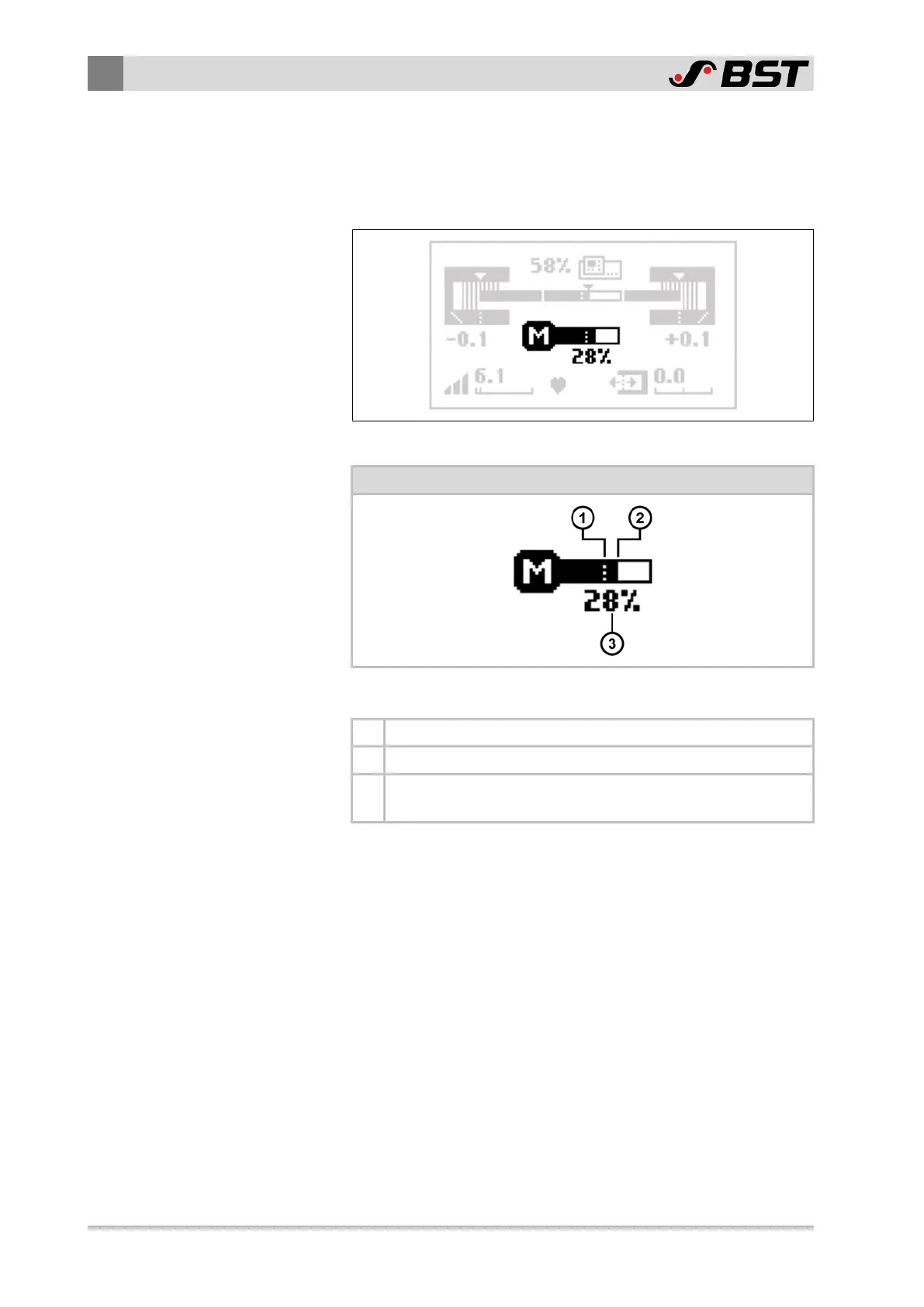
9.3.4 Actuator Operation Display
The operation display for the actuator appears only if an actuator
with position feedback or a servo centre transducer (OMG 8, CK 37)
is connected to the controller.
Fig.35: Actuator Operation Display
Actuator operation display
Symbol meanings
① The dashed line marks the zero position of the actuator.
② The black bar marks the current position of the actuator.
③
The value specifies the relative position of the actuator in
relation to the end positions.

 To Next Page
 Loading...