Operation
9
ekr CON 100 – Installation and Operating Manual 87/130
9.5.2 Activating the Material Setup
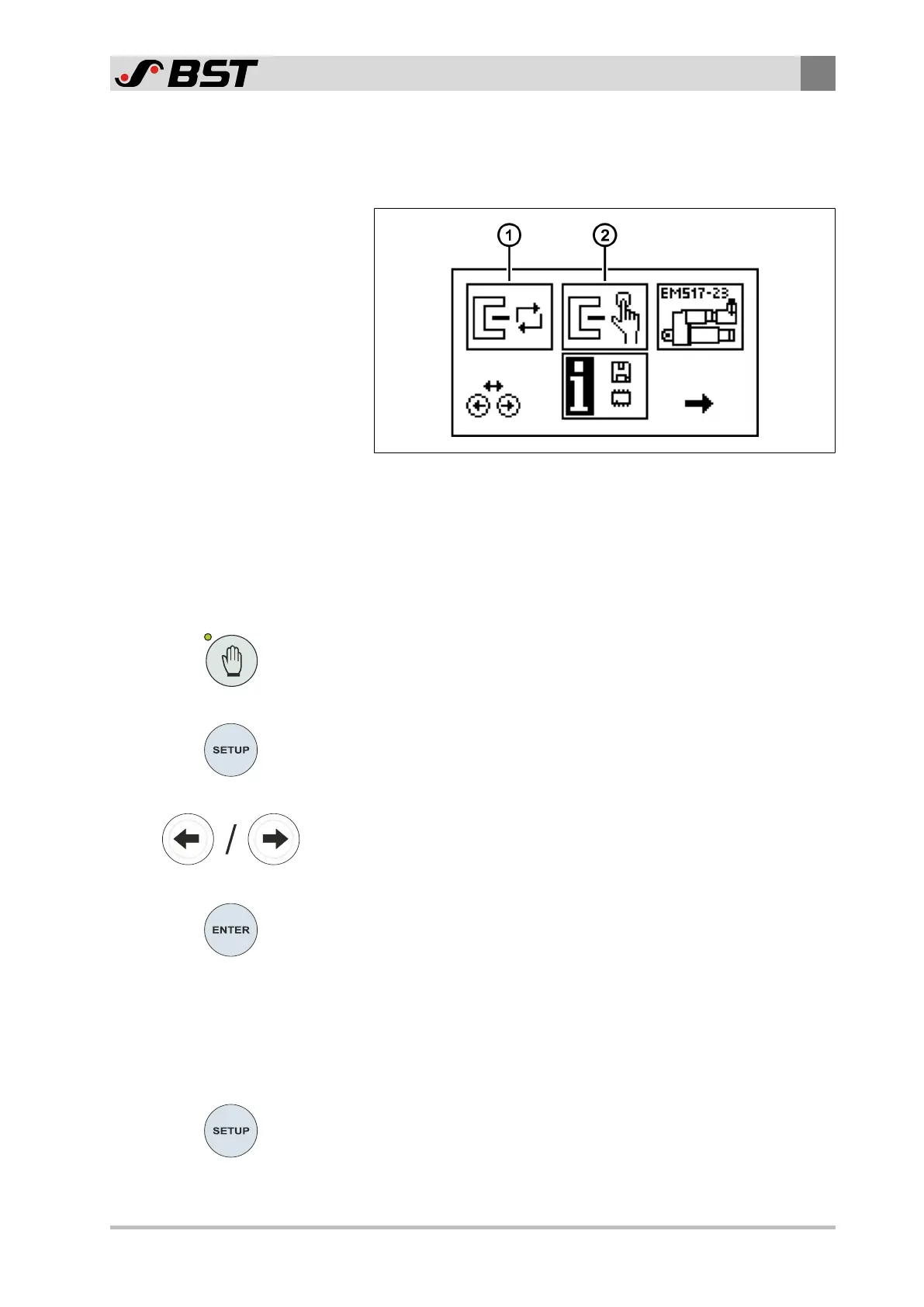
You activate the material setup (manual or automatic) in the
setup menu.
Fig.45: Setup menu
① Automatic material setup
② Manual material setup
Activating the material setup
1. Press the Manual mode key.
The LED of the key will illuminate.
The controller switches to manual mode.
2. Press the SETUP key.
The controller changes to setup mode.
The setup menu will be displayed on the screen.
3. Using the arrow keys, select the desired setup type (automatic
① or manual ②).
The selected symbol will be inversely displayed.
4. Press the ENTER key.
The LED of the SETUP key will illuminate.
ð The material setup is active.
ð The bright or dark value determined for the selected sensor
is shown in the display under the sensor symbol.
9.5.3 Cancelling Material Setup
You can cancel the material setup at any time as follows:
►
Press the SETUP key.
The material setup is cancelled.
The bright / dark values determined are not saved.
ð The screen display changes to the operation display.

 To Next Page
 Loading...