Troubleshooting 121
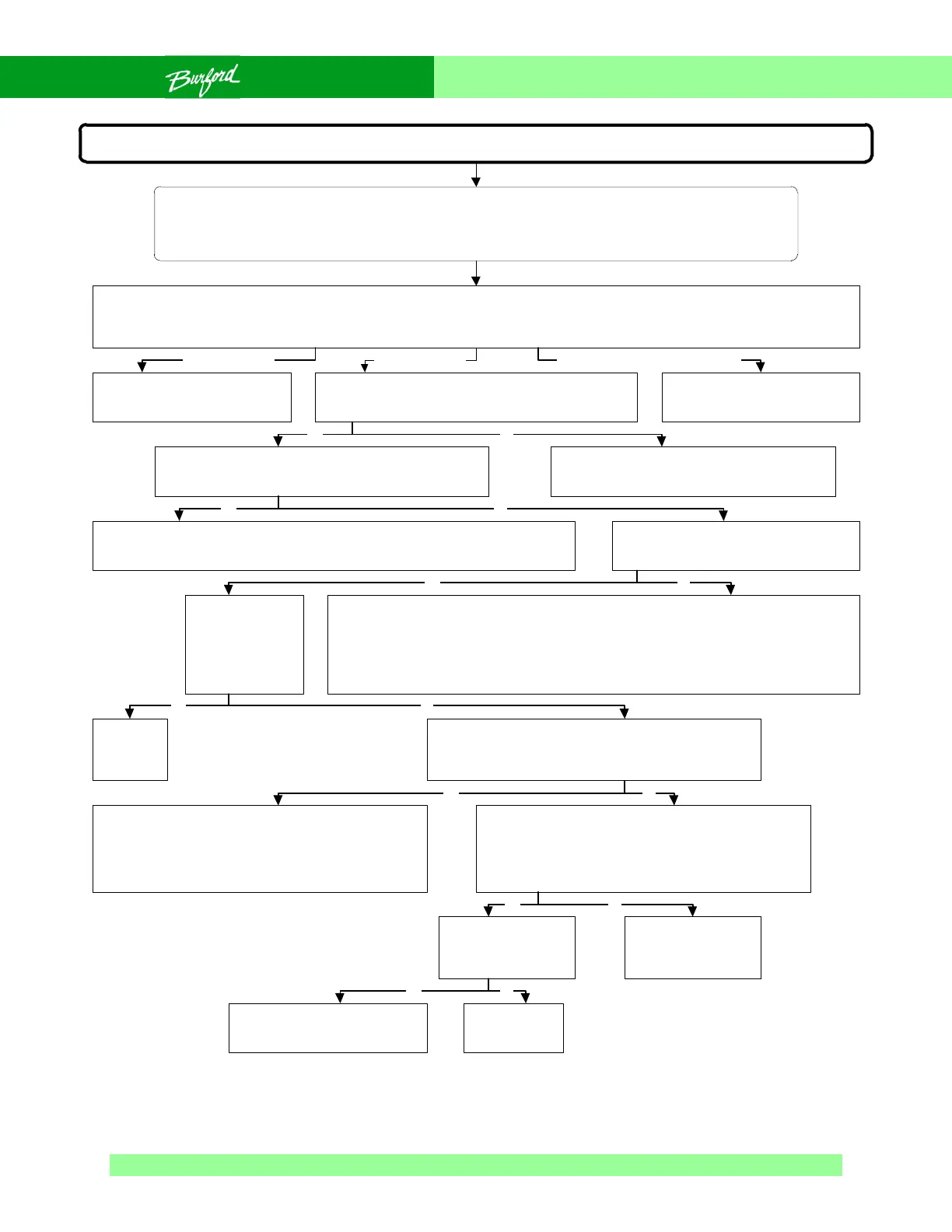
Flow Chart 0-6 Tyer Not Allowing Bagger to Start
Tyer won’t allow bagger to start (no error code displayed)
SAFETY WARNING:
The following troubleshooting procedure may require that tests be made with the electrical enclosures
open and power turned “ON”. These tests should only be conducted by authorized personnel who are
aware of the electrical and mechanical hazards present.
When the tyer is ready to tie packages, it closes a set of dry contacts that completes a bagger circuit that allows the bagger to
start and run. If these contacts are not closed, the bagger cannot run. The tyer must complete a homing sequence before the
relay is closed to allow the bagger to start. Power up the tyer and press the “RUN” button on the operator control box.
Bagger cannot start if the ribbon dropped prox is
“ON”. Is the ribbon threaded and the ribbon dropped
prox turned “OFF”?
Go to Flow Chart 4-1.
Bagger cannot start if fault light on control panel is
“ON”. Is the fault light “ON”?
Thread the tyer or, if necessary, rotate the
ribbon spool slightly to pull dancer arm away
from ribbon dropped prox.
Check LED D15 next to bagger enable
relay CR4 on the FTB. Is it “ON”?
Replace
fuse.
Repair wiring to coil
CR2, refer to wiring
diagram.
If a PDS is present check its
contacts, if no PDS is present,
problem is with bagger wirring.
CR2 faulty,
replace CR2.
Are contacts (5) and
(3), wires 59 and 58,
on CR2 closing?
The bagger enable signal is being disrupted between CPU, AUX and FTB boards. If
problem is urgent, temporarily jumper across the two safety circuit wires from the
bagger, this will allow the bagger to run and the servomotors will de-energize if the
door is opened. The bagger will not stop if the tyer stops or drops the ribbon. Replace
the AUX board, if issue persists, replace the FTB board, if issue persists, replace CPU.
Remove temporary jumper.
If no error code is displayed, the ribbon dropped prox is “ON” or the tyer has
been stopped by someone opening the door or pressing the stop button on the
control panel. Thread the ribbon or start the tyer as needed.
Is bagger enable
fuse FU2 blown?
Tyer homes no error
Yes
Yes No
No
Yes No
Yes No
Tyer does not home error code displayed
Remove and cap the two wires from the bagger
enable terminals (J29) of the FTB. Test the continuity
between these two terminals. Is the continuity bad?
Remove and test the bagger enable relay (CR4). If it
tests good, replace the FTB. Check for an oversized
bagger enable fuse which is allowing excess current
on FTB and burning up a trace, replace as necessary
with a 3AGLD fuse.
The problem is not on any of the circuit boards. Most
tyers have an extra 8-pin relay (CR2) mounted in the
main enclosure beside the FTB. Is 12VDC present
across coil terminals (8) and (7), wires 23 and 39?
Yes No
Go to Section 4.4 for the error
code displayed.
NoYes
Yes No
Tyer homes properly



 To Next Page