144
Chapter 7
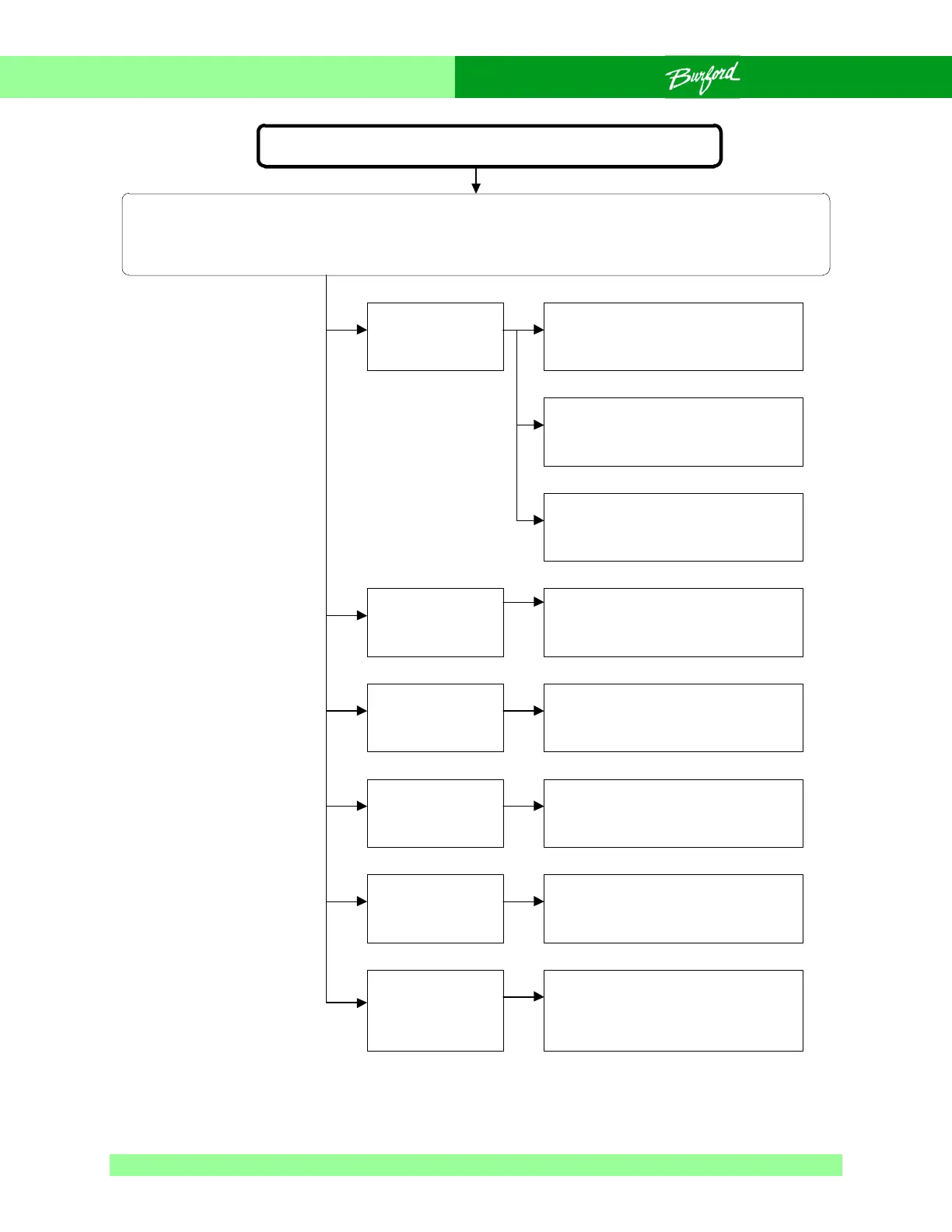
Flow Chart 0-29 Excessive Ribbon Drops
Excessive ribbon drops
SAFETY WARNING:
The following troubleshooting procedure may require that tests be made with the electrical enclosures
open and power turned “ON”. These tests should only be conducted by authorized personnel who are
aware of the electrical and mechanical hazards present.
Excessive ribbon
tension.
Holder/shear
adjusted
incorrectly.
Trash going
through tyer.
Package
recognition
system not
active.
Bag neck is too
short.
Brushes at
incorrect angle
causing drag
back of bag.
Check that ribbon dispenser is
working freely.
Adjust holder/shear.
Clear trash and change the bagger
setup to correct problem.
Be sure that DIP switch 6, on AUX
board, is set to the “ON” position.
Increase bag length.
Correct brush angle.
Check that ribbon on spool is not
wrapped over itself, preventing
ribbon from unspooling correctly.
Reduce ribbon tension by moving
end of tension spring on
adjustment rod.



 To Next Page