Maintenance 161
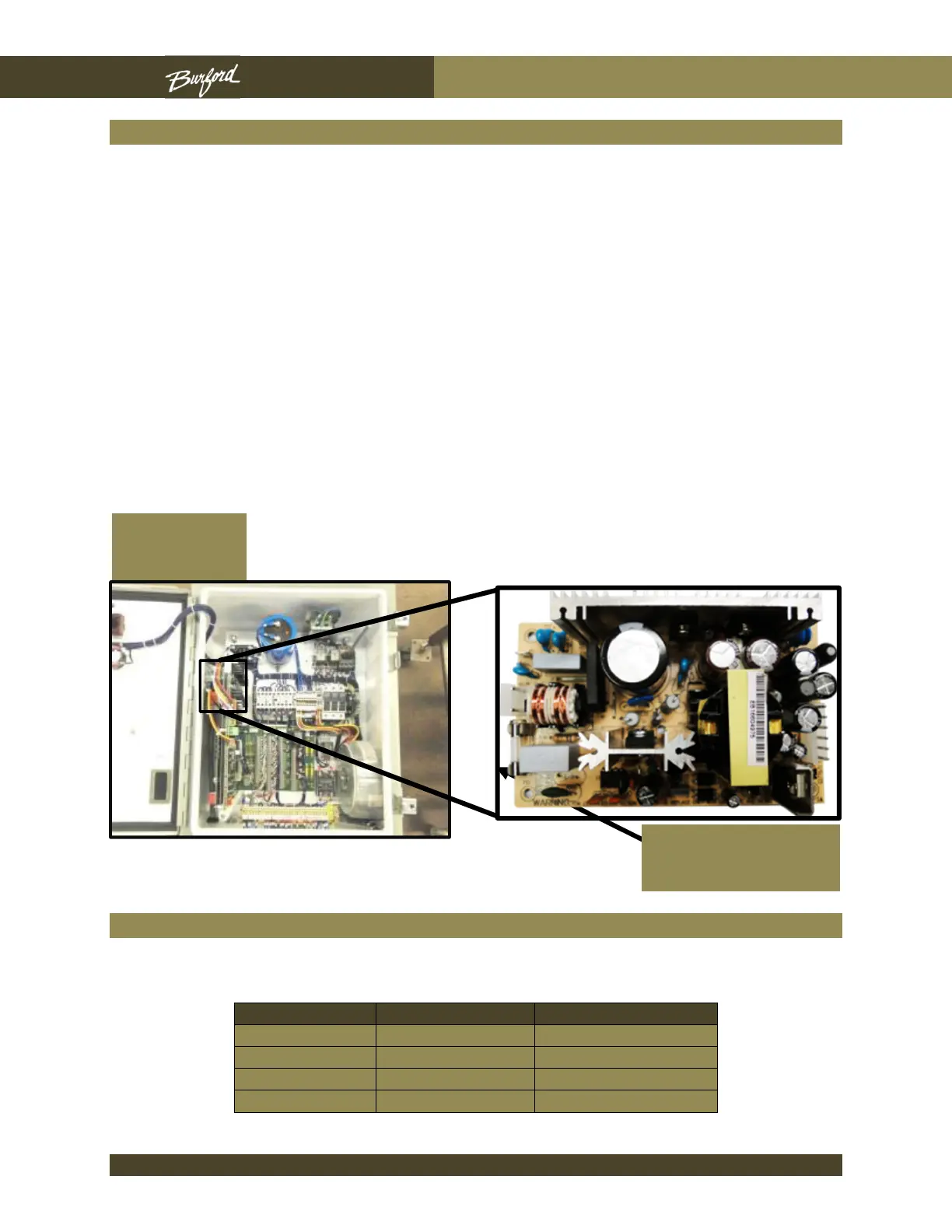
Power Supply Board Fuse Replacement
1. The power supply board (PN#-C07170) is secured to a plate located behind the
Aux board. To replace the fuse, follow the steps listed below.
2. Turn the disconnect switch on the main enclosure to off.
3. Unscrew the two (2) screws securing the Aux board to the main enclosure.
4. Carefully remove the Aux board gently pulling it straight out so as not to bend the
connection pins.
5. Unscrew the two (2) screws securing the plate securing the power supply to the
main enclosure.
6. Replace the 2 Amp fuse (PN#-C07138).
7. Reverse this process to reinstall boards.
Operating Voltages
The following voltages should be referenced from DC common, wire 22.
Power Supply
Board Fuse
Main
Enclosure



 To Next Page