54
Chapter 4
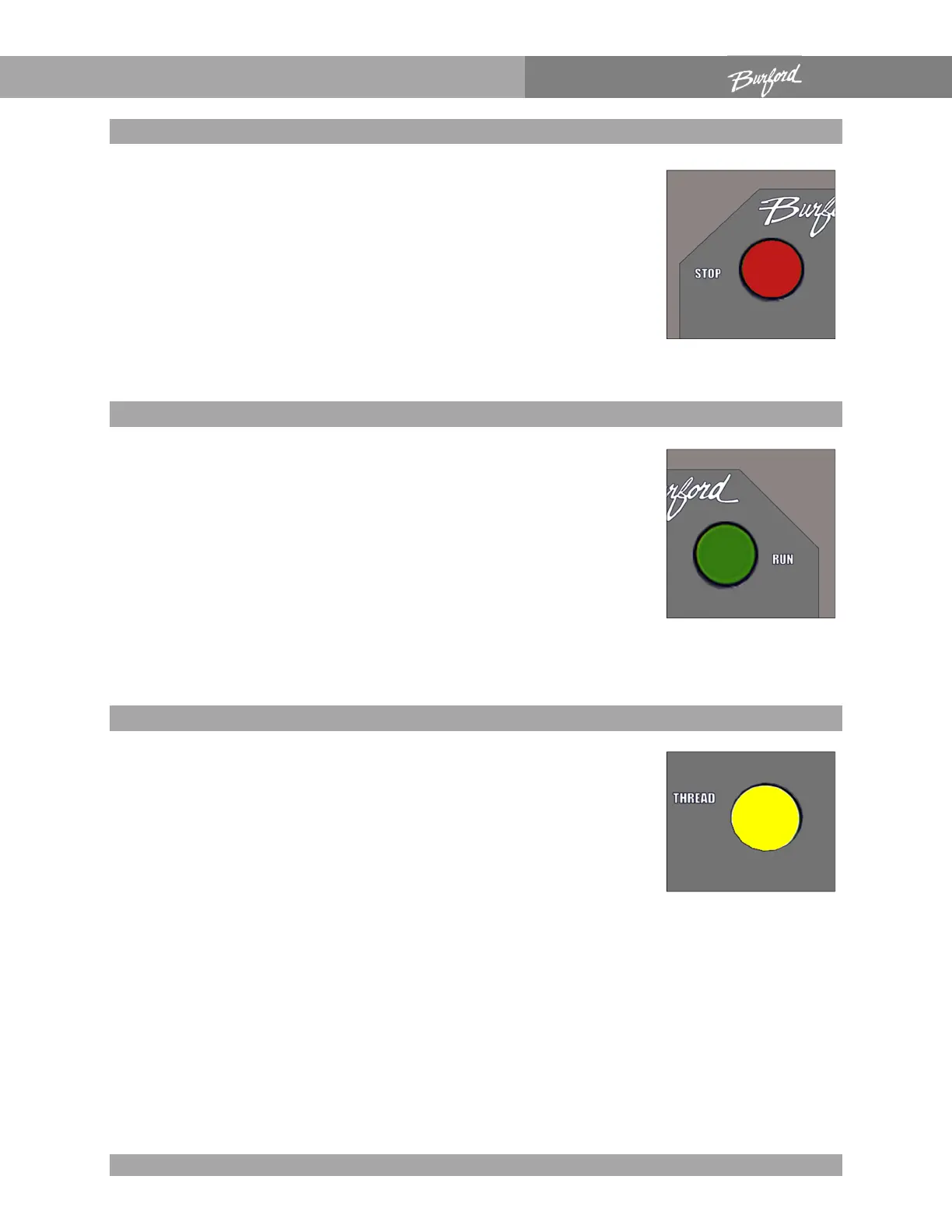
“STOP” pushbutton
This button is used to disable the Servo Tyer during operation.
The “TYER FAULT” light will turn “ON” and the “MOTORS
ENABLED” light will turn “OFF”. If the “STOP” button is pushed or
the front access cover is opened, servo motor power will be turned
off. Power is removed from the servo motors until the “RUN”
button is pushed. Pushing the “STOP” button should not turn
“OFF” the “INITIALIZED” light.
“RUN” pushbutton
The first time this button is pushed after power up, the homing
sequence is initiated. This sequence locates the position of each
axis relative to its home proximity sensor. Once the homing
sequence is successfully completed, the “INITIALIZED” light
should turn on and the belts may start running. If the brushes are
turning and the belt speed is set to anything other than zero, the
belts should run. Any other time the “RUN” button is pushed;
power will be applied to the servo motors without going through
the homing sequence. The Servo Tyer is now in the run mode.
“THREAD” pushbutton
This button has two functions. The main function is to complete
the threading procedure after being pushed and quickly released.
The second function is to force the Servo Tyer to re-initiate the
homing sequence. If for any reason, a previous homing sequence
did not prove satisfactory, the Servo Tyer can be re-homed by
holding the “THREAD” button in for three seconds. For this button
to function the Servo Tyer must be in the run mode with the
“MOTORS ENABLED” and “INITIALIZED” lights on.



 To Next Page