Troubleshooting 141
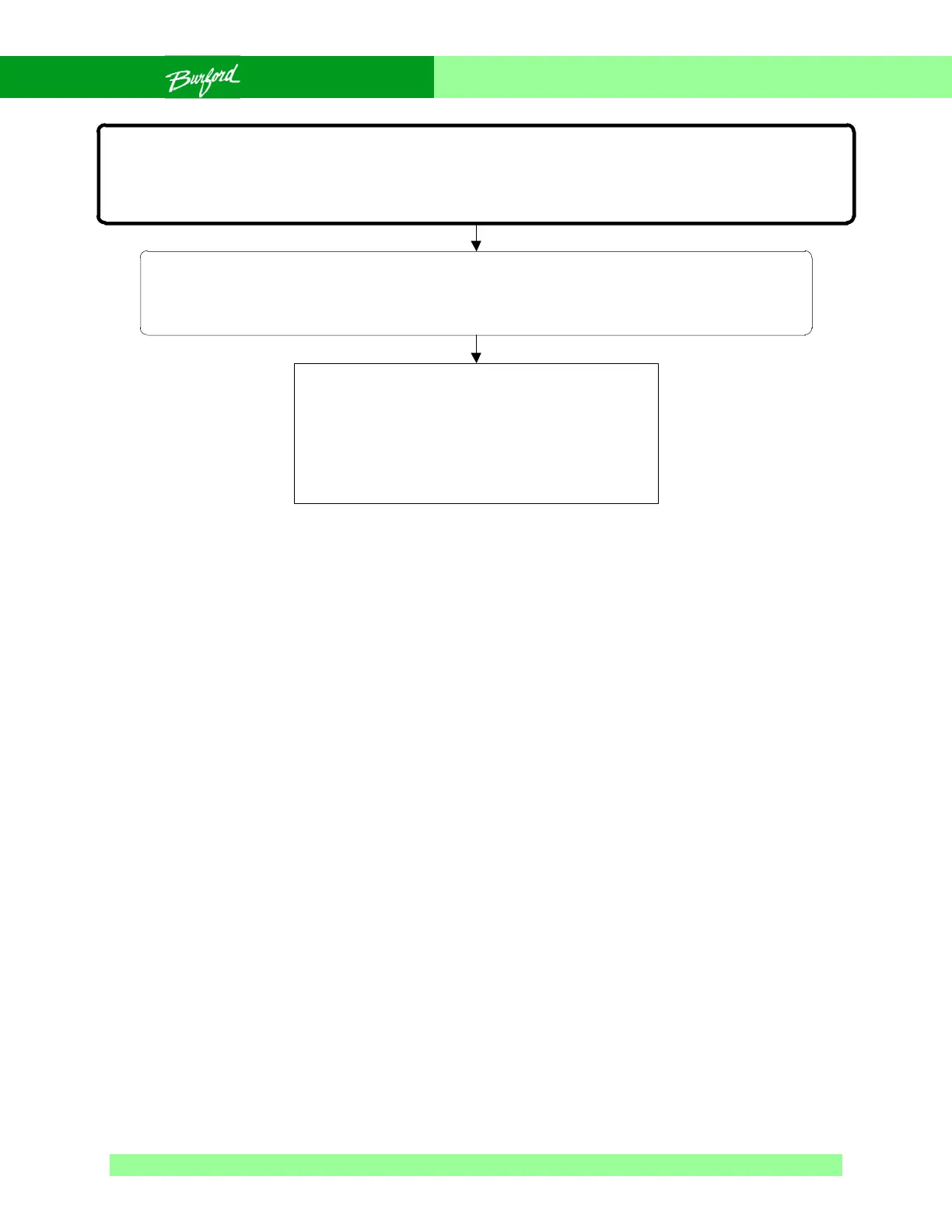
Flow Chart 0-26 E151-169 Error Codes
E151-169
MICROPROCESSOR ERROR
These error codes are all related to the microprocessor. They may be software or hardware problems.
Usually, these problems are caused by electrical noise and will go away when power is cycled.
SAFETY WARNING:
The following troubleshooting procedure may require that tests be made with the electrical
enclosures open and power turned “ON”. These tests should only be conducted by authorized
personnel who are aware of the electrical and mechanical hazards present.
Switch the disconnect switch on the main enclosure
to “OFF” to reset the microprocessor, wait five (5)
seconds, turn the disconnect “ON” and check for
normal operation, if problem persists replace CPU,
re-test, if problem persists replace Aux board.



 To Next Page