EasyManua.ls Logo

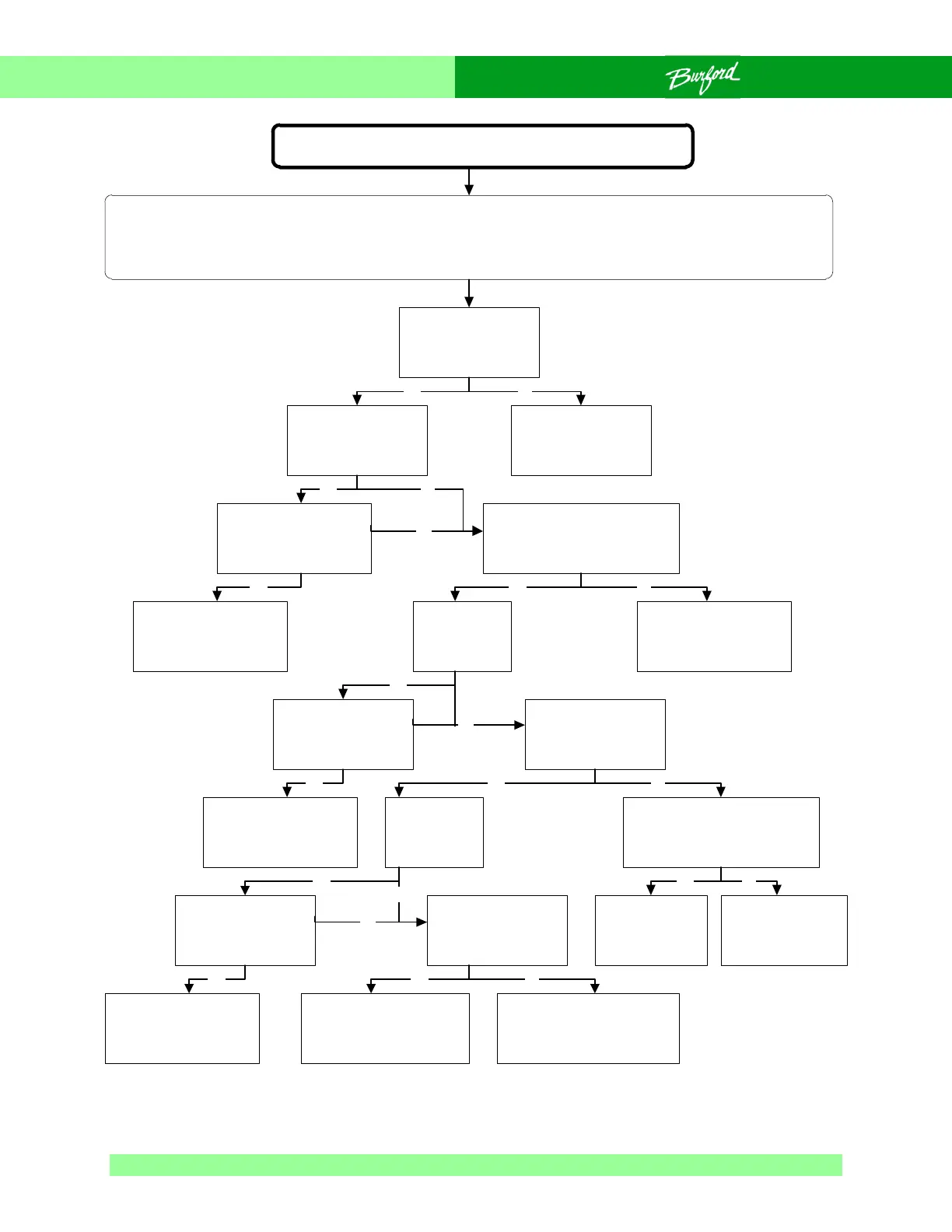
Burford 2000 - Flow Chart 0-3 Brush Motor Not Running

Burford 2000
221 pages
Print Icon
To Next Page IconTo Next Page
To Previous Page IconTo Previous Page
Loading...
118
Chapter 7
Flow Chart 0-3 Brush Motor Not Running
Brush motor not running
SAFETY WARNING:
The following troubleshooting procedure may require that tests be made with the electrical enclosures
open and power turned “ON”. These tests should only be conducted by authorized personnel who are
aware of the electrical and mechanical hazards present.
Check incoming
power supply, is
voltage present?
Is FU1 and or
FU2 blown?
Route power to
unit.
Replace FU1, and
or FU2, do they
continue to blow?
Is CB3
tripped?
Refer to wiring
diagram for further
information.
Yes No
Yes No
No
Yes
Is AC voltage present on
T2 at X1 and X2?
Check transformer
T2, replace if
faulty.
Yes No
Reset CB3, does
it continue to
trip?
Refer to wiring
diagram for further
information.
Yes
Yes
Is VAC present
across wires 93
and 2 at CRE1?
No
Is CB6
tripped?
Reset CB6, does
it continue to
trip?
Refer to wiring
diagram for further
information.
Yes
Yes
Is 12VDC present across
CRE1 input wires 23-17
terminals (3) and (4)?
No
Yes No
Is AC present
across wires 94
and 2 on MTR5?
Plug brush motor in
or brush motor bad,
replace brush motor.
Bad connection, check
all connections and
wiring.
Yes No
No
Troubleshoot
bagger clutch
circuit.
CRE1 faulty,
replace
CRE1.
Yes No

Table of Contents

Related product manuals