100
Auxiliary functions
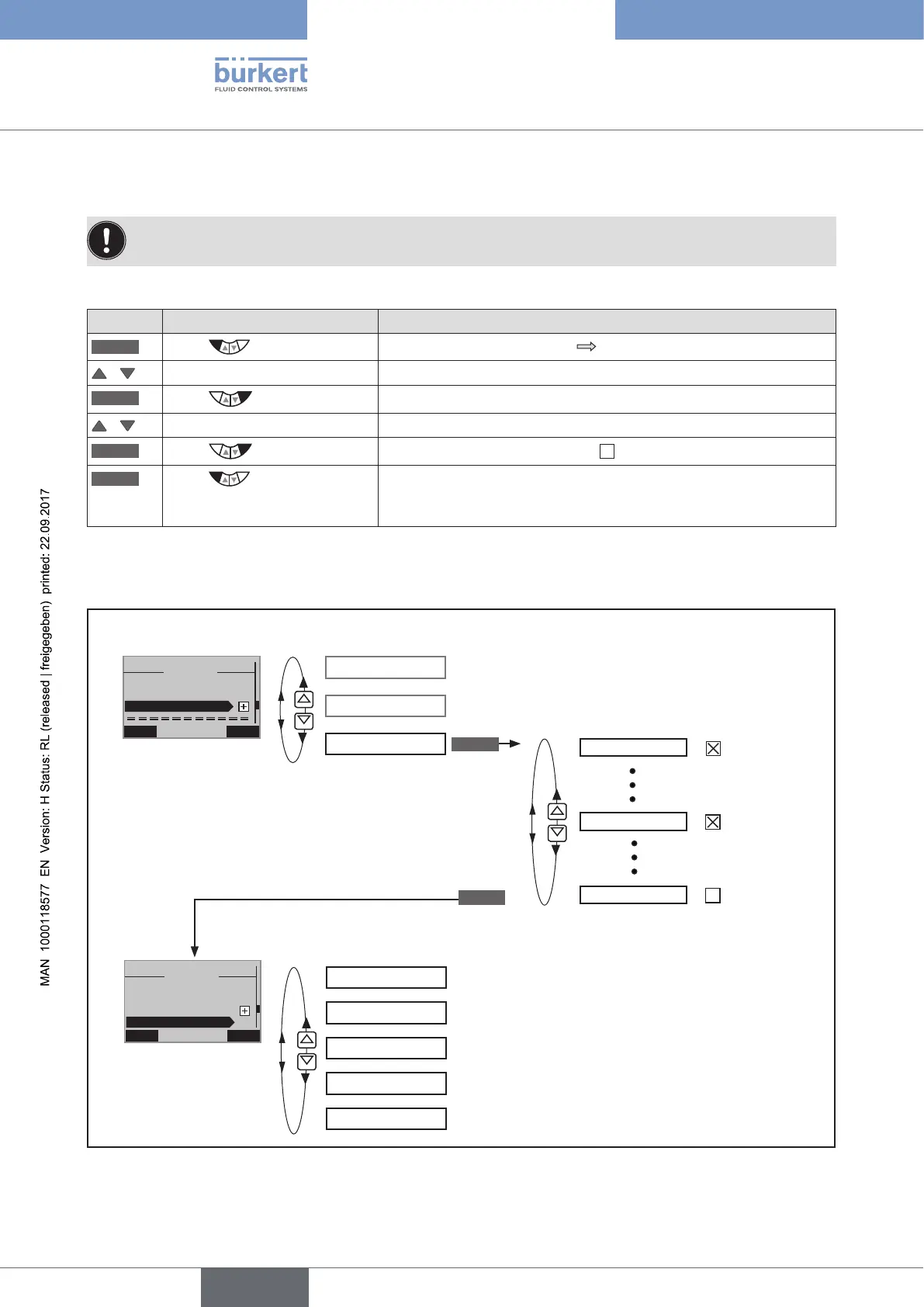
26.1.2. Removing auxiliary functions from the main menu
If a function is removed from the main menu, the settings implemented previously under this function
become invalid again.
Procedure:
Key Action Description
MENU
Press for approx. 3 s
Switching from process level setting level.
/ Select ADD.FUNCTION
ENTER
Press
The possible auxiliary functions are displayed.
/ Select the auxiliary function
ENTER
Press
Remove function mark (no cross ).
EXIT
Press
Acknowledgment and simultaneous return to the main menu (MAIN).
The marked function is now deactivated and removed from the main
menu.
Table 54: Removing auxiliary functions
26.1.3. Principle of including auxiliary functions in the main menu
INPUT
X.TUNE
ADD.FUNCTION
INPUT
X.TUNE
ADD.FUNCTION
CHARACT
X.CONTROL
CHARACT
X.CONTROL
DIAGNOSE
Selection of the auxiliary function
EXIT
ENTER
Setting level
EXIT ENTER
7
MAIN
ADD.FUNCTION
X.TUNE
INPUT
EXIT ENTER
15
MAIN
X.CONTROL
ADD.FUNCTION
CARACT
X.TUNE
Functions in the main menu
(Standard)
Extended functions in the main menu
Figure 49: Incorporating auxiliary functions into the main menu



 To Next Page