186
PROFIBUS DP
28.3. Changing the operating state
There are two ways of switching between the MANUAL and AUTOMATIC operating states for the PROFIBUS DP:
• Input via the keyboard on the device:
On the process level using the key function
MANU
and
AUTO
.
• The operating state is transferred to the device via the bus (under PDO MODE).
In this case switching is no longer possible using the keyboard on the device.
28.4. Safety settings if the bus fails
The position is approached which corresponds to the set-point value last transferred (default setting).
Other setting options (see chapter “30.3. BUS.COMM – Settings on Type 8792/8793”.
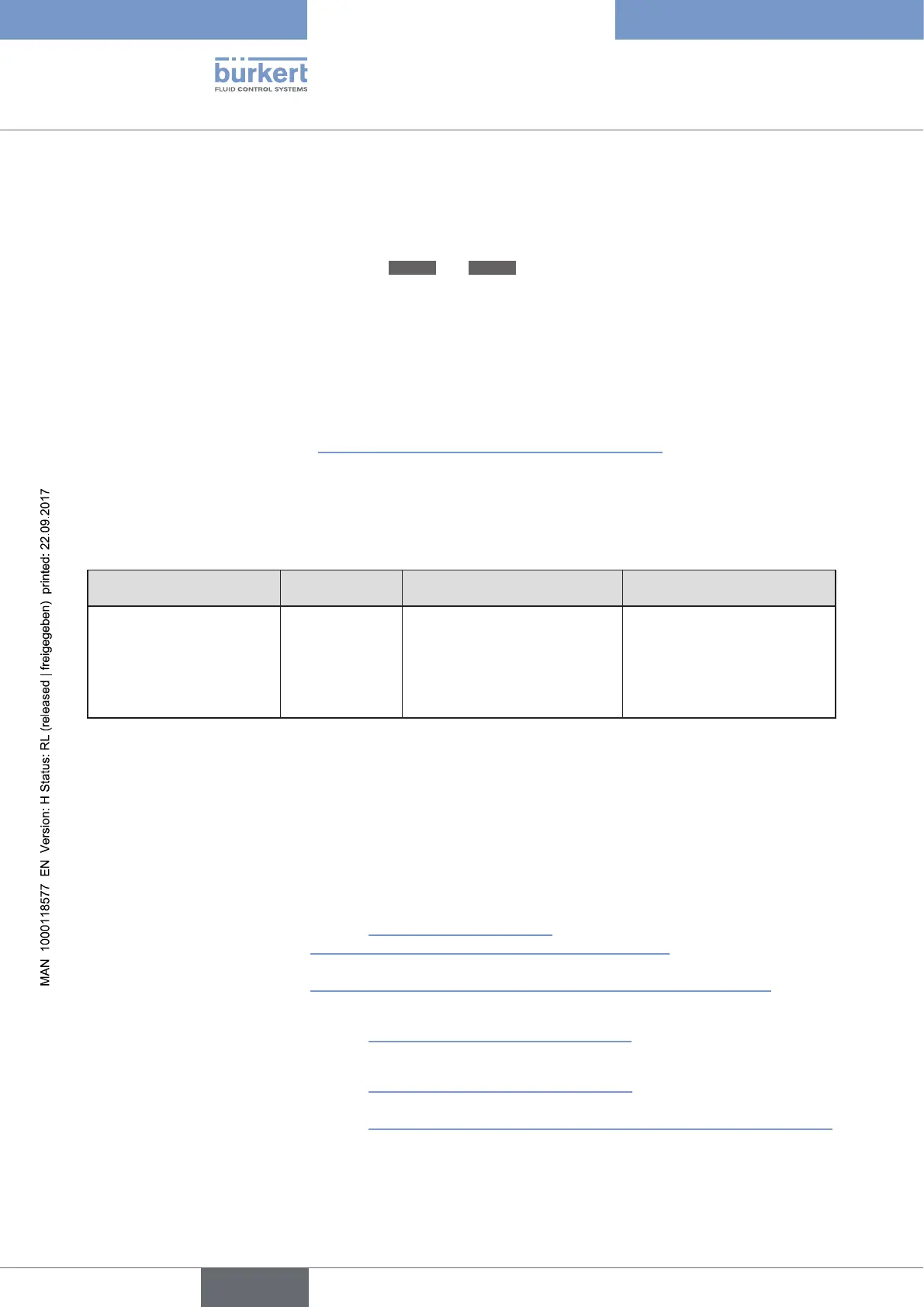
28.5. Bus status display
The bus status is indicated on the display on the device.
Display Device status Explanation Troubleshooting
BUS offline
is displayed approx. every
3 seconds
offline
Device is not connected to the
bus
• Check bus connection
including plug assignment.
• Check operating voltage
and bus connection of the
other nodes.
Table 101: Bus status display; PROFIBUS DP
28.6. Differences between the field bus devices and
devices without a field bus
The following chapters of these operating instructions are not valid for Type 8792/8793 with
PROFIBUS DP.
• Section “Installation” Chapter “14. Electrical connection -
Circular plug-in connector version (multi-pole version)”
Chapter„ “15. Electrical connection - Terminal version for cable gland”
• Section “Start-up” Chapter “23.1. INPUT - Setting the input signal”
• Section “Auxiliary functions” Chapter “26.2.5. SPLTRNG – Signal split range”
Chapter “26.2.15. CAL.USER – Calibration of actual value and set-point value”
- Menu option calibr.INP, calibration of the position set-point value
- Menu option calibr.SP, calibration of the process set-point value



 To Next Page