192
PROFIBUS DP
30. START-UP PROFIBUS DP
30.1. Safety instructions
WARNING!
Risk of injury from improper operation.
Improper operation may result in injuries as well as damage to the device and the area around it
▶ Before start-up, ensure that the operating personnel are familiar with and completely understand the contents
of the operating instructions.
▶ Observe the safety instructions and intended use.
▶ Only adequately trained personnel may start up the equipment/the device.
Before start-up, carry out fluid installation (see Chapter “13”) and electrical installation (Chapter “29”) of
Type 8792/8793 and of the valve.
30.2. Start-up sequence
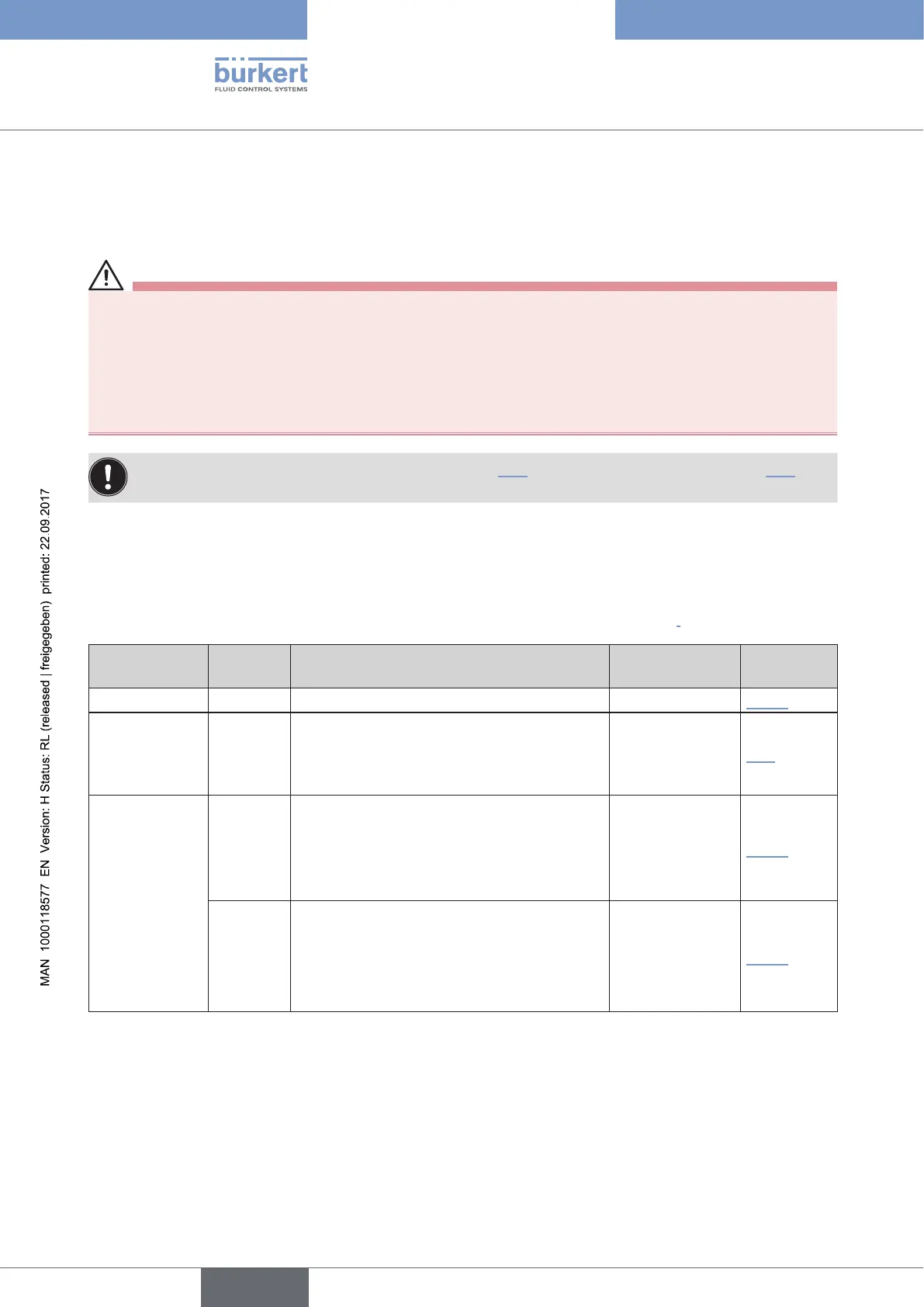
For start-up of Type 8792/8793 PROFIBUS DP the following basic settings are required:
Device type Sequence Type of basic setting Setting via Description
in chapter
8792 and 8793
1
Adjust device to the local conditions
X.TUNE
“23.2”
For 8793 only
(Process
control)
2
Activate process controller.
ADD.FUNCTION
“24”
8792 and 8793
Settings on Type 8792/8793:
BUS.COMM
“30.3”
3
Input device address.
4
Activate or deactivate safety position.
Configuration via the control
(PROFIBUS DP Master):
PROFIBUS DP
Master by means
of GSD file and
special software
“30.4”
5
Configuration of the process values
1. PDI: Process data input
2. PDO: Process data output.
Table 107: Start-up sequence for PROFIBUS DP



 To Next Page