138
Auxiliary functions
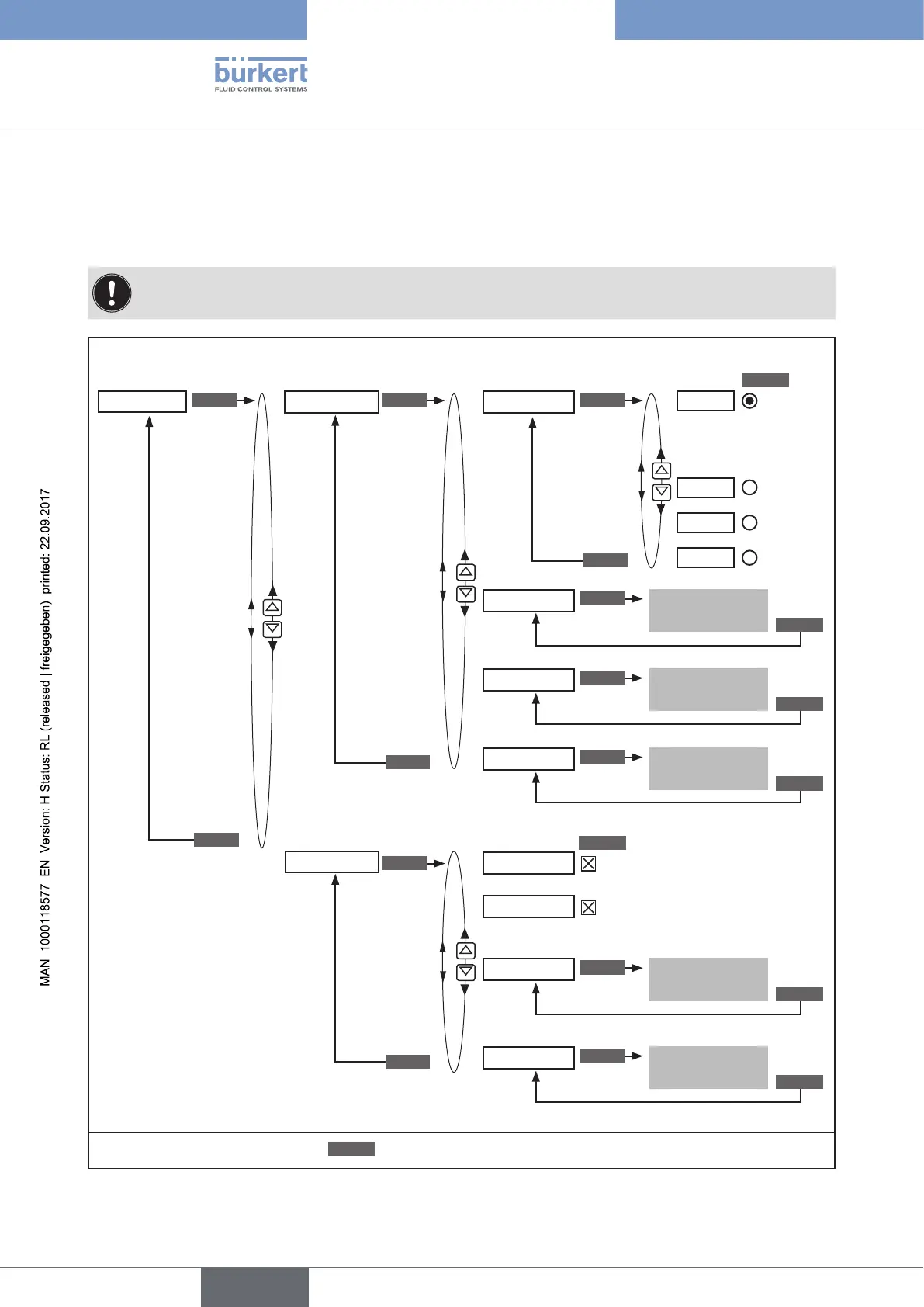
26.2.21. SIMULATION – Menu for simulation of set-point value,
process and process valve
This function can be used to simulate set-point value, process and process valve independently of each other.
Caution! Restarting the device deactivates the simulation.
The settings of SIGNAL.form, x.SIM and p.SIM are reset to the factory setting.
SIMULATION
SIGNAL.sim
SIGNAL.form
x.SIM
p.SIM
Offset
SIM.Gain
SIM.Delay
Amplitude
Period
CONTROL
.sim
Externally
Sine
Square
Triangle
Simulation of set-point value
Simulation of process and process valve
EXIT
EXIT
EXIT
SELEC
SELEC
ENTER ENTER
ENTER
ENTER
INPUT
INPUT
INPUT
INPUT
INPUT
Process valve is simulated
Process is simulated
Input
value
Input
value
Input
value
Input
value
Input
value
OK
OK
OK
OK
OK
Simulation
of set-
point value
inactive
Select waveform
Sine
Square
Triangle
*
*
*
*
*
Input amplification factor
Input time constant
EXIT
* If the submenu is left by pressing the
ESC
key, the value remains unchanged.
Figure 81: Operating structure SIMULATION



 To Next Page