32
Description of System
10.10. Factory settings
The factory settings can be found in Chapter “27. Operating structure and factory settings”, page 169.
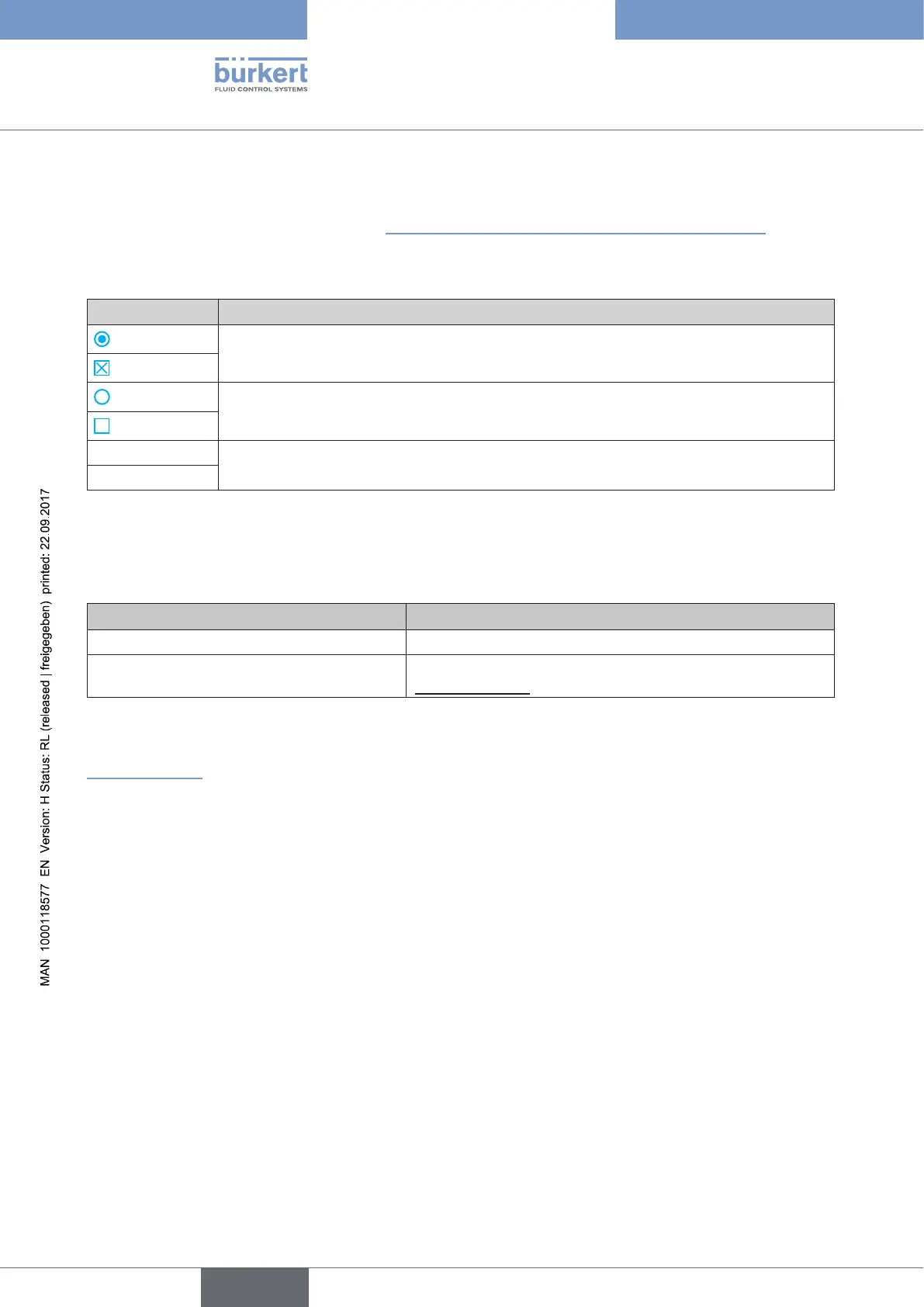
The factory presets are highlighted in blue to the right of the menu in the operating structure.
Examples:
Representation Description
Menu options activated or selected at the factory
Menu options not activated or selected at the factory
2.0 %
Values set at the factory
10.0 sec /....
Table 9: Illustration of the factory settings
11. ACCESSORIES
Designation Order no.
USB Interface for serial communication 227 093
Communicator
Information at
www.burkert.com
Table 10: Accessories
Other accessories can be found on the data sheet for Type 8792/8793.
www.burkert.com
11.1. Communications software
The PC operating program “Communicator” is designed for communication with the devices from the Bürkert posi-
tioner family. Devices constructed since August 2014 support the full range of functions. If you have any questions
regarding compatibility, please contact the Bürkert Sales Center.



 To Next Page