63
Operation
17.3. Adjusting the display
The display can be individually adjusted for the operation and monitoring of the process.
• To do this, menu options can be activated for displaying the process level. POS and CMD are activated in the
as-delivered state.
• The menu options which can be displayed depend on the type.
How you can adjust the display for Type 8792 individually to the process to be controlled is described in
Chapter
"26.2.18. EXTRAS – Setting the display", page 134 ".
17.3.1. Possible displays of the process level
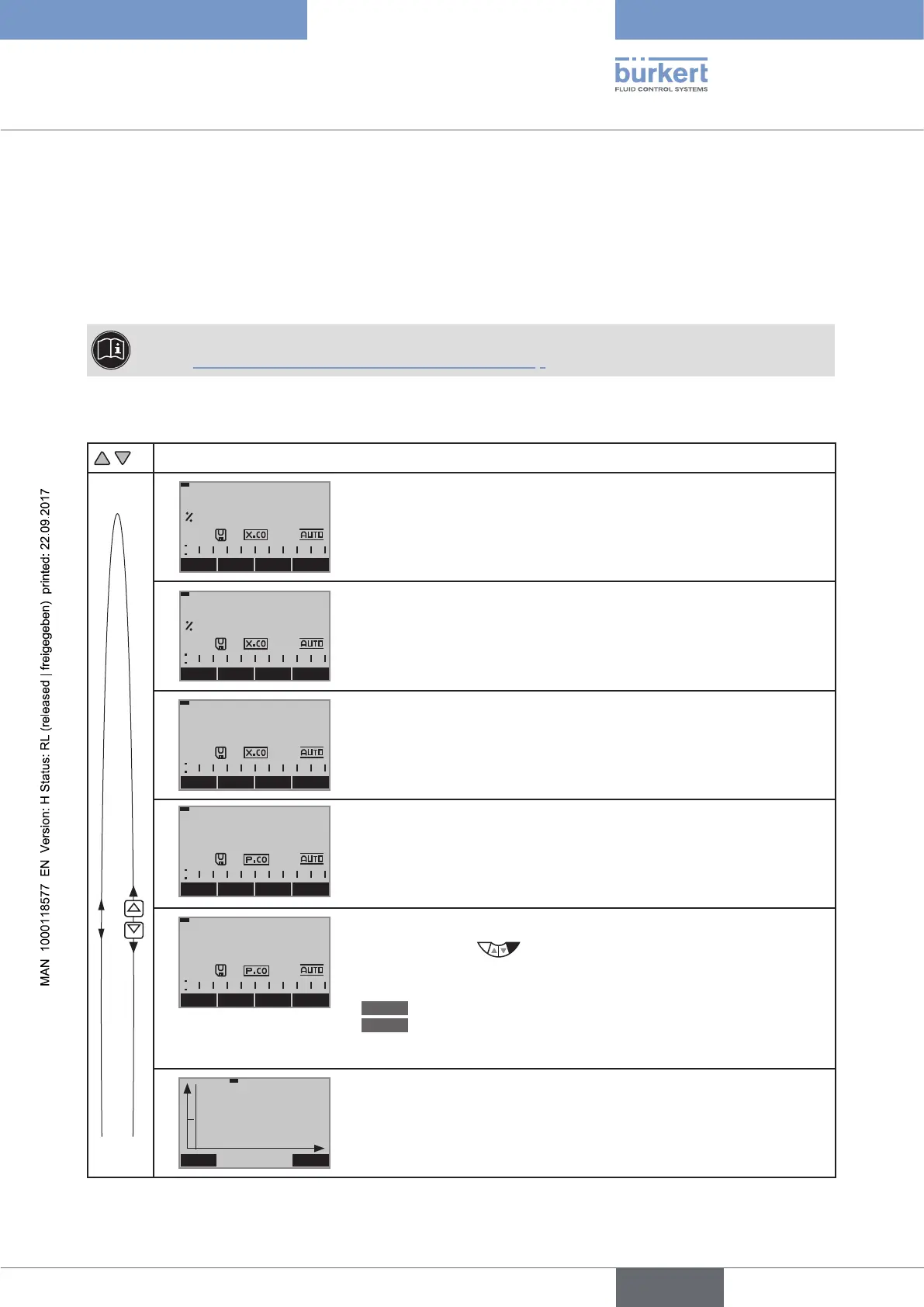
Possible displays in AUTOMATIC operating state
MENU
CMD/POS
CMD MANU
POS
0.0
Actual position of the valve actuator
(0 ... 100 %)
MENU POS TEMP MANU
CMD
0.0
• Set-point position of the valve actuator or
• Set-point position of the valve actuator after rescaling by possibly
activated split range function or correction characteristic
(0 ... 100 %)
MENU CMD
CMD/POS
TEMP
0.0
C
Internal temperature in the housing of the device
( °C)
MENU TEMP SP MANU
PV
0.0
m3/min
Process actual value
Only for type 8793
MENU PV PV
(t)
INPUT
SP
0.0
m3/min
Process set-point value
Right selection key
:
The key function depends on the set-point value default
(menu: P.CONTROL→ P.SETUP → SP-INPUT → internal/external).
INPUT
Set-point value default = internal
MANU
Set-point value default = external
Only for type 8793
MENU HOLD
SP / PV (t)
Graphical display of SP and PV with time axis
Only for type 8793



 To Next Page