132
Auxiliary functions
26.2.16. SET.FACTORY – Resetting to the factory settings
This function allows all settings implemented by the user to be reset to the delivery status.
All EEPROM parameters with the exception of the calibration values are reset to default values. Then a hardware
reset is implemented.
Hold down as long as countdown
(5 ...) is running
RUN
SET.FACTORY
factory
reset
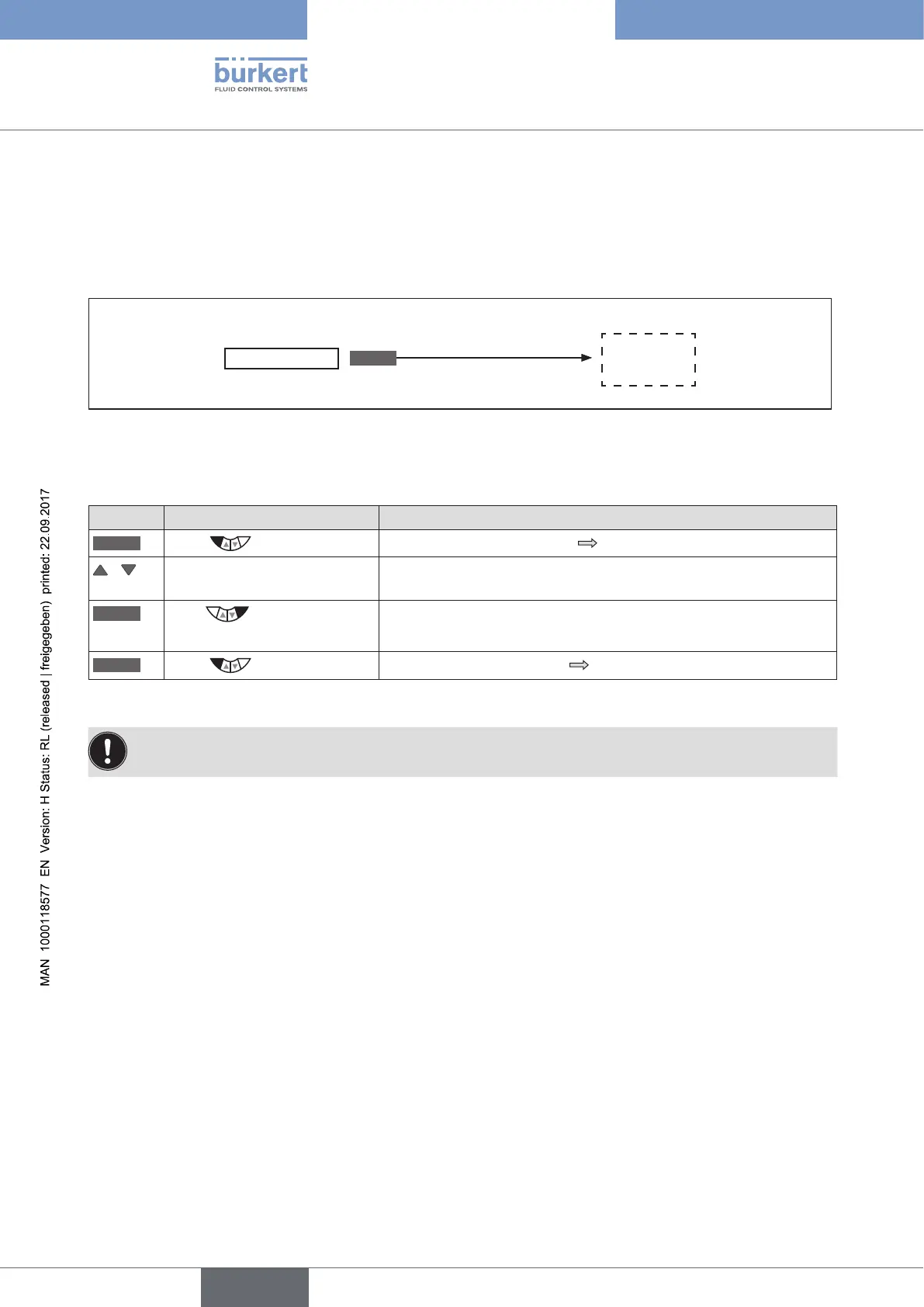
Figure 77: Operating structure SET.FACTORY
Resetting to the factory settings:
Key Action Description
MENU
Press for approx. 3 s
Switching from process level setting level.
/ Select SET.FACTORY (To do this, the auxiliary function must be incorporated into the main
menu).
RUN
Press for approx. 3 s
(until progress bar is closed)
"factory reset" is shown.
Reset is implemented.
EXIT
Press
Switching from setting level process level.
Table 68: SET.FACTORY; Resetting to the factory settings
To adjust the Type 8792/8793 to the operating parameters, re-implement self-parameterization of the
positioner (X.TUNE).



 To Next Page