213
DeviceNet
33.3. BUS.COMM – Settings on Type 8792/8793
Set the following menu options in the BUS.COMM menu for start-up of the DeviceNet version:
Address 0
Enter a device address (value between 0 and 63)
BAUD RATE
Selection of the baud rate
• The baud rate can be changed either by pressing the operator keys on the device or via the bus.
• A change has no effect until a reset (send a reset message to the identity object) or power up is implemented.
This means if the changed baud rate attribute is accessed before a reset or power up, the read (changed)
value does not agree with the still current baud rate (to be changed) of the network.
Select 125 kbit/s, 250 kbit/s or 500 kbit/s
BUS FAIL
Activate or deactivate approach of the safety position
Selection
SafePos off
– The actuator remains in the position which corresponds to the set-point value last
transferred (default setting).
Selection
SafePos on
– If there is a fault in the bus communication, the behavior of the actuator depends on
the activation of the SAFEPOS auxiliary function.
See Chapter “26.2.11. SAFEPOS – Input the safety position”.
SAFEPOS activated: The actuator moves to the safety position which is specified in the SAFEPOS aux-
iliary function.
SAFEPOS deactivated:
The actuator moves to the safety end position which it would assume if the elec-
trical and pneumatic auxiliary power failed. See Chapter “10.9. Safety end positions
after failure of the electrical or pneumatic auxiliary power”.
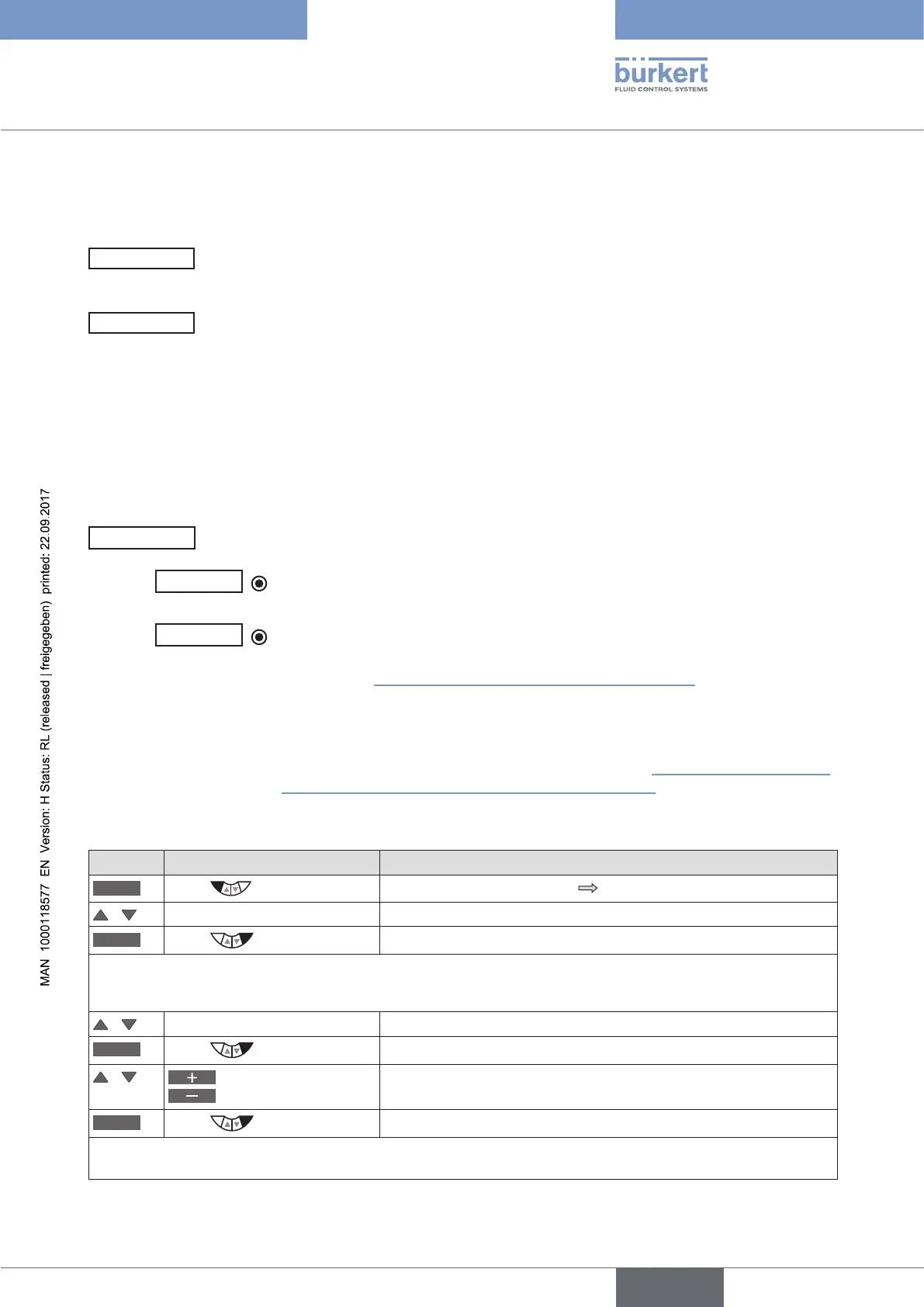
Procedure:
Key Action Description
MENU
Press for approx. 3 s
Switching from process level setting level.
/ Select BUS.COMM Selection in the main menu (MAIN).
ENTER
Press
The submenu options for basic settings can now be selected.
Setting device address
/ Select Address
INPUT
Press
The input screen is opened.
/
Increase value
Reduce value
Enter a device address (value between 0 and 63).
OK
Press
Return to BUS.COMM.
Select baud rate



 To Next Page