222
DeviceNet
33.6.1. Setting up the process image (Mapping)
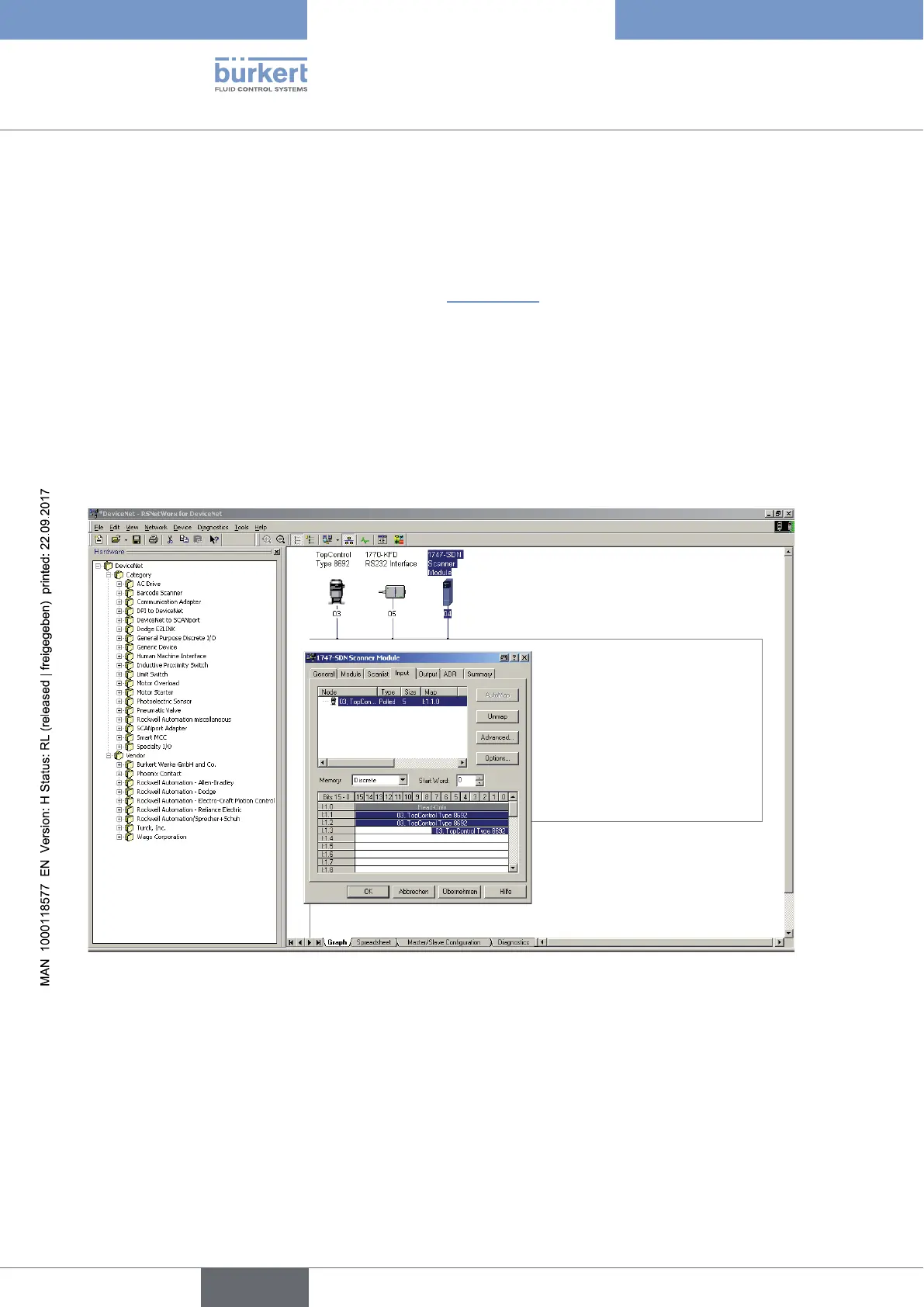
The AUTOMAP function is used to assign the input data of the devices specified in the scan list to the process
image of the DeviceNet master/scanner.
In our example this is how the assignment indicated in “Figure 132” results.
For example the input process values of the device with address 3 are assigned to the internal addresses of the
scanner as follows:
Actual position I:1.1
Nominal position I:1.2
Error I:1.3
If the actual position of the device with address 3 is to be read from a control program, this is done by accessing I:1.1.
Figure 132: Screenshot - DeviceNet - Setting up process image



 To Next Page